
README file from
GithubCombo Colors
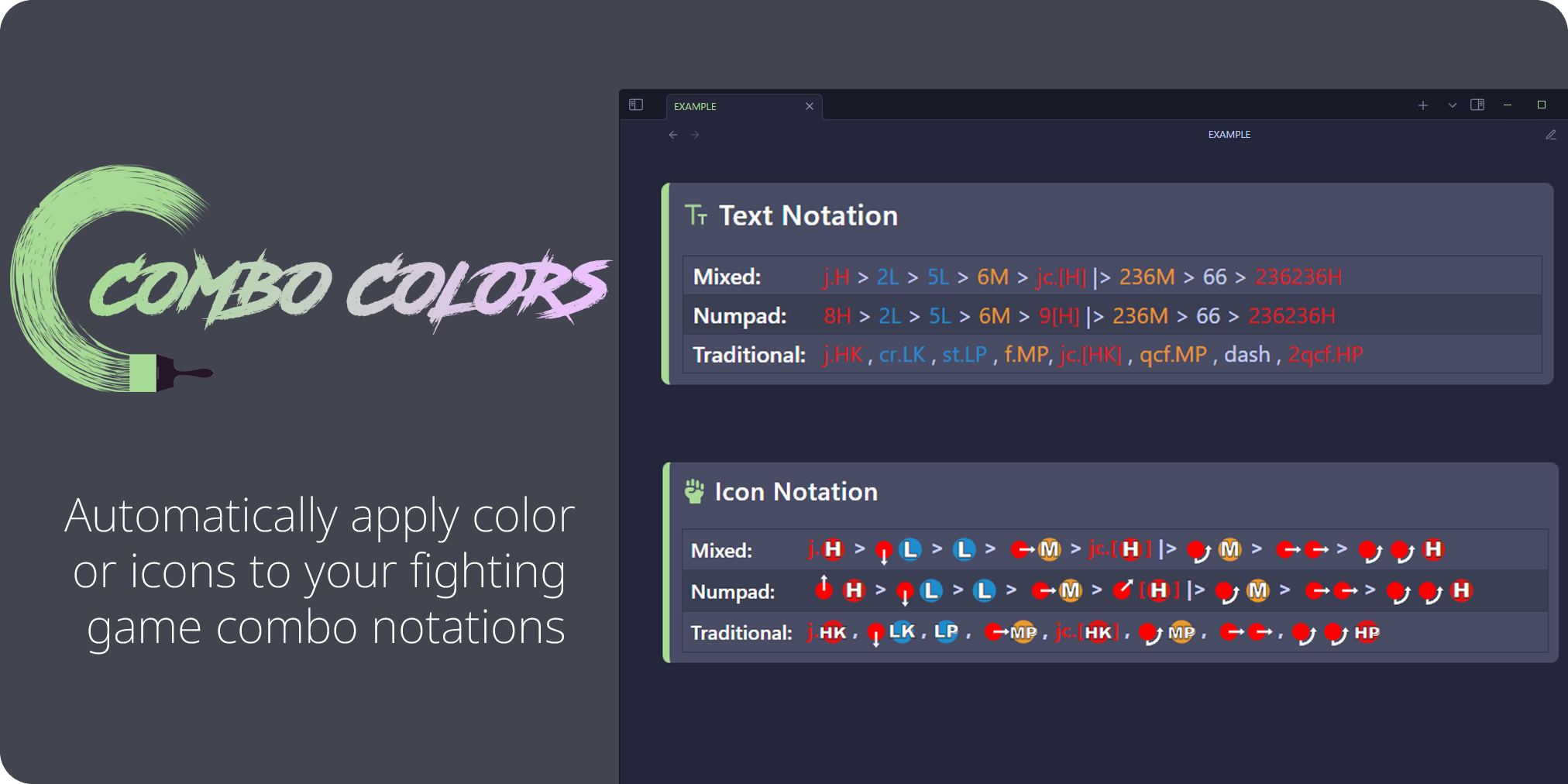
Installation
1. Go to Settings > Community Plugins > Browse 2. Search for "Combo Colors" 3. Install then enable
How to Use
1. Add the cc_profile property to your markdown frontmatter with one of the following values:
asw- Arc System Works style (Guilty Gear, BlazBlue, etc.)alt- Modern Alternative style (DNF Duel, Granblue, etc.)trd- Traditional style (Street Fighter, Marvel vs Capcom Infinite, etc.)cstm- Custom profile (see below)- EXAMPLE:
cc_profile: asw
2. Wrap your combo notations with =: and := delimiters.
- EXAMPLE:
=:2A > 5B > 236C:=
3. (optional) Add `comboButton` anywhere in your markdown to create a text/image toggle button. You can also use the command palette and search for "Toggle notation icons"
Customization
Custom Profiles
1. Go to Settings > Community Plugins > Combo Colors
2. Click the "+" button next to the profile dropdown
3. Enter a display name (e.g. "My Custom Profile") and a unique identifier (e.g. "cstm")
4. Add inputs with the "Edit inputs" button
5. Use your custom profile by adding cc_profile: cstm to your frontmatter (replace "cstm" with your chosen ID)
Change colors
1. Go to Settings > Community Plugins > Combo Colors 2. Select the desired notation profile 3. Customize using the color picker
Notation Guide
| Traditional | Numpad | Mixed |
|---|---|---|
cr.A , st.B , qcf.C |
2A > 5B > 236C |
cr.A , 2B > qcf.C |
| Notation | Meaning |
|---|---|
> |
Proceed from the previous move to the following move |
|> / (Land) |
Indicate that the player must land at that point in the sequence |
, |
Link the previous move into the following move |
~ |
Cancel the previous special into a follow-up |
dl. |
Delay the following move |
(whiff) |
The move must whiff (not hit) |
cl. |
Close |
f. |
Far |
j. |
Jumping/Aerial |
dj. |
Double Jump |
sj. |
Super Jump |
jc. |
Jump Cancel |
sjc. |
Super Jump Cancel |
dd. / 22 |
Double Down |
back dash / 44 |
Back Dash |
dash / 66 |
Forward Dash |
CH |
Counter Hit |
[X] |
Hold input |
(sequence) xN |
Repeat sequence N amount of times |
(N) |
Hit N of a move or move must deal N amount of hits |
qcf. / 236 |
Quarter Circle Forward |
qcb. / 214 |
Quarter Circle Back |
dp. / 623 |
Dragon Punch |
rdp. / 421 |
Reverse Dragon Punch |
hcf. / 41236 |
Half Circle Forward |
hcb. / 63214 |
Half Circle Back |
2qcf. / 236236 |
Double Quarter Circle Forward |
2qcb. / 214214 |
Double Quarter Circle Back |
NOTE:
Combo Colors is intended to be used with reading view. Live preview is not supported.