
README file from
GithubGallery View
Create interactive image galleries in your Obsidian notes using simple code blocks. Display images from your vault folders with thumbnail grids and click-to-expand modal viewing.


Features
- Thumbnail galleries — Display images in responsive grid layouts
- Modal viewer — Click thumbnails to view full-size images
- Multiple Sources — Load images from local folders, external URLs, Immich shared links, or authenticated Immich albums
- Simple syntax — Easy
obs-gallerycode blocks withsources+viewschema - Responsive design — Works on desktop and mobile
- Performance — Lazy loading for large image collections
- Clean styling — Integrates seamlessly with Obsidian themes
- Error handling — Graceful fallbacks for missing paths
Quick start
Installation
- Download the plugin files (
main.js,manifest.json,styles.css) - Create folder:
YourVault/.obsidian/plugins/gallery-view/ - Copy files to the plugin folder
- Enable "Gallery View" in Obsidian Settings → Community Plugins
Basic Usage
Create galleries in your notes using code blocks:
```obs-gallery
sources:
  - type: local
    path: Images/Screenshots
view:
  type: thumbnail
```
[!NOTE] The plugin fully supports the legacy v1 syntax (e.g.,
path: Images/Screenshots) for backward compatibility, but the v2 nestedsourcesschema is preferred.
Usage examples
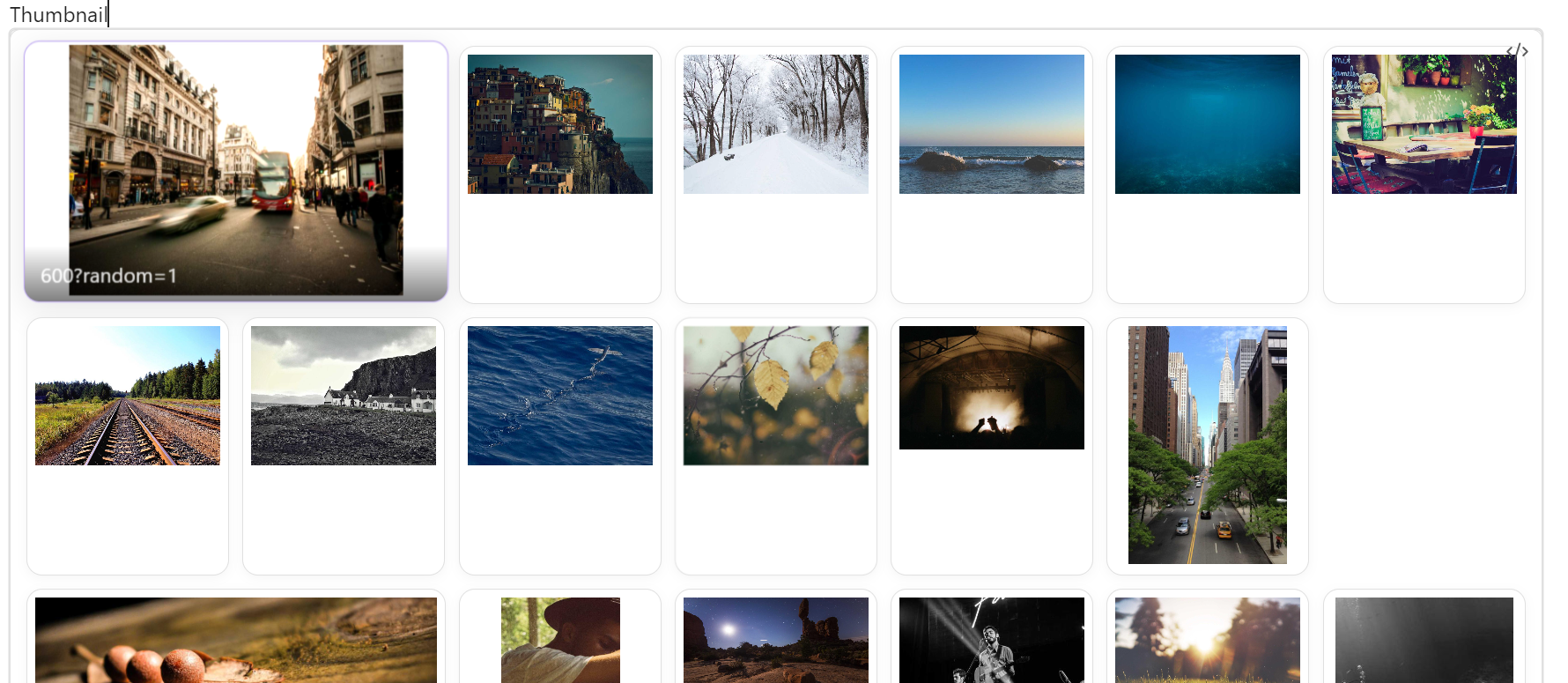
Folder Gallery
Display all images from a folder:
```obs-gallery
sources:
  - type: local
    path: Photos/Vacation2024
view:
  type: thumbnail
```
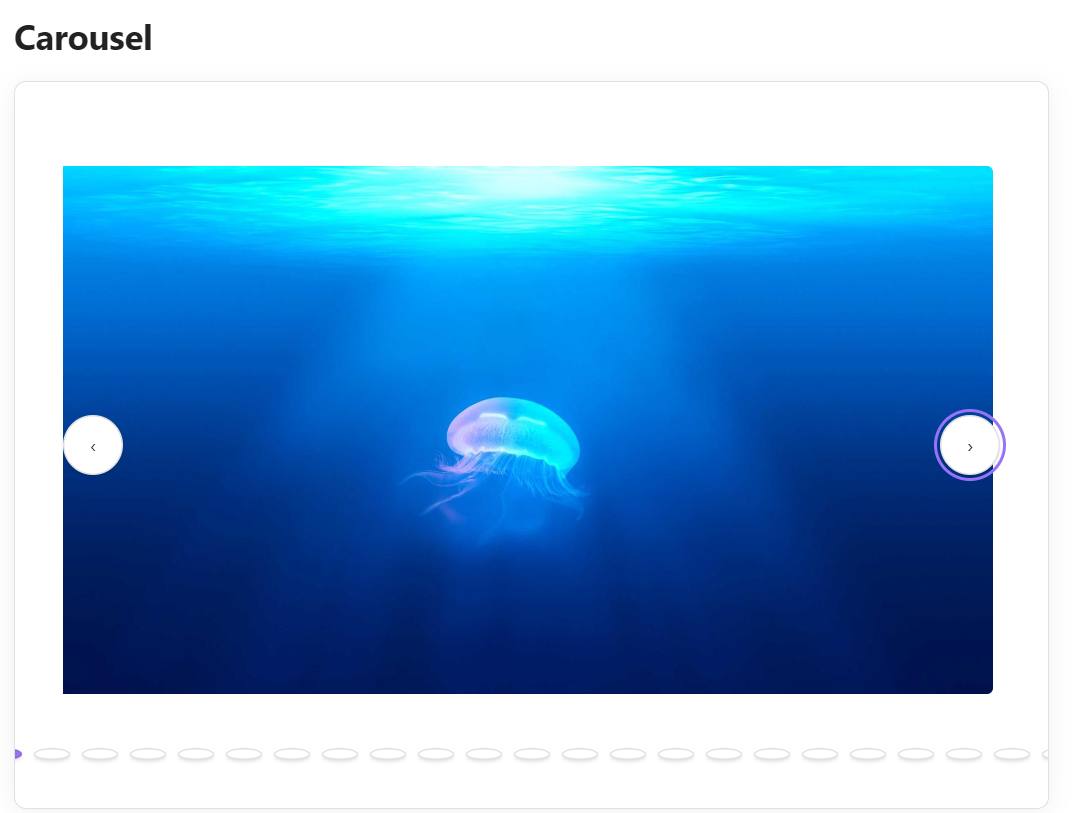
Carousel View
Horizontal scrolling carousel with controls:
```obs-gallery
sources:
  - type: local
    path: Images/Screenshots
view:
  type: carousel
```
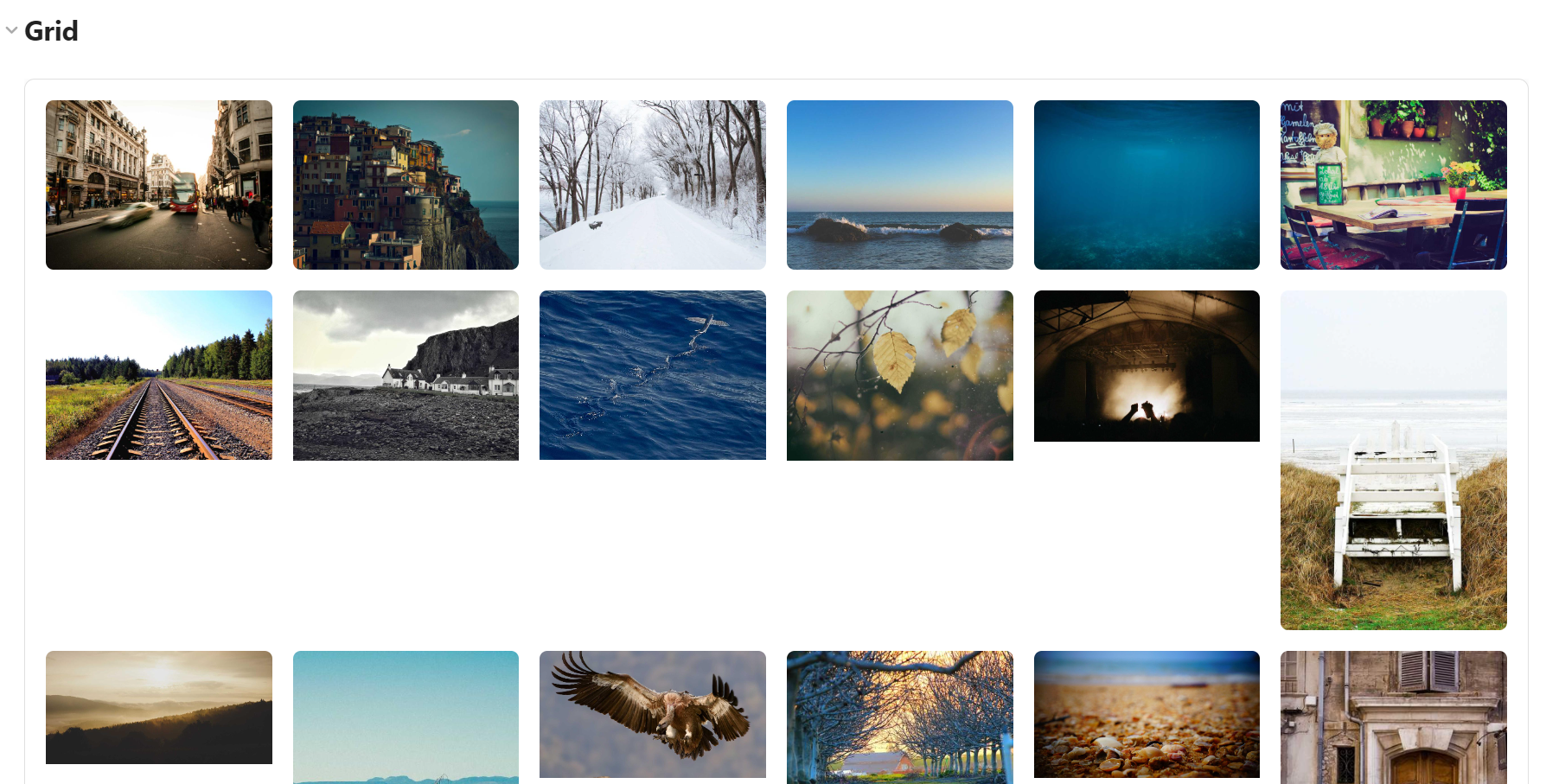
Masonry Grid
Pinterest-style layout with variable heights:
```obs-gallery
sources:
  - type: local
    path: Projects/WebDev
    recursive: true
view:
  type: grid
```
With Immich Shared Links
Include images directly from an Immich public share:
```obs-gallery
sources:
  - type: immich-share
    url: https://photos.example.com/share/abc1234
view:
  type: grid
```
With External Images
Include remote images (requires enabling in settings):
```obs-gallery
sources:
  - type: external
    urls:
      - https://picsum.photos/800/600?random=1
      - https://picsum.photos/800/600?random=2
      - https://picsum.photos/800/600?random=3
      - https://picsum.photos/800/600?random=4
view:
  type: grid
```

Documentation
For full details on configuring the plugin, usage examples, and available settings, please refer to the Gallery View documentation.
Supported formats
- JPEG (
.jpg,.jpeg) - PNG (
.png) - GIF (
.gif) - WebP (
.webp)
Showcase Generator
Gallery View includes a built-in command to generate a set of interactive demo notes inside your vault. This is the fastest way to see what the plugin can do and to learn the configuration syntax.
- Open the Obsidian command palette (
Ctrl+P/Cmd+P) - Run Gallery View: Create showcase notes
- Open the generated
GalleryDemo/folder in your vault to explore working examples of local sources, external URLs, views, and template configurations for Immich shared links.
Interface
Thumbnail Grid
- Responsive grid layout adapts to screen size
- Hover effects for better interactivity
- Lazy loading for performance
Modal Viewer
- Full-size image display
- Multiple ways to close:
- Click the × button
- Press Escape key
- Click outside the image
- Image name displayed at bottom
Development
Building from Source
# Install dependencies
npm install

# Development build with watching
npm run dev

# Production build
npm run build

# Simple build (MVP version)
npm run build-mvp
Project Structure
obsidian-gallery-plugin/
├── main.ts              # Main plugin code
├── main.js              # Compiled plugin
├── manifest.json        # Plugin metadata
├── styles.css           # Gallery styling
├── package.json         # Dependencies
├── tsconfig.json        # TypeScript config
└── src/                 # Advanced architecture (future)
    ├── models/          # Data models
    ├── views/           # View components
    ├── services/        # Core services
    └── processors/      # Content processing
Troubleshooting
Gallery Not Appearing
- Check that the path exists and has correct case sensitivity
- Verify images are in supported formats
- Use exact folder names (e.g.,
Imagesnotimagesif capitalized)
Modal Not Opening
- Ensure
styles.cssis properly loaded - Check browser console for JavaScript errors
- Try refreshing Obsidian or restarting the plugin
Path Issues
- Use relative paths from vault root
- Don't include leading or trailing slashes
- Example:
Images/Photosnot/Images/Photos/
Performance with Many Images
- Plugin uses lazy loading automatically
- Consider organizing large collections into subfolders
- Modal loads full-resolution images on demand
Contributions are welcome! Please feel free to:
- Share usage examples and feedback
- Help with documentation
Development Setup
- Clone the repository
- Run
npm installto install dependencies - Use
npm run devfor development with auto-rebuilding - Test in your Obsidian vault
License
MIT License — see LICENSE for details.
Acknowledgments
- Built for the Obsidian community
Support
If this project helps your workflow, consider supporting its development with a ☕
- Bug reports: GitHub Issues
- Feature requests: GitHub Discussions
- Documentation: Plugin docs