
README file from
GithubIOC Lens
IOC Lens is a note-taking helper for Obsidian focused on cyber security and incident response.
As security professionals, we encounter indicators of compromise (IOCs) constantly in our work. Whether you’re an incident responder, threat researcher, or SOC analyst, keeping track of these indicators within lengthy notes can be challenging. IOC Lens solves this by providing a dedicated Obsidian view that automatically extracts and organizes:
- IP addresses (both public and private)
- Domain names
- SHA256 hashes
- MD5 hashes
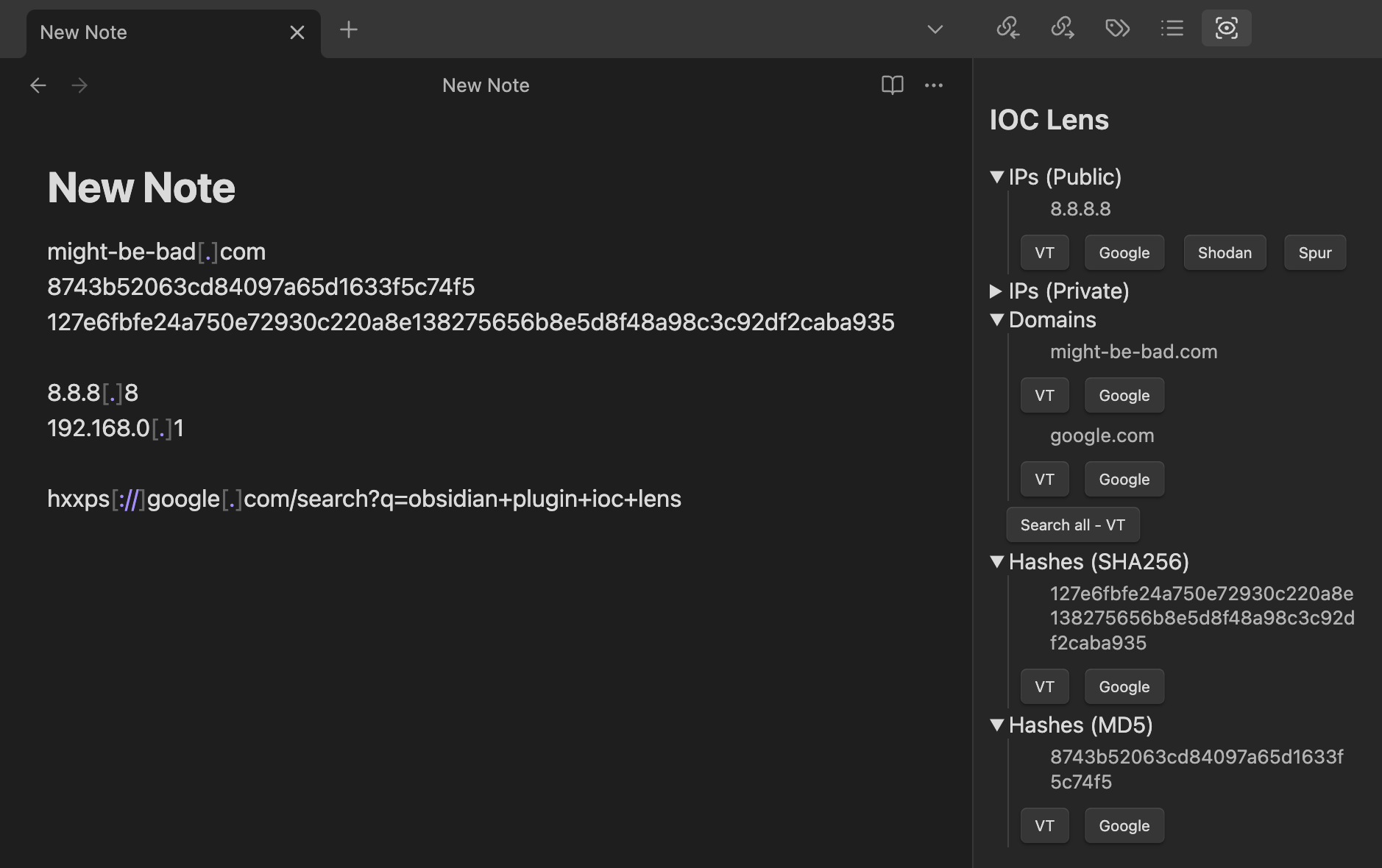
To activate IOC Lens, click the ribbon icon or use the command palette.

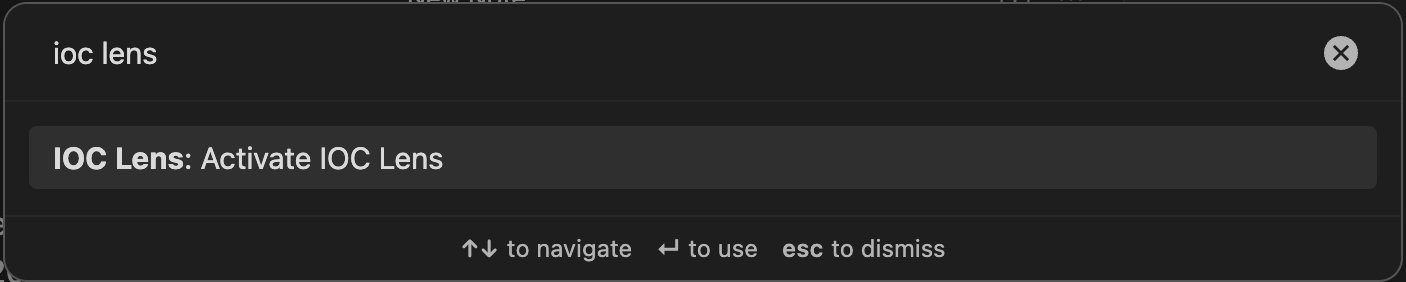
Key features:
- Automatic IOC extraction from your notes
- Defang domains and IP addresses via context menu options or command palette
- Smart recognition of both standard and defanged IOCs (e.g. "evil[.]com")
- One-click pivot buttons to search indicators across various security engines
- Clean, organized view of all IOCs in your current note
Security considerations:
- It's recommended to defang IOCs in your notes (e.g., using "evil[.]com" instead of "evil.com") to prevent accidental clicks or automated scanning
- For compatibility with search engines, IOCs are automatically "refanged" in the sidebar view and when using the search pivot buttons
- IOCs are displayed as plaintext in the sidebar - they are never clickable links
- All interaction with IOCs is intentional and requires explicit user action
Tips:
Per the guidance in Obsidian's Developer Documentation, a default hotkey has not been set for any IOC Lens functions. However, you can bind commands to hot keys via the Obsidian settings ("Hotkeys" section). Example:
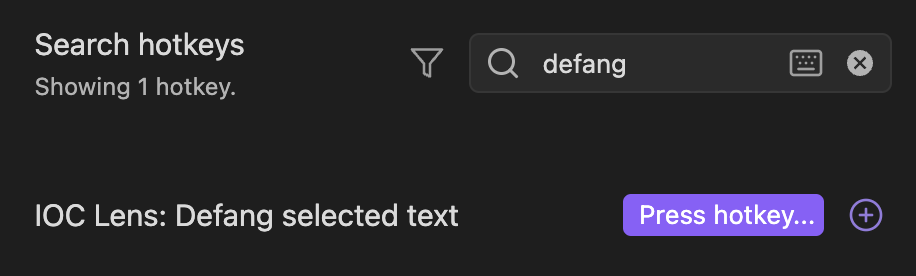
This allows you to defang IOCs with a hotkey - for example, ⌘+⇧+A.
Supported Search Engines
IOC Lens currently supports pivots to the following resources/search engines. Pivots are configurable via toggle switches in the plugin settings.