
README file from
GithubObsidian Minio Uploader Plugin
English | 中文
Upload images, videos, audio, PDFs, and other files to Minio OSS instead of copying them locally. Reduce the size of local disk usage and improve the efficiency of synchronization between multiple devices.
Preview
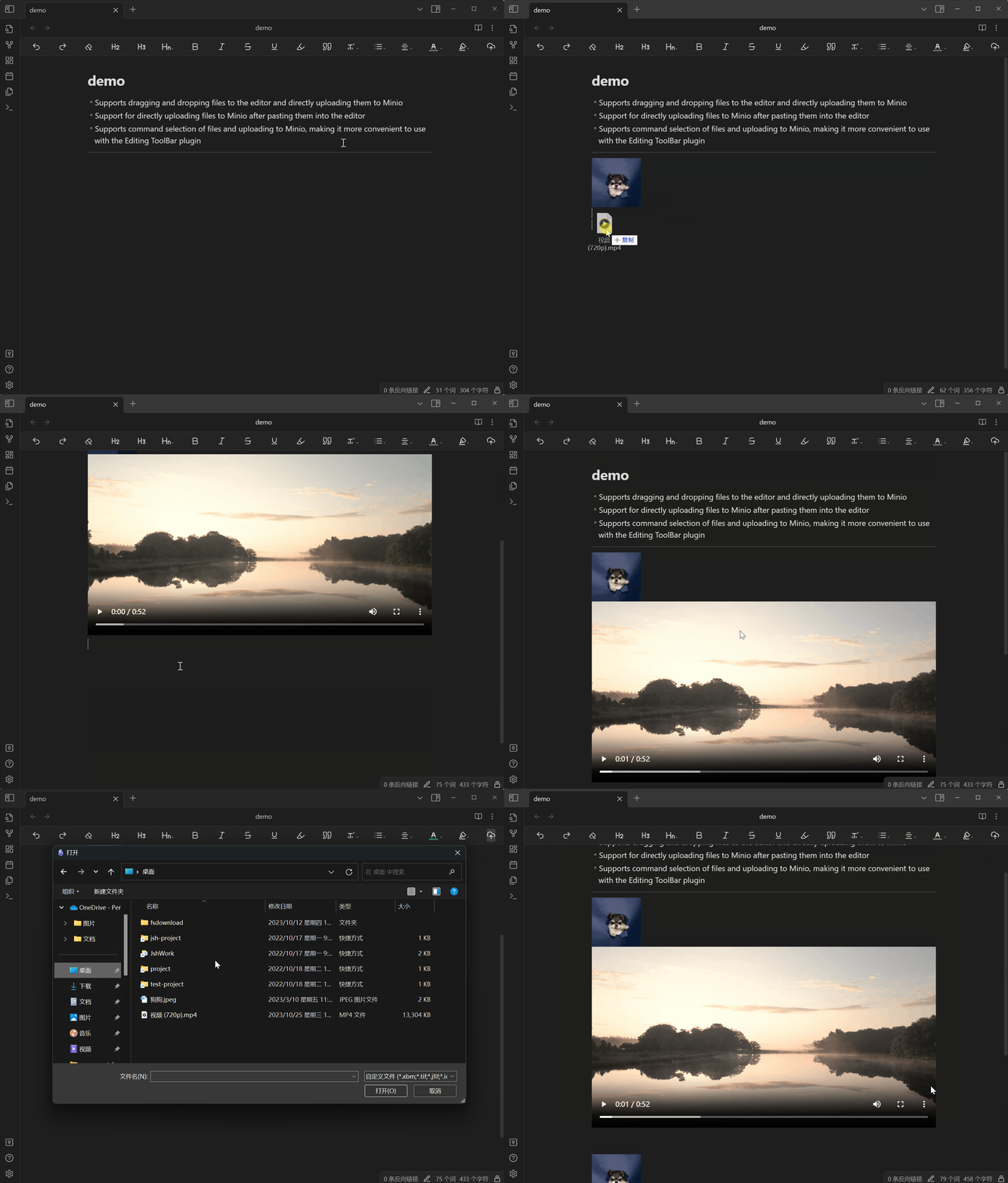
Can be paired with Editing ToolBarTo use the plugin, add the mini command to the action bar. You can click to select a file, upload it, and add it to the Observer document
Features
- Supports dragging and dropping files to the editor and directly uploading them to Minio
- Support for directly uploading files to Minio after pasting them into the editor
- Supports command selection of files and uploading to Minio, making it more convenient to use with the Editing ToolBar plugin
Setting
Firstly, all Minio related configurations must be correctly configured before they can be used normally:
Tip: API data access port number for Minio
- accessKey
- secretKey
- bucket
- endpoint
- port
- SSL
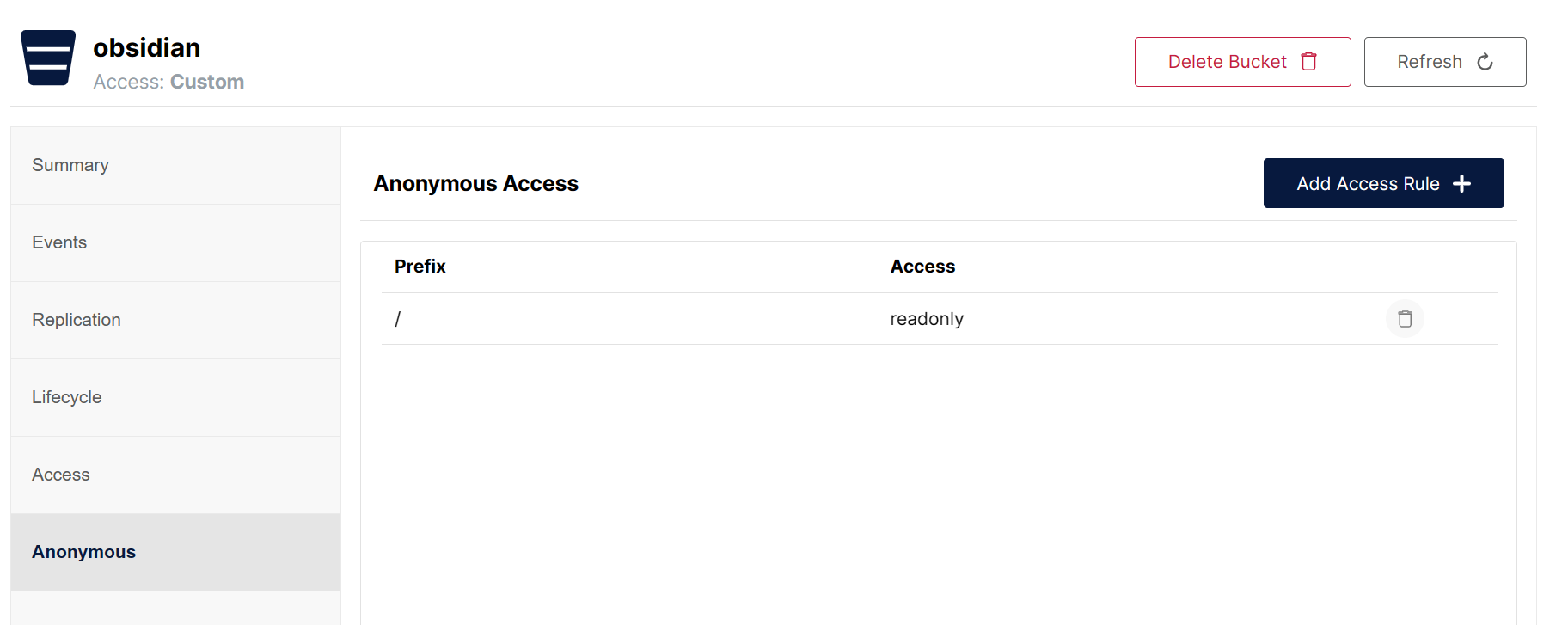
Secondly, it is necessary to enable anonymous access to files in the Bucket settings of the Minio console, which means that files can be directly accessed through URLs.
Thanks
This project draws inspiration from the S3 image uploader \ Editing ToolBar plugin