
README file from
GithubFull Calendar Plugin

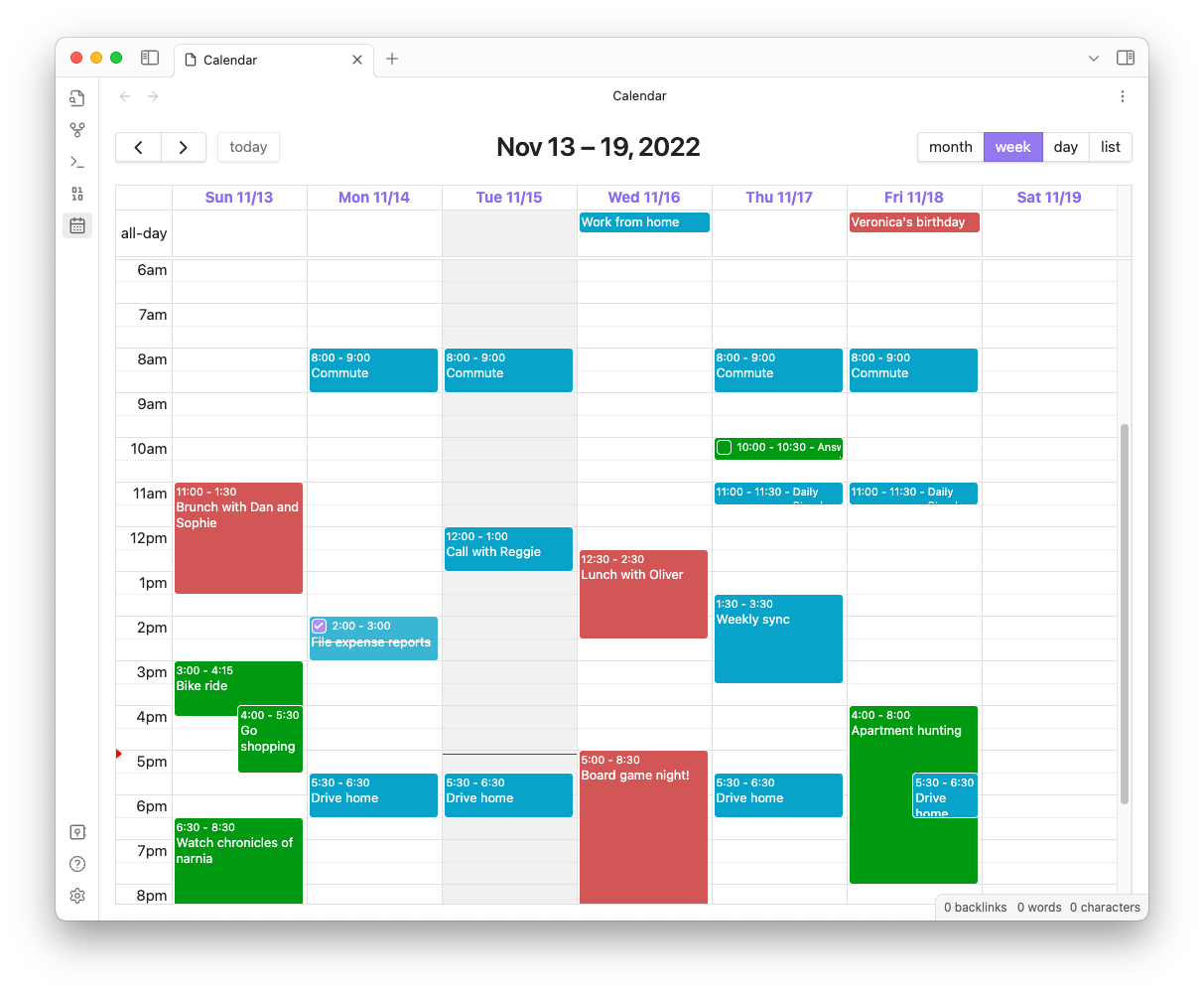
Keep your calendar in your vault! This plugin integrates the FullCalendar library into your Obsidian Vault so that you can keep your ever-changing daily schedule and special events and plans alongside your tasks and notes, and link freely between all of them. Each event is stored as a separate note with special frontmatter so you can take notes, form connections and add context to any event on your calendar.
Full Calendar can pull events from frontmatter on notes, or from event lists in daily notes. Full Calendar also supports read-only ICS and CalDAV remote calendars.
You can find the full documentation here!
The FullCalendar library is released under the MIT license by Adam Shaw. It's an awesome piece of work, and it would not have been possible to make something like this plugin so easily without it.

Installation
Full Calendar is available from the Obsidian Community Plugins list -- just search for "Full Calendar" paste this link into your browser: obsidian://show-plugin?id=obsidian-full-calendar.
Manual Installation
You can also head over to the releases page and unzip the latest release inside of the .obsidian/plugins directory inside your vault.