Google Calendar and Contacts Lookup

by ntawileh
5
4
3
2
1
Score: 65/100

Description

Category: 3rd Party Integrations

The Google Calendar and Contacts Lookup plugin allows users to seamlessly integrate Google Calendar events and Google Contacts into their Obsidian notes. It provides commands to quickly look up and insert meeting details or contact information, making it an ideal tool for users managing meeting notes or maintaining a lightweight CRM system within Obsidian. The plugin supports multiple Google accounts and enables customizable templates for inserted content. By leveraging personal and organizational Google directories, it ensures efficient and accurate data retrieval for enhancing note organization and collaboration.

Reviews

No reviews yet.

Stats

101
stars
17,943
downloads
13
forks
1,417
days
53
days
53
days
23
total PRs
0
open PRs
1
closed PRs
22
merged PRs
46
total issues
4
open issues
42
closed issues
0
commits

Latest Version

2 months ago

Changelog

What's Changed

Full Changelog: https://github.com/ntawileh/obsidian-google-lookup/compare/1.8.0...1.8.1

README file from

Github

Obsidian Google Lookup

release MIT License

Obsidian plugin that can insert Google Calendar events and Google contact info directly into your notes
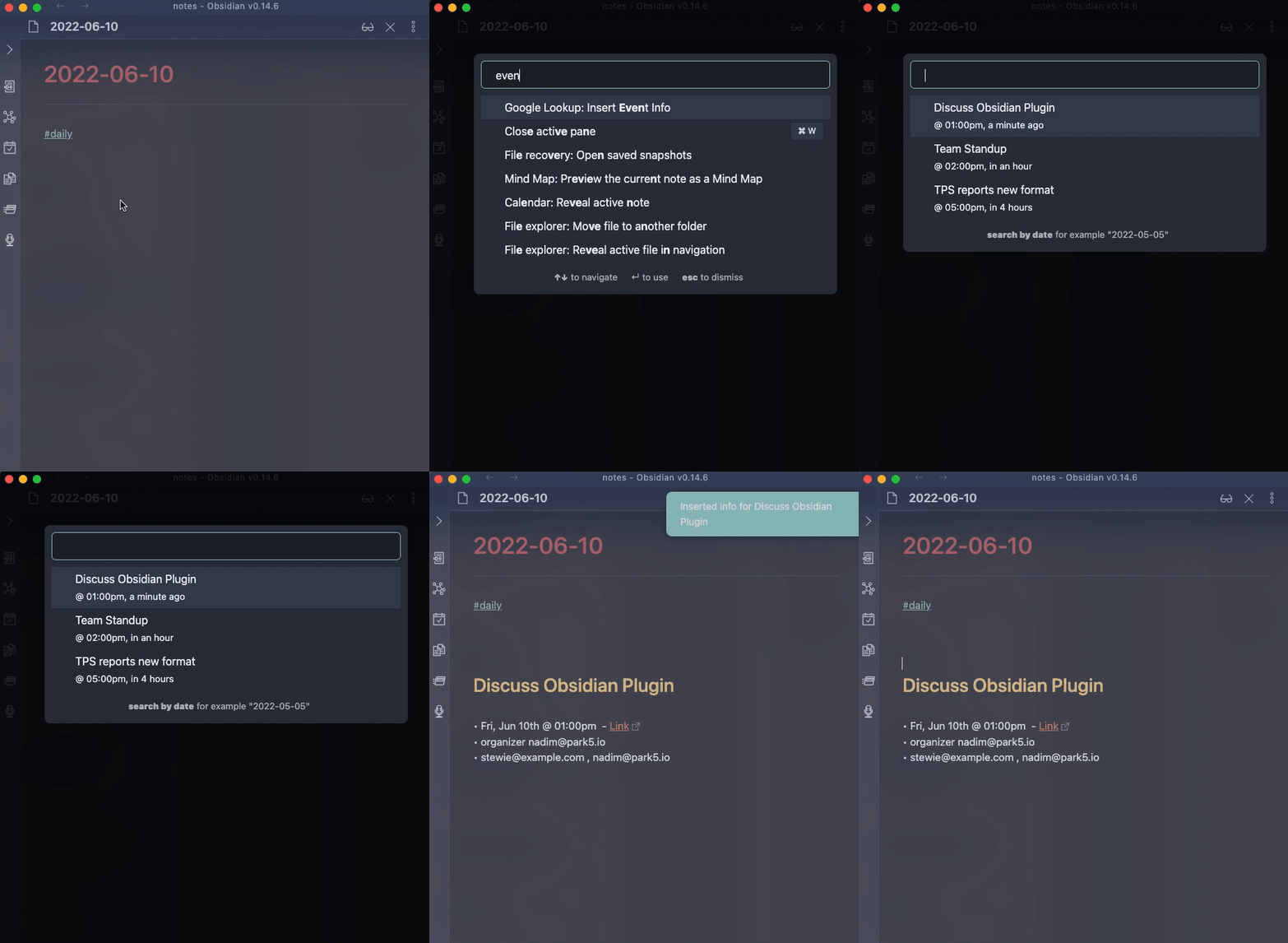
The suggestion modal is looking up your calendar events. This is useful for folks who take meeting notes in Obsidian and want to quickly populate meeting metadata.
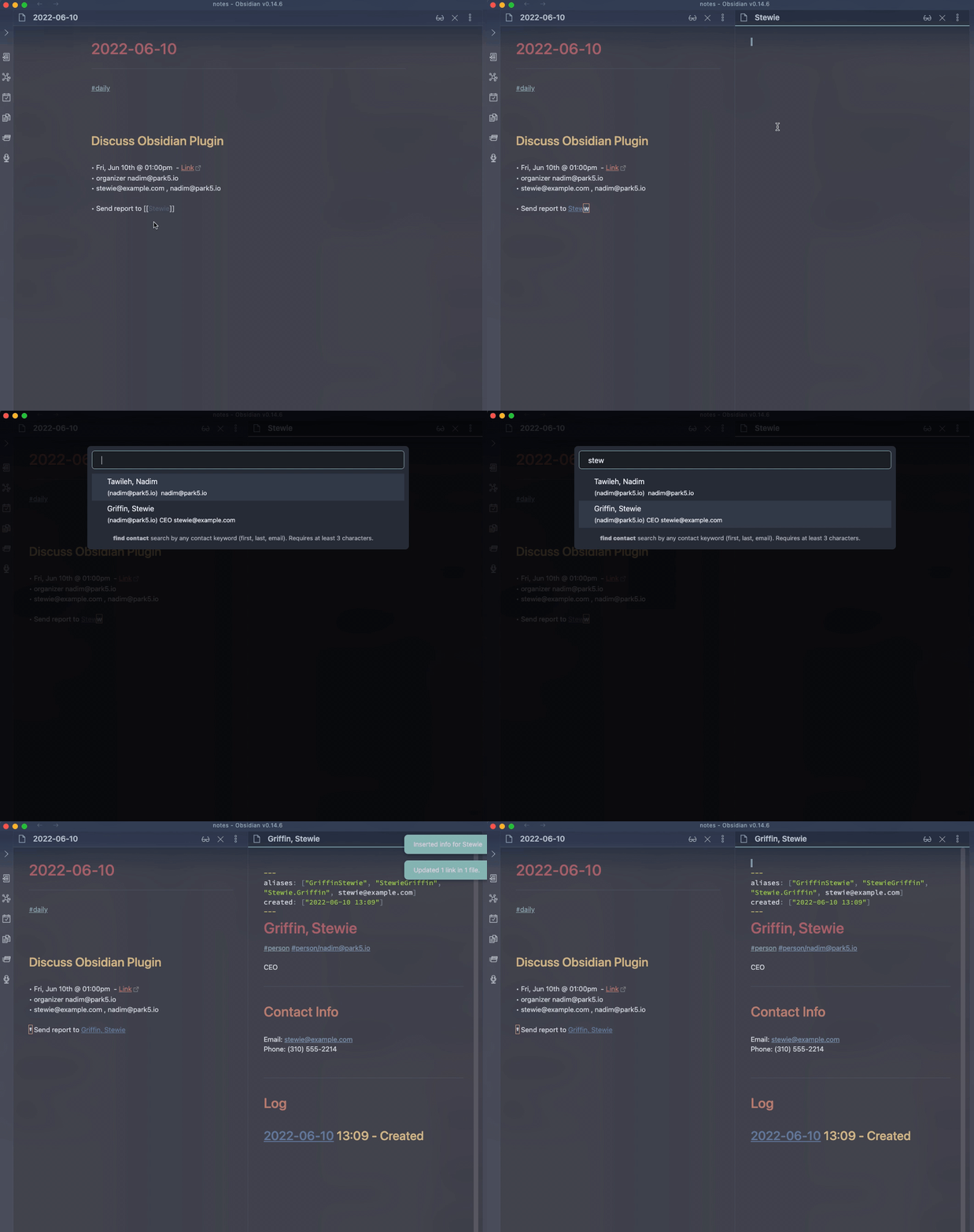
Here the suggestion modal is looking up contacts, both personal contacts and also people in your Google Workspace's Directory. This is useful when using Obsidian as a mini-CRM and want to be able to quickly create notes for individuals you work with that can later backlink to other notes.

Features

  • Command to look up and insert Google Calendar event into current editor
  • Command to look up and insert Google Contacts (user Contacts and Directory) info into current editor
  • Support multiple Google accounts
  • Customizable templates for inserted content

Usage

The two commands will show up only when there is an active editor/markdownview.
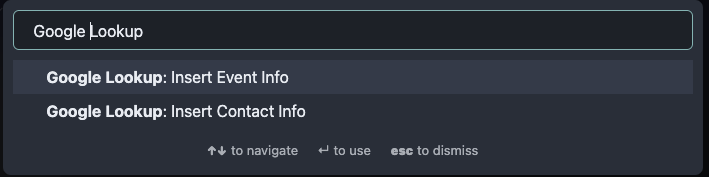
See plugin documentation for more info