Obsidian Math+

by Oscar Capraro
5
4
3
2
1
Score: 57/100

Description

Category: Note Enhancements

The Obsidian Math+ plugin is a powerful tool for taking math notes quickly and efficiently in Obsidian. With this plugin, you can create math blocks using LaTeX or intuitive equation writing, and then render them with freeform annotations using Excalidraw. The plugin also allows you to customize the appearance of your math blocks, including colors, font sizes, and shortcuts. Additionally, you can save your drawings as SVG files and toggle live preview on and off. With its robust feature set and user-friendly interface, Obsidian Math+ is an excellent choice for anyone who needs to take complex mathematical notes.

Reviews

No reviews yet.

Stats

100
stars
46,040
downloads
2
forks
1,474
days
833
days
833
days
2
total PRs
0
open PRs
0
closed PRs
2
merged PRs
28
total issues
8
open issues
20
closed issues
6
commits

Latest Version

2 years ago

Changelog

Updating name to comply with obsidian developer guidelines.

Full Changelog: https://github.com/ocapraro/obsidian-math-plus/compare/0.6.3...0.7.0

README file from

Github

Obsidian Math+

Obsidian Math+ is a plugin for taking math notes quickly and efficiently.

Usage

Run the Insert math block command, either using the command pallet or cmd + M. This will create a math block for you to start taking notes in, you can write these notes using LaTeX, or just write the equations out intuitively, and they will be parsed to the best of this plugin's ability.
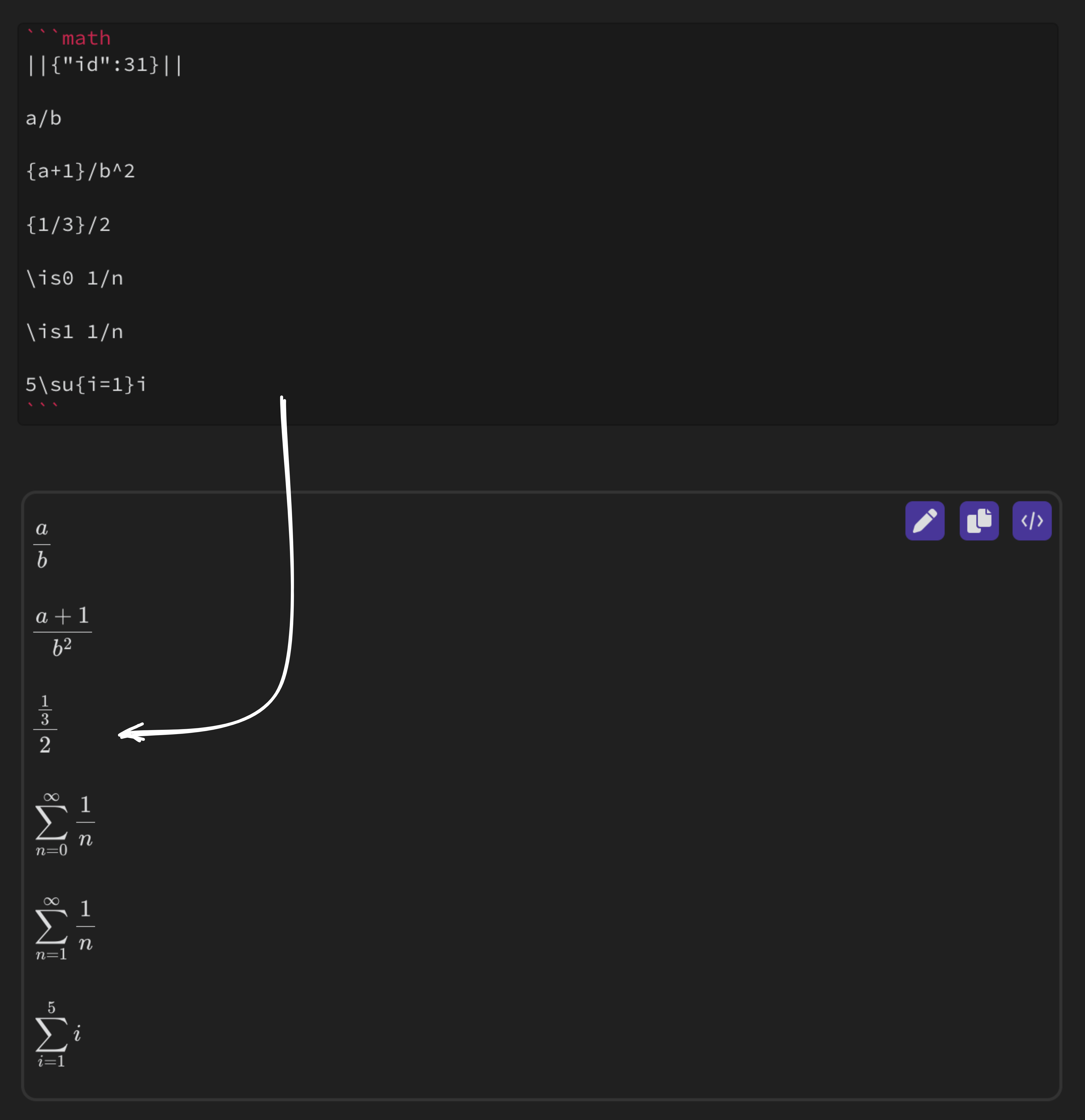
rendered equation

Now that your notes have been rendered, you can go into draw mode by clicking the pen icon in the top right of the block. This opens up an Excalidraw instance over the math block so you can easily add freeform annotations.

Note: This only works in Live Preview Mode
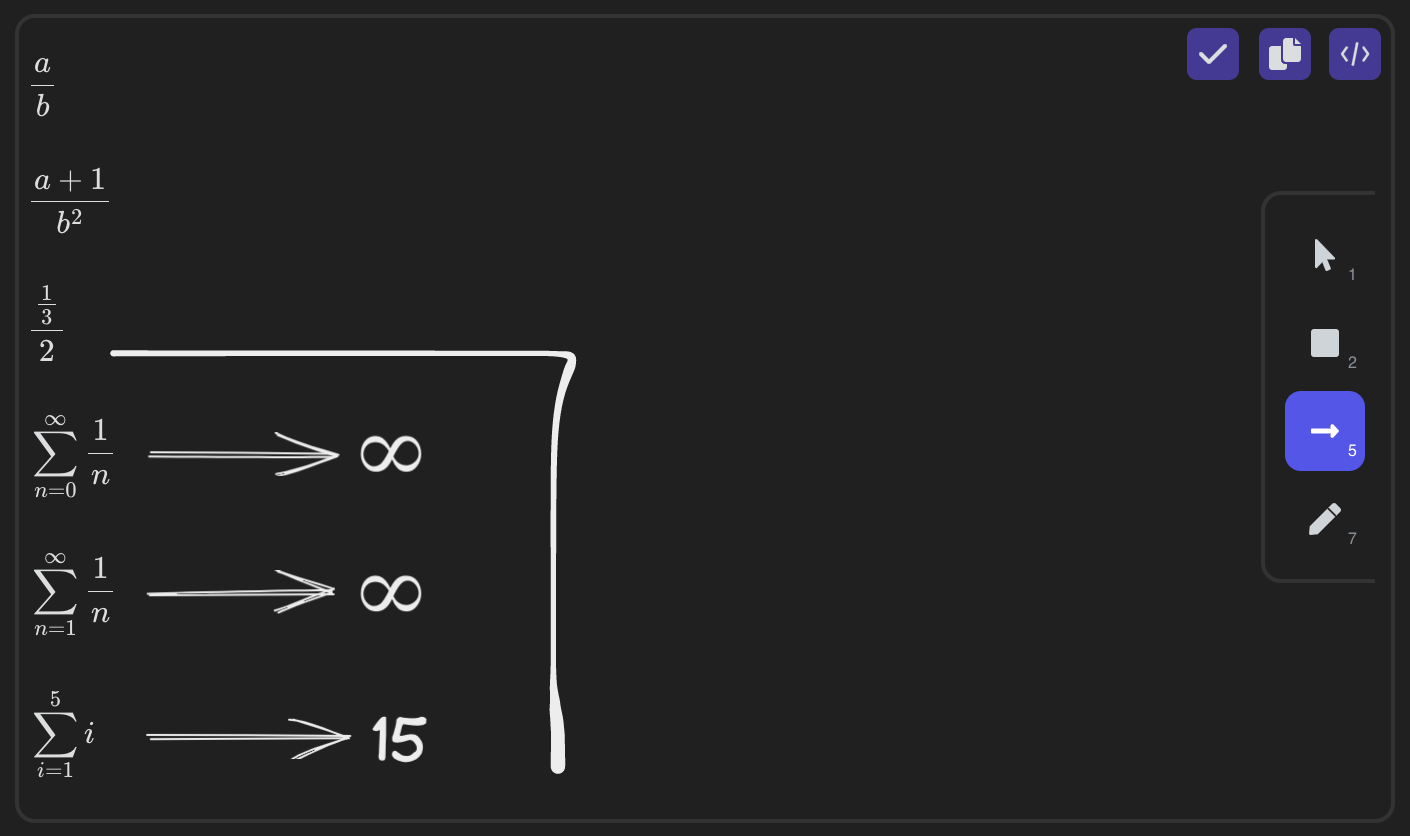
excalidraw

To save your drawing, press the checkmark in the upper right corner, and your drawing will be rendered as an SVG.
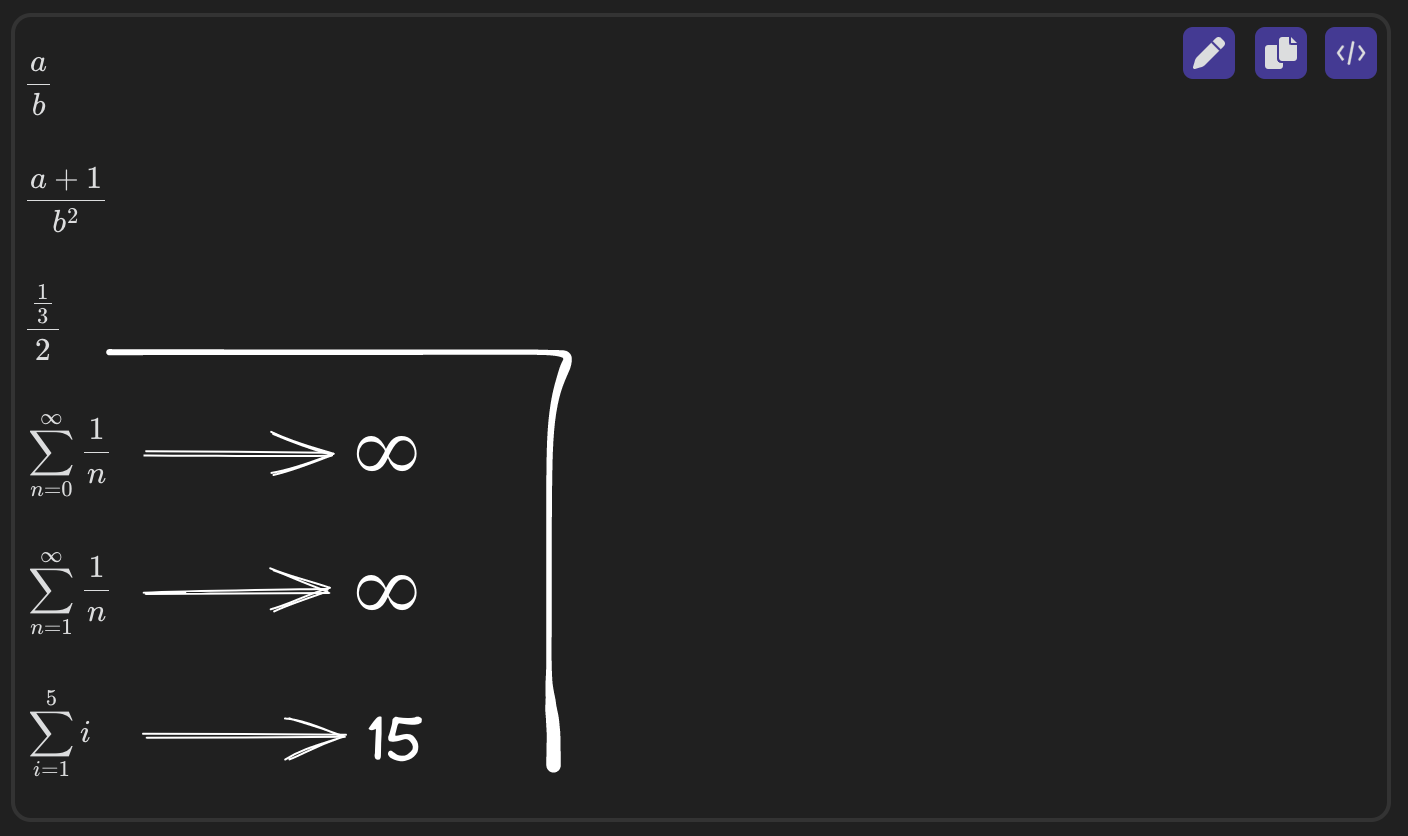
excalidraw svg

Settings

Save Data Path

This setting allows you to change the location of where your drawings and drawing data should be saved.

path settings

Shortcuts

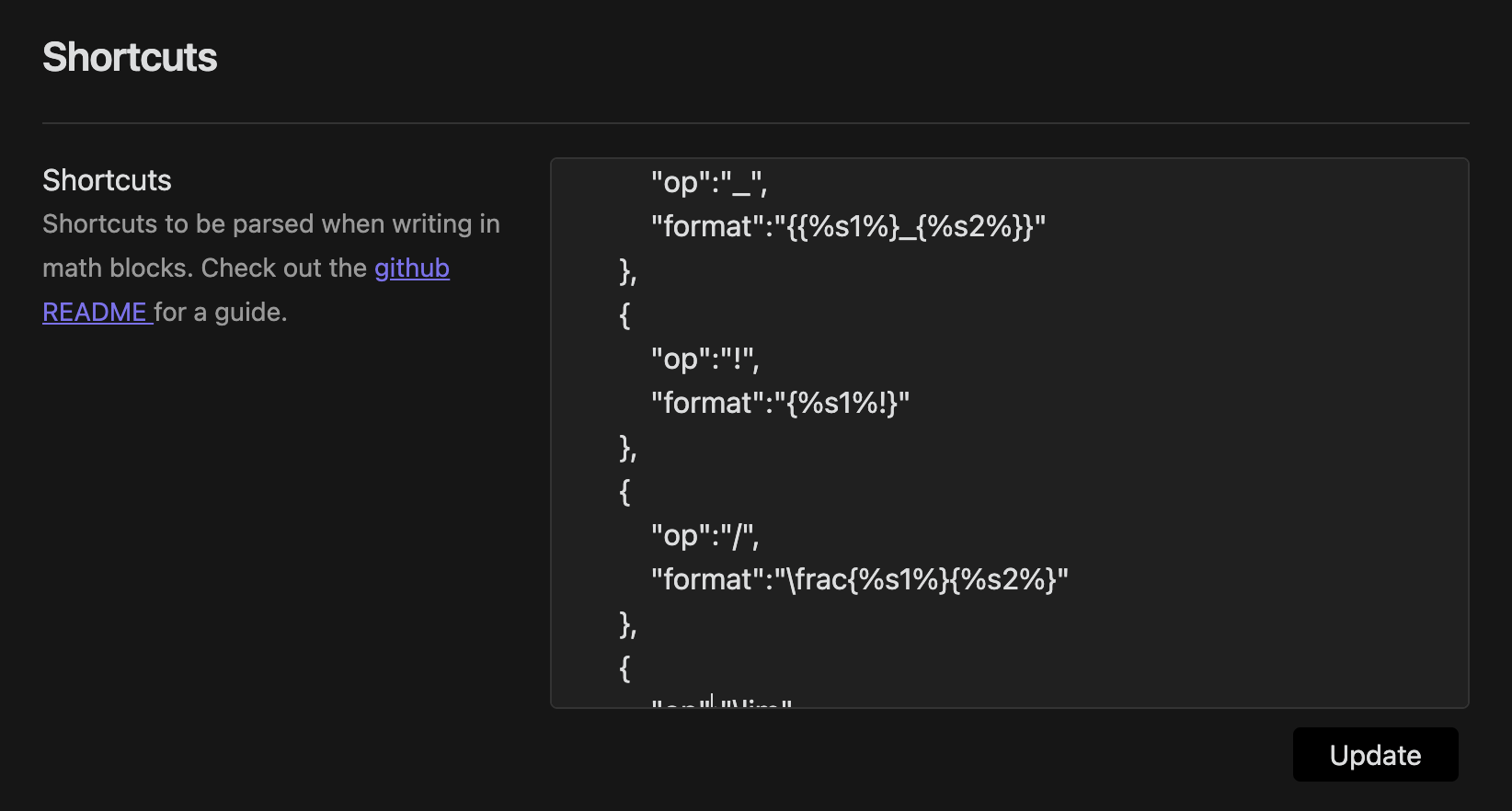
The Shortcuts setting lets you input custom commands to be translated into LaTeX when input into the math blocks.

{
  "op":"COMMAND",
  "format":"LATEX"
}

You can also pass parameters to the shortcuts, using %s1% or %s2% to denote the character or group directly before or after the shortcut.

{
  "op":"/",
  "format":"\frac{%s1%}{%s2%}"
}

This shortcut makes it so whenever you type / it will get the character or group directly before it, and put it into fraction format. ie. 3/17 would turn into \frac{3}{17} and {x-5a}/2 would turn into \frac{x-5a}{2}. All shortcuts must remain in proper JSON format.
math block size settings

Use the update button to apply your shortcut changes.

Colors

Here you can change the three default colors you can pick from while taking notes, or turn on the color picker for customization on the fly.
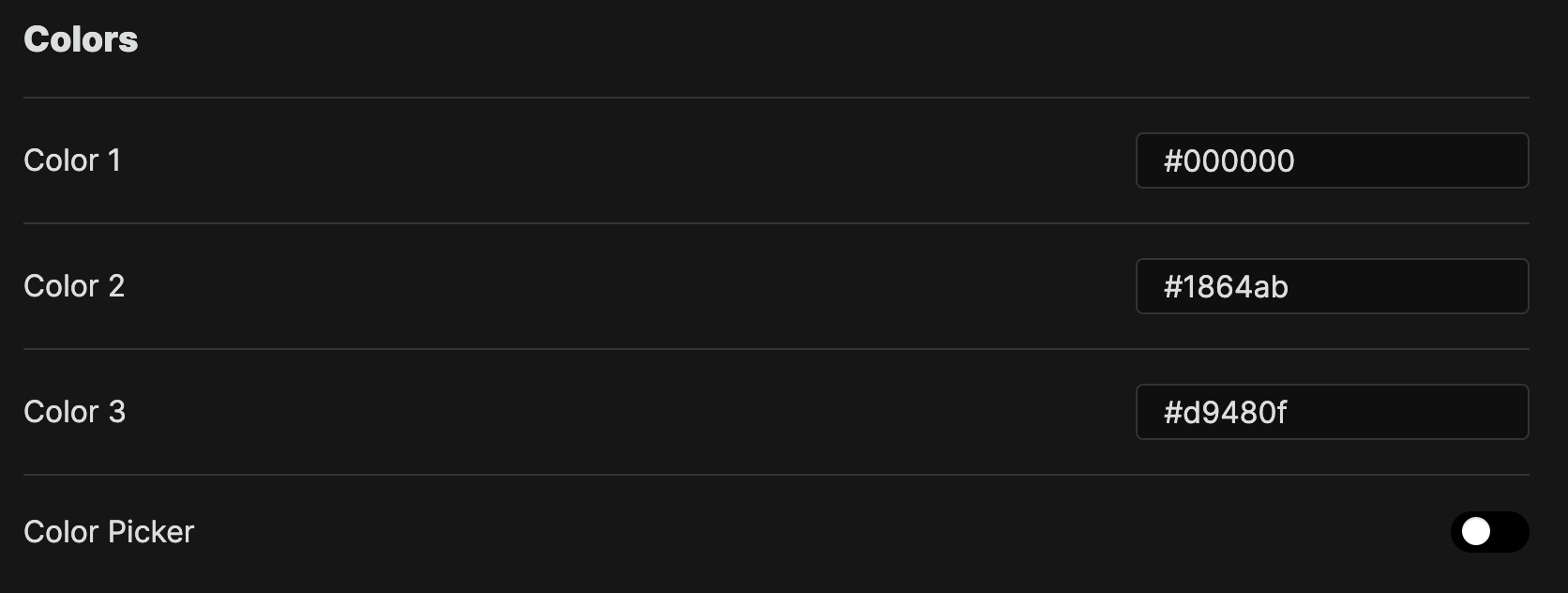
colors settings

Math Block Size

This allows you to change the size of the math blocks.

math block size settings

Live Preview Settings

This allows you to toggle live preview on and off.

live preview settings

Metadata Settings

This allows you to toggle on and off some of the metadata stored in the code blocks.
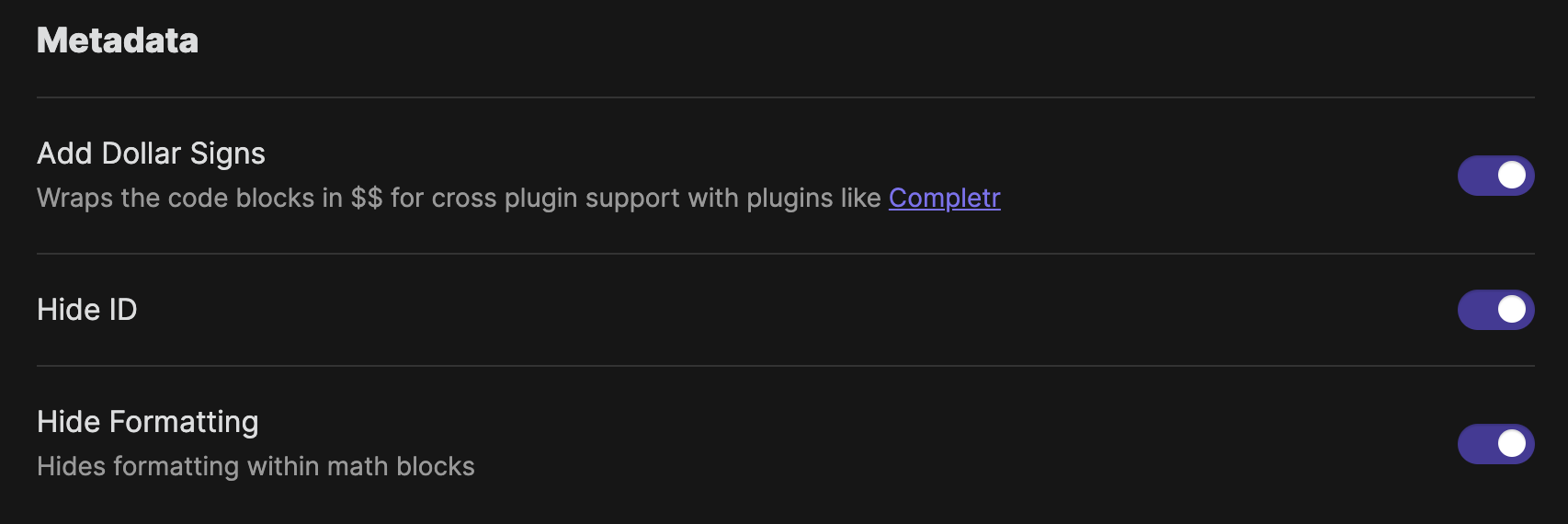
metadata settings

Excalidraw UI

Excalidraw has a lot of drawing tools which you can toggle on or off here based on your needs.
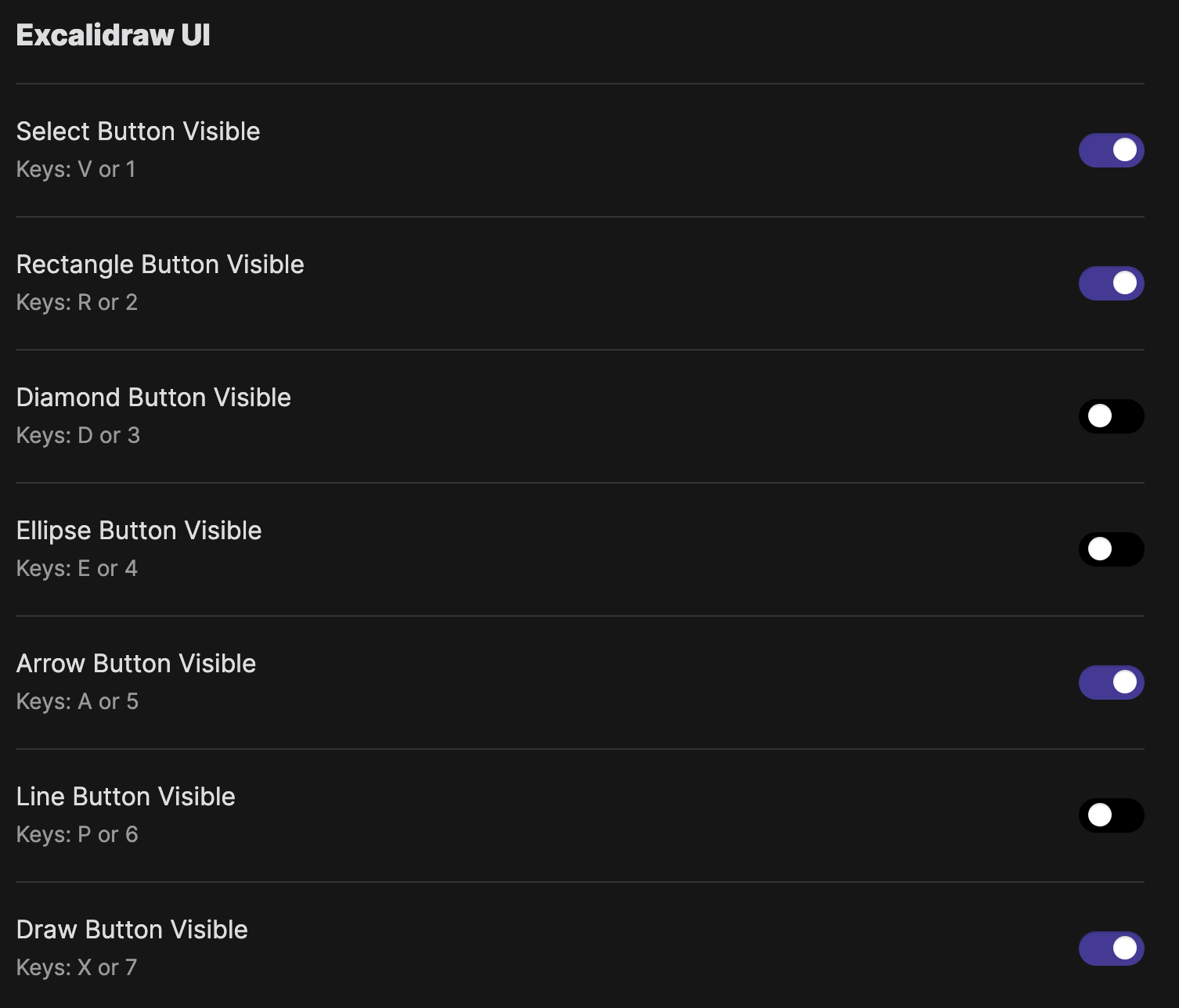
excalidraw ui settings

Excalidraw Settings

You can toggle grid mode on or off here.

excalidraw settings

Similar Plugins

info
• Similar plugins are suggested based on the common tags between the plugins.
Linter
5 years ago by Victor Tao
An Obsidian plugin that formats and styles your notes with a focus on configurability and extensibility.
Latex Suite
4 years ago by artisticat1
Make typesetting LaTeX as fast as handwriting through snippets, text expansion, and editor enhancements
Quick LaTeX
5 years ago by joeyuping
Numerals
3 years ago by RyanC
An obsidian plugin which turns a math code block into a full featured calculator
Math Booster
3 years ago by Ryota Ushio
A powerful indexing & referencing system for theorems & equations in your Obsidian vault.
Latex Environments
6 years ago by Zach Raines
Quickly insert and change latex environments within math blocks in Obsidian.
MathLive
3 years ago by Dan Zilberman
The must-have plugin for math in Obsidian
Desmos
4 years ago by Nigecat
Embed graphs directly into your obsidian notes
Function Plot
4 years ago by leonhma
A obsidian.md plugin for rendering maths graphs.
Excalidraw CN
3 years ago by Korbin Zhao
支持中文手写的 Excalidraw Obsidian 插件。A Obsidian plugin of Excalidraw supporting Chinese handwrite font.
Meld Calc
5 years ago by meld-cp
Typst Renderer
3 years ago by fenjalien
Renders typst code blocks in Obsidian into images using Typst through the power of WASM!
Typst Mate
3 months ago by azyarashi
Render math expressions with Typst instead of MathJax in Obsidian.
Obsidian matrix
4 years ago by Jonas Mohr
Obsidian asciimath
3 years ago by widcardw
Asciimath support for Obsidian (based on asciimath-parser)
Calctex
3 years ago by Mike
An Obsidian plugin for automatic calculation of LaTeX formulas.
No more flickering inline math
3 years ago by Ryota Ushio
No longer disturbed by flickering inline math in Obsidian.
Latex Matrices
3 years ago by Daniele Susino
An obsidian plugin to create latex matrices.
Auto-\displaystyle Inline Math
2 years ago by Ryota Ushio
An Obsidian.md plugin to automatically make all inline maths \displaystyle.
Mathematica Plot
2 years ago by Marcos Nicolau
Insert functions on Obsidian using Wolfram Mathematica!
MathLive in Editor Mode
2 years ago by MizarZh
MathLive input in editor mode.
Math Indicator Changer
2 years ago by Ori Replication
MathType
a year ago by slateblua
Type math faster
LaTeX Panel Helper
5 months ago by Luster
A powerful and convenient LaTeX symbol panel for Obsidian to enhance your mathematical and scientific note-taking efficiency.
IMSwitch in Math Block
a year ago by XXM
Project Euler Stats
a year ago by Artem Korsakov
Get statistics from Project Euler.
Quick Matrix
5 months ago by Charlie Flowe
Plugin for Obsidian.md that allows for faster interactions with matrices in LaTeX