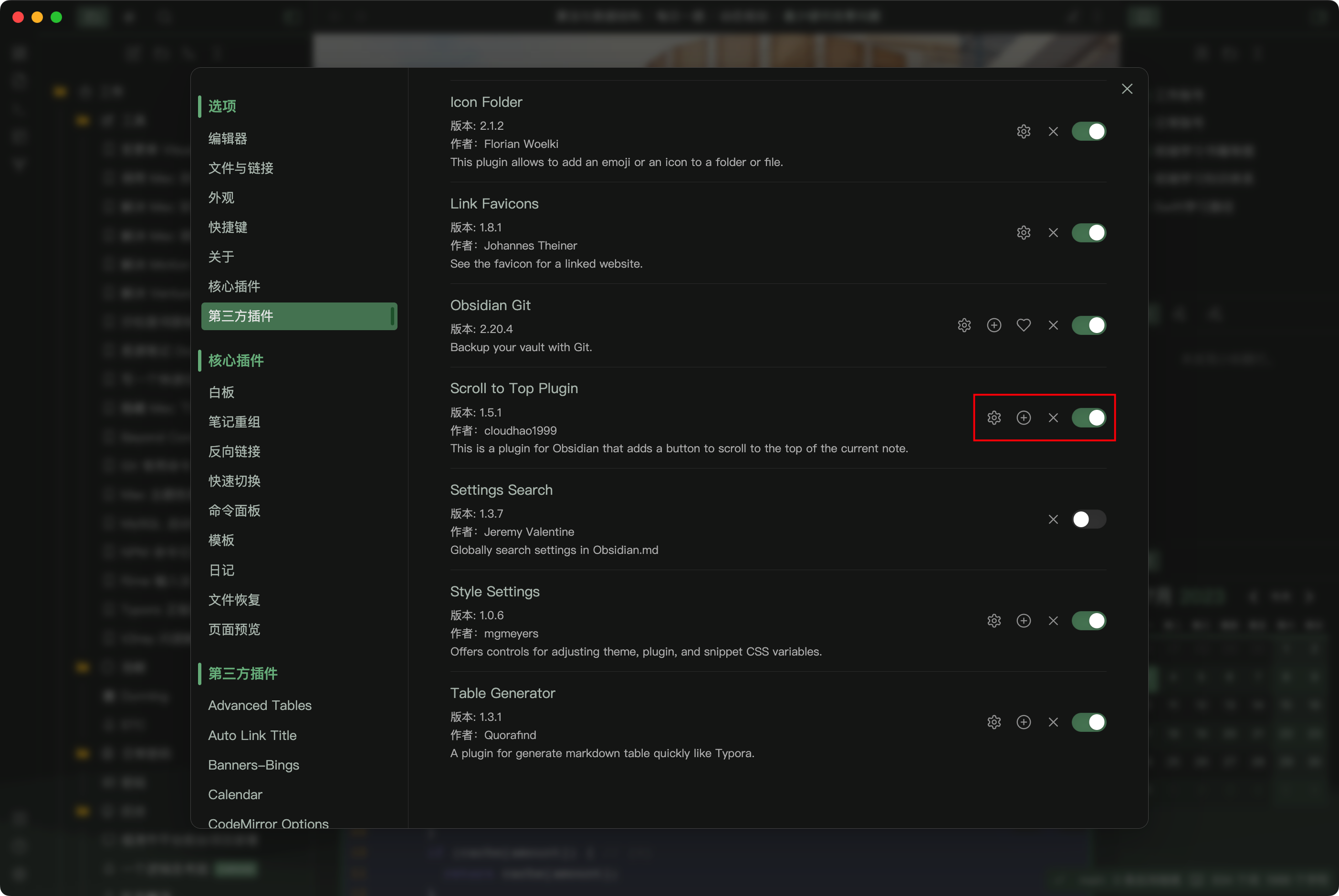
Scroll to Top Plugin

by cloudhao1999
5
4
3
2
1
Score: 58/100

Description

Category: Note Enhancements

The Scroll to Top Plugin allows you to quickly navigate through your Obsidian notes with ease. With this plugin, you can click a convenient button in the status bar or ribbon to instantly scroll to the top of the current note, or use the customizable settings to scroll to the cursor or selection in edit mode. You can also customize the button's style to match your workflow and preferences. Additionally, this plugin works seamlessly with other Obsidian plugins, such as Style Settings and Surfing, making it a versatile addition to your Obsidian toolkit.

Reviews

No reviews yet.

Stats

59
stars
25,243
downloads
0
forks
1,276
days
306
days
306
days
0
total PRs
0
open PRs
0
closed PRs
0
merged PRs
31
total issues
12
open issues
19
closed issues
2
commits

Latest Version

10 months ago

Changelog

Fixed

fixed workspace change issue #33

README file from

Github

Scroll To Top

This is a plugin for Obsidian that adds a button to scroll to the top of the current note (Not just that).

How to use

  • Install the plugin

Install

  • Click the button in the status bar to scroll to the top or bottom of the note
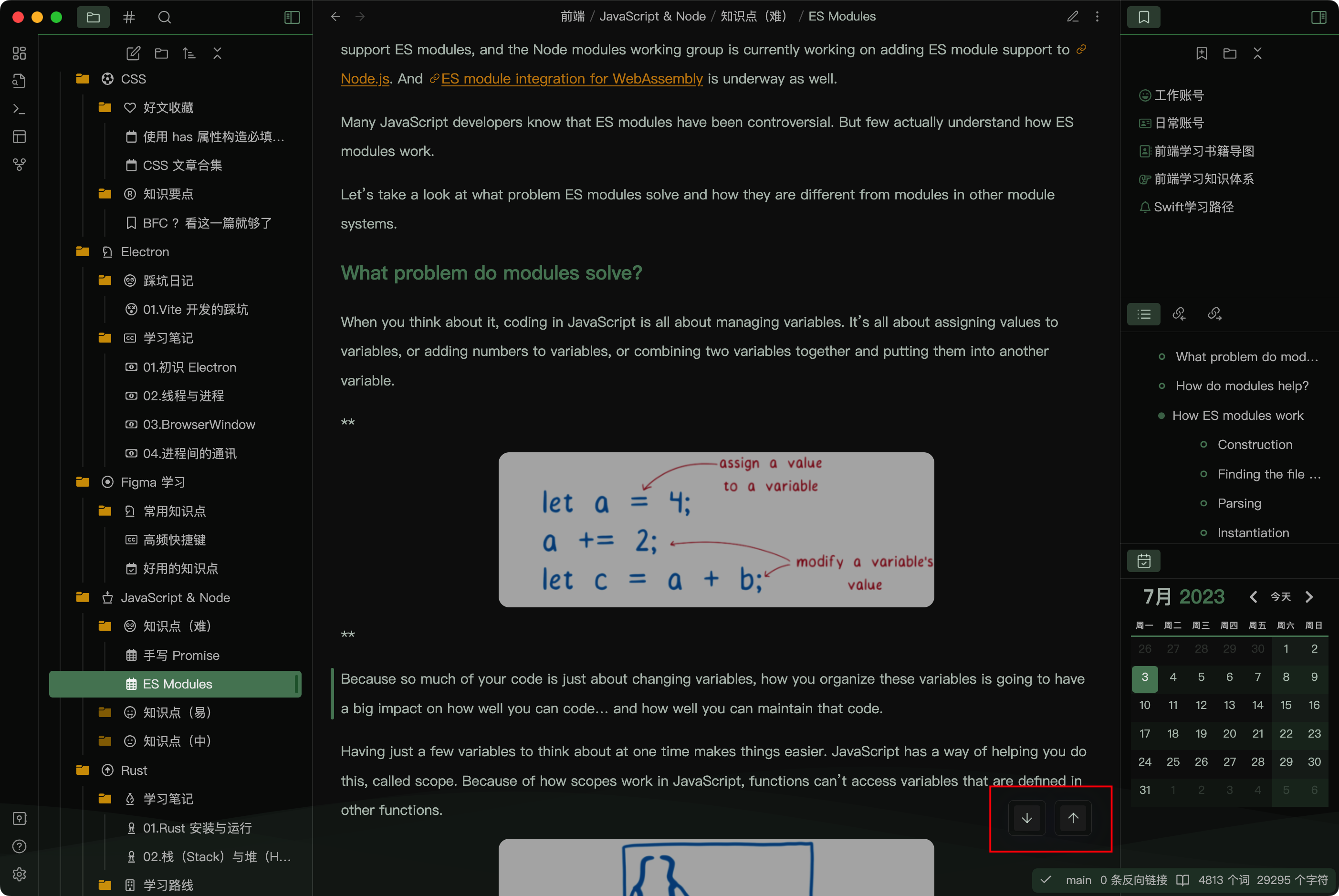
Scroll to top

  • Click the button in the ribbon to scroll until the selection or cursor (in the edit mode)
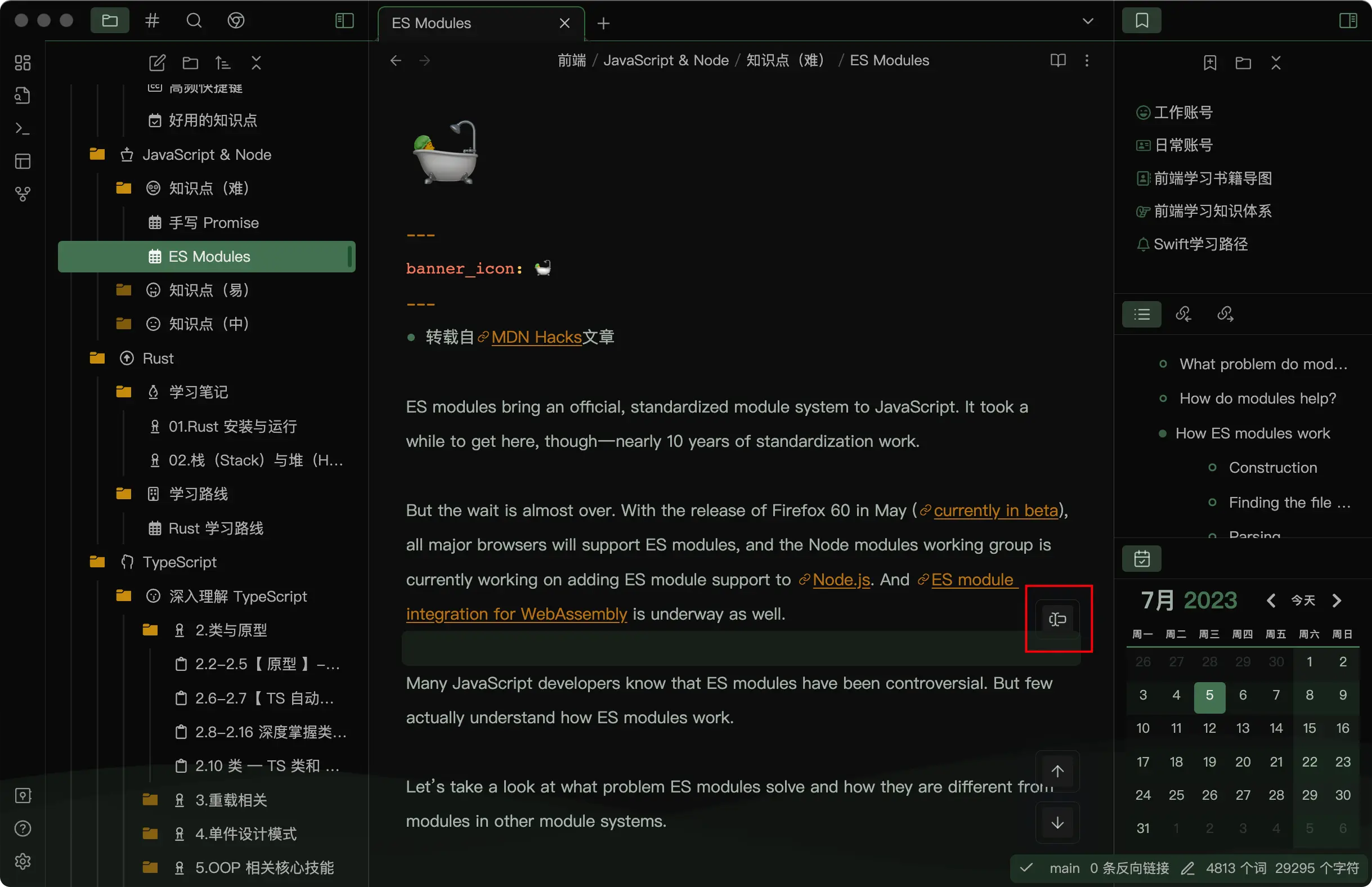
Scroll to Cursor

  • You can use this plugin in a Obsidian browser (should work with the Surfing plugin)
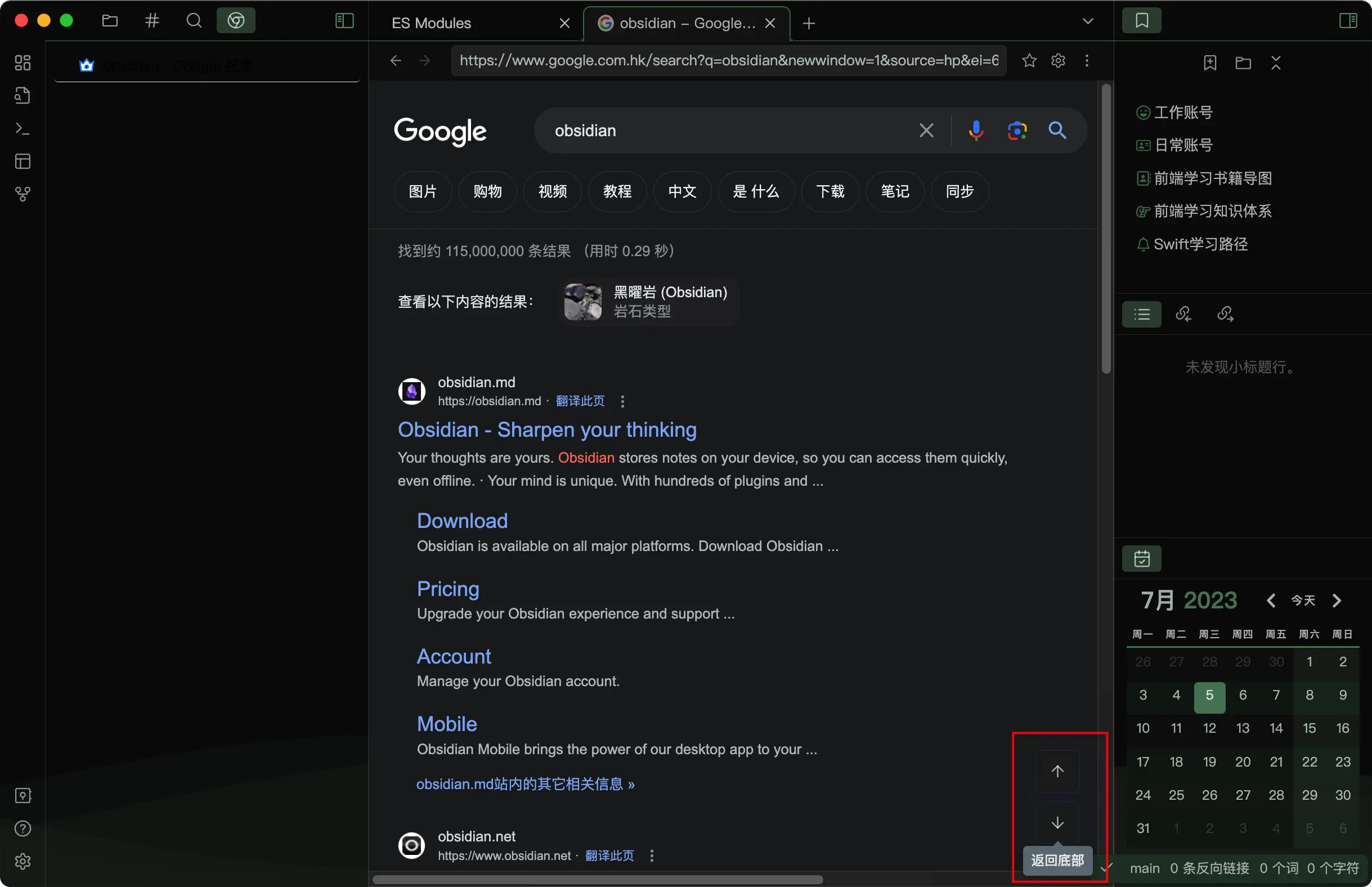
Browser

  • Customize the button style (should work with Style Settings Plugin)
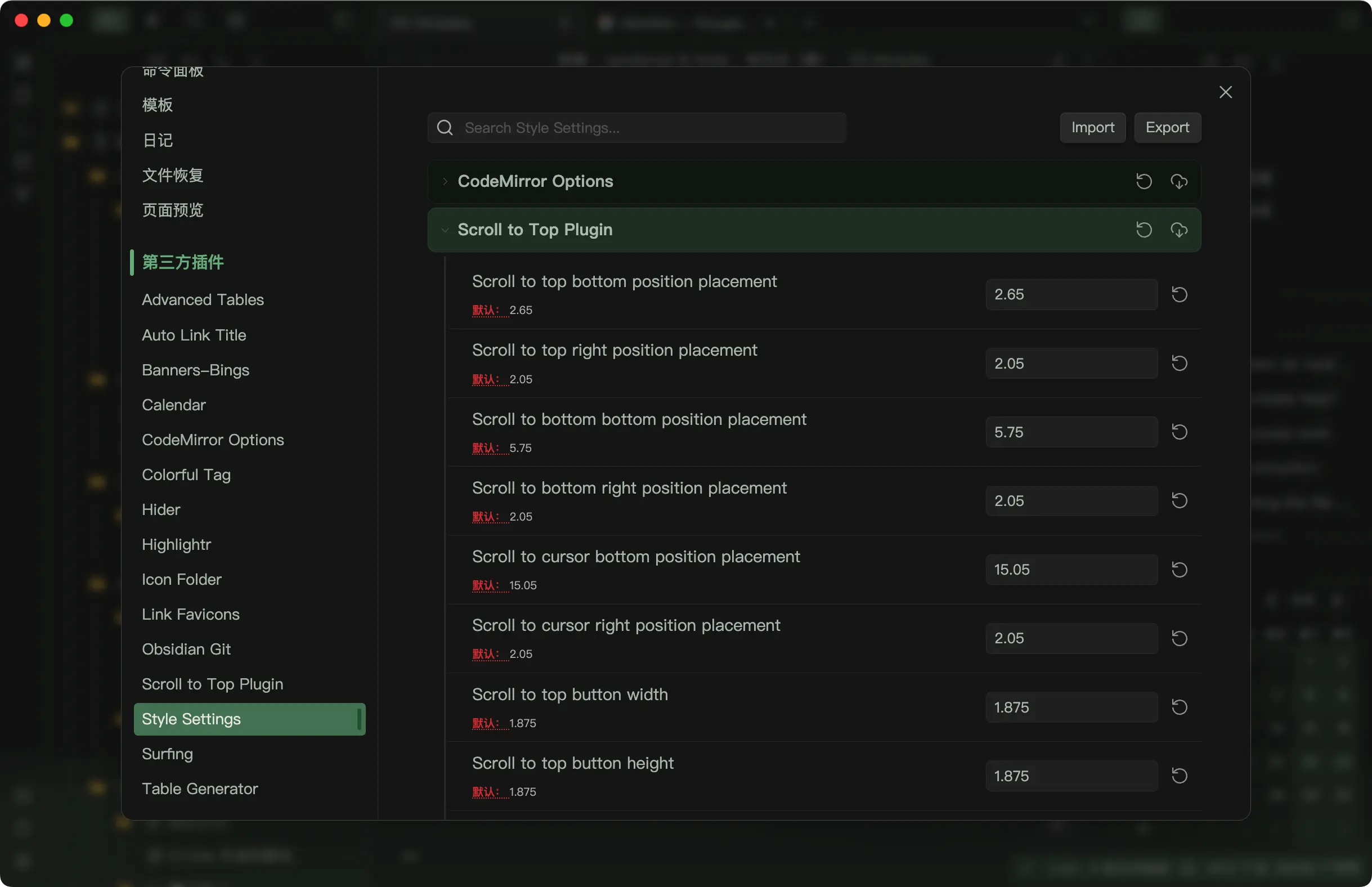
Customize

  • Edit more button options in the plugin settings
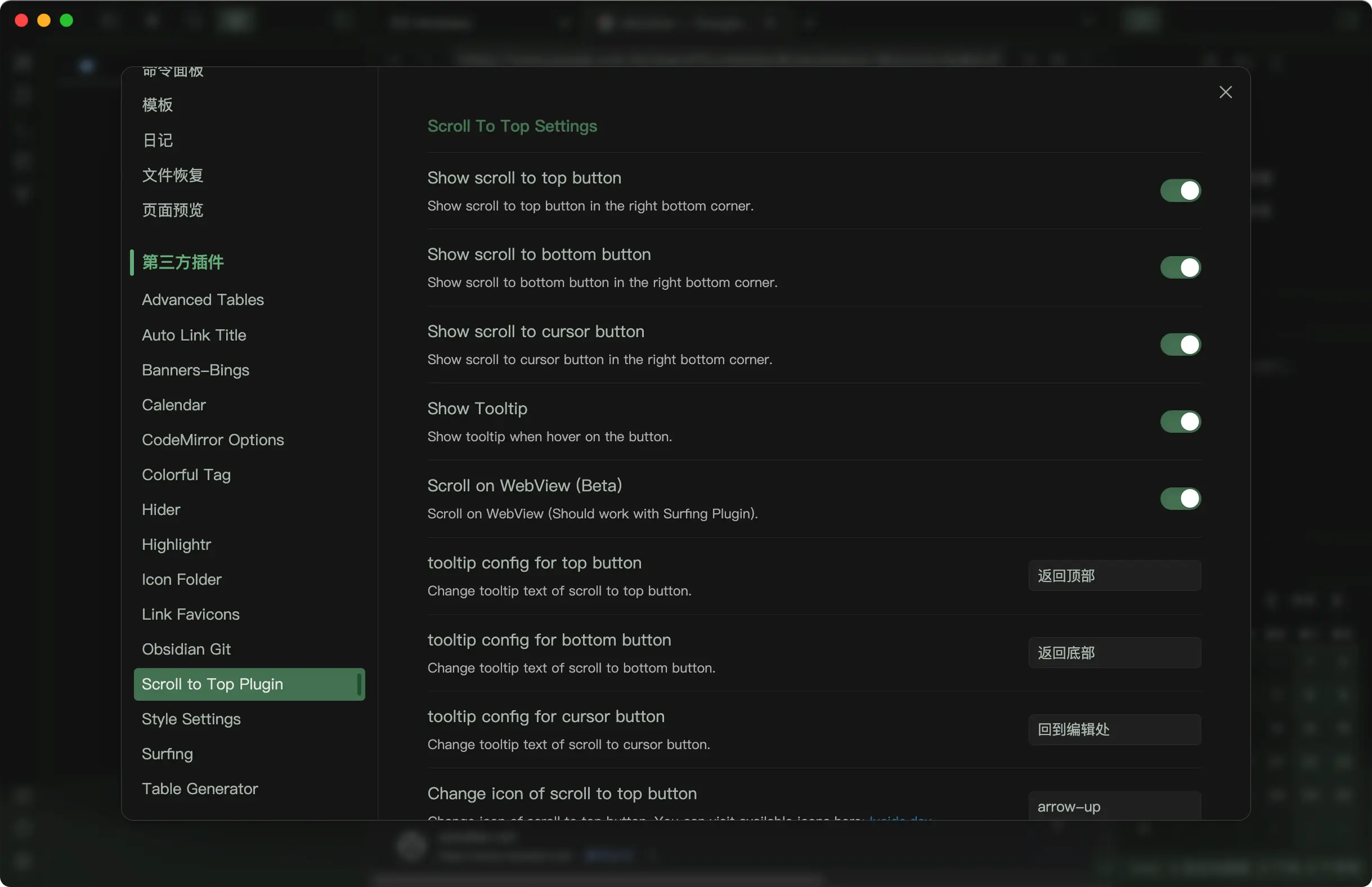
Settings

Similar Plugins

info
• Similar plugins are suggested based on the common tags between the plugins.