
README file from
GithubWakaTime for Obsidian
WakaTime is an open source Obsidian plugin for metrics, insights, and time tracking automatically generated from your Obsidian usage activity.
Installation
-
Inside Obsidian, click
Settings→Community Plugins→Browse. -
Search for
wakatime, click on the WakaTime plugin. -
Click the
Installbutton. -
Click the
Enablebutton. -
Enter your api key, then press
enter. -
Use Obsidian and your activity will be displayed on your WakaTime dashboard
Usage
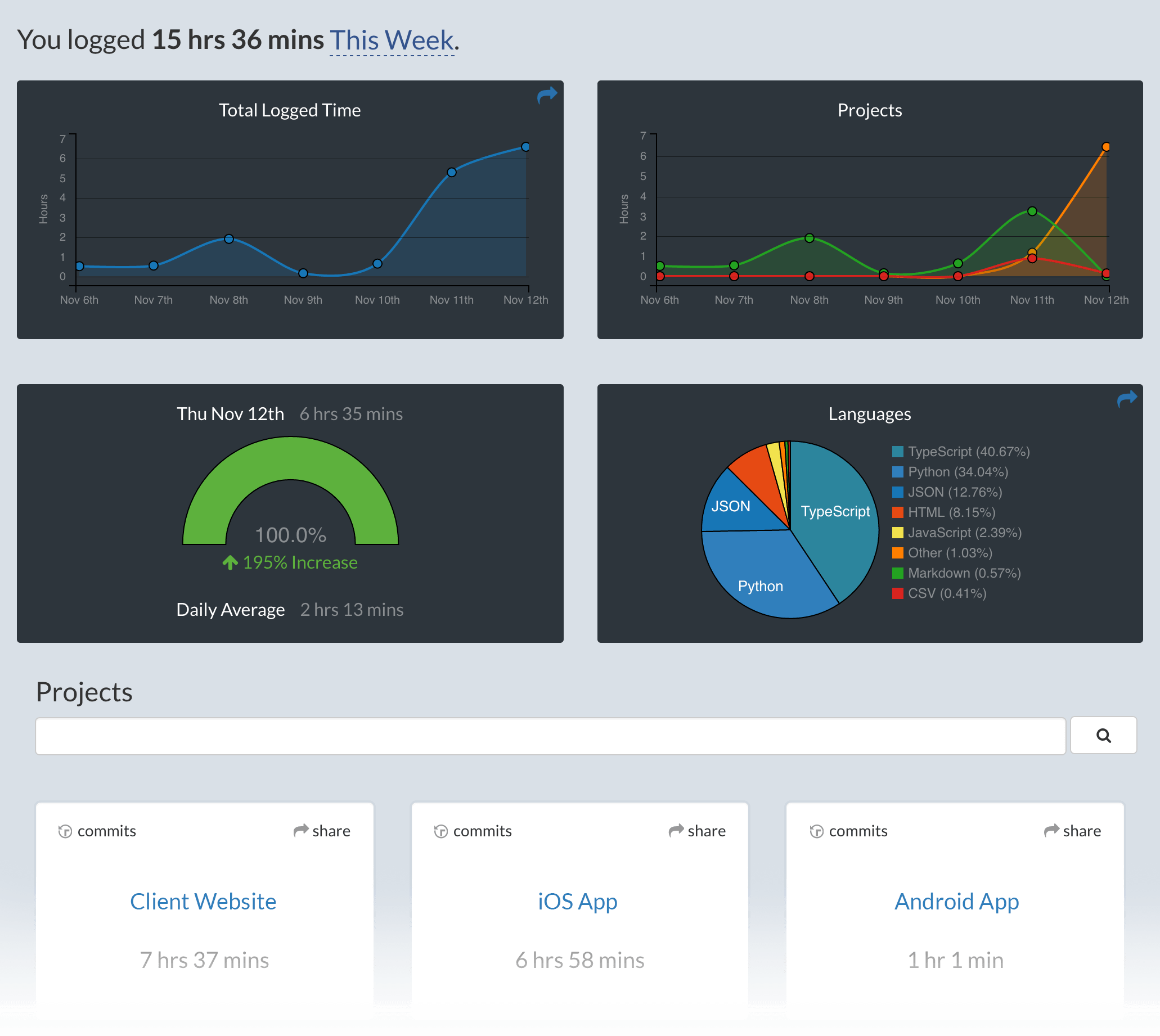
Visit https://wakatime.com to see your coding activity.
To edit your api key, open the Command Palette then type WakaTime and select the WakaTime API Key command.
Troubleshooting
The How to Debug Plugins guide shows how to check when coding activity was last received from your editor using the Plugins Status Page.
For more general troubleshooting info, see the wakatime-cli Troubleshooting Section.
Contributing
- Clone this repo.
npm ioryarnto install dependenciesnpm run devto start compilation in watch mode.
Manually installing the plugin
- Copy over
main.js,styles.css,manifest.jsonto your vaultVaultFolder/.obsidian/plugins/your-plugin-id/.