
README file from
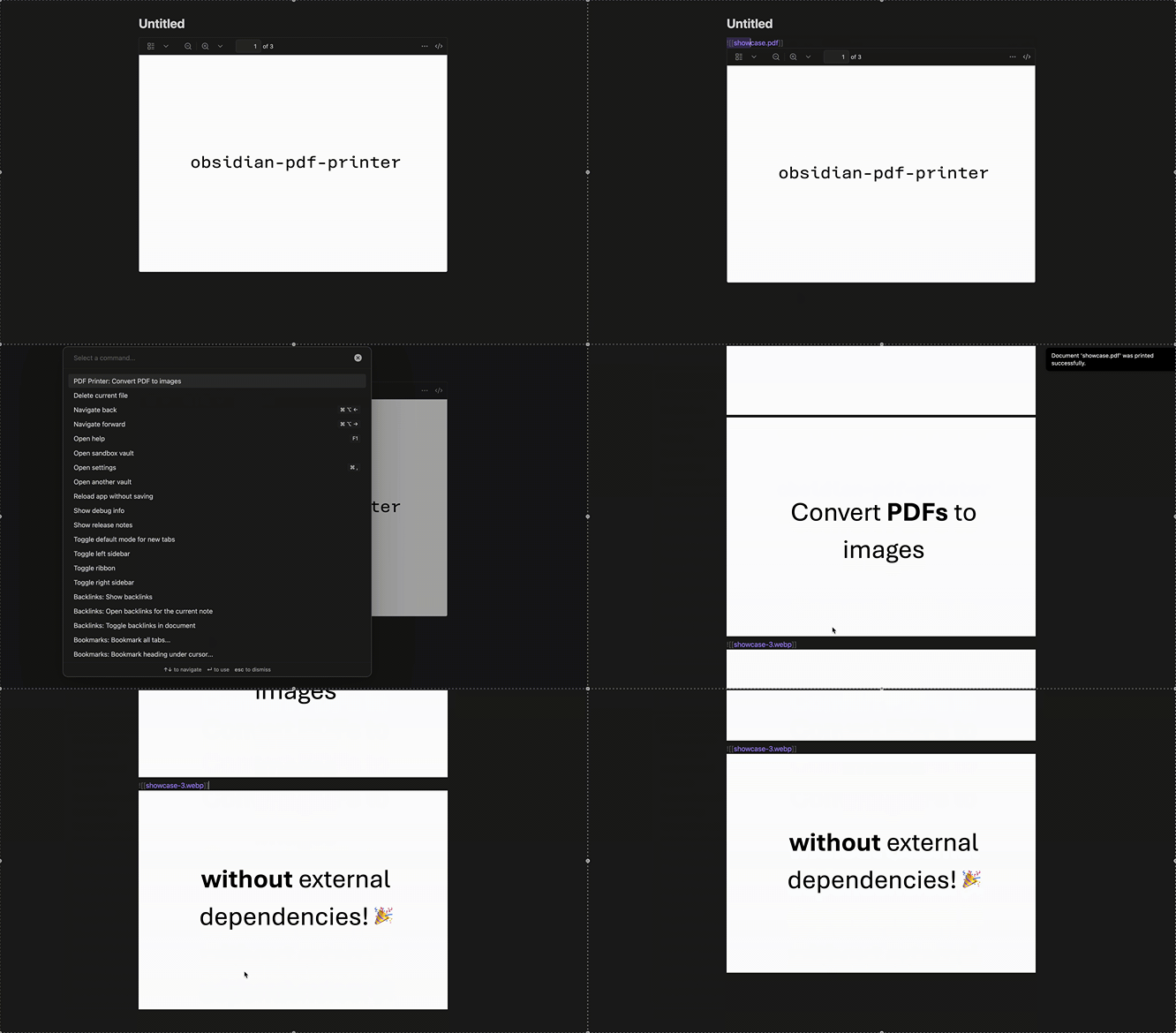
GithubPDF Printer is a plugin for the Obsidian editor that converts PDF documents in your vault into images, making it easy to embed and annotate PDF content directly in your notes.
Features
- Convert PDF documents into WEBP images inside Obsidian
- Batch conversion of multi-page PDFs
- Simple command to trigger conversion
- User-definable image quality
Installation
Direct installation
PDF Printer was added to the official community plugins! Just search for "PDF Printer" in Obsidian's "Community Plugins" tab.
Manual install
- Copy the project files into your vault's
.obsidian/plugins/pdf-printer/folder - Restart (or reload) Obsidian
- Enable PDF Printer in Settings > Community plugins
Usage
- Select a link to a
![[file.pdf]] - Open the Command Palette and run PDF Printer: Convert PDF to images
- Images will be generated, saved in a seperate folder and the PDF link will be replaced with the WEBP image links for the pages
Configuration
- Image quality can be set from 0 (lowest) to 1 (highest) in the settings. A lower value reduces image quality, but also decreases file size.
- A folder for printed images can be set to better organize your vault.
- A link to the printed PDF file can be shown above the printed pages.
- The format for embedded images can be set to allow for custom image widths and integrations with more specific workflows.
Contributing
Contributions are welcome! Please open an issue or submit a pull request on the GitHub repository.
License
This project is licensed under the MIT License.