
README file from
GithubRSS Dashboard
Only the feeds you need. Stream the world's knowledge into your vault: RSS, podcasts, YouTube, and more, all in one dashboard.





Table of Contents
- About
- Community
- Features
- Screenshots
- Roadmap
- Vault Shards Storage Guide
- Installation
- Getting Started
- Keyboard Shortcuts
- Development
- Troubleshooting
- YouTube Embeds and Terms
- Support the Development
- Other Plugins by Me
- License
About
RSS Dashboard is a free, open source community plugin for Obsidian that makes it easy to manage your RSS feeds, YouTube subscriptions, podcasts, and Twitter/X feeds in one place.
- Data is stored locally.
- Content can be saved directly to your vault.
- No ads, no tracking, no paywalls.
Community
Want to help shape the next release? Join the Discord server: https://discord.gg/9bu7V9BBbs
Community highlights:
- Build the manually curated Discover page with one-click subscriptions grouped by category.
- Discuss ideas, questions, and best practices in real time.
- Share sneak peeks of upcoming features and gather early feedback.
Features
Feed and Media Support
| Feature | Description |
|---|---|
| Multi-Format RSS Support | Support for RSS, Atom, XML and JSON feeds with automatic feed discovery and parsing |
| YouTube Integration | Convert YouTube channels to RSS feeds with embedded video playback |
| Podcast Support | Full podcast feed support with an integrated podcast player |
| Twitter/X Support | Convert Twitter/X profile URLs to chronological Nitter RSS feeds automatically |
| Media Detection | Automatic detection of video and podcast content |
Reading and Saving
| Feature | Description |
|---|---|
| Article Reader View | Built-in reader with full article content fetching and Markdown conversion |
| Article Saving | Save articles as Markdown files with customizable templates and frontmatter |
| Custom Templates | Customize saved article output with variable substitution |
| Media Progress | Resume from where you left off in videos and podcasts |
| Pagination | Paginated article lists with configurable page sizes |
| Android/Apple Support | Responsive support for cross-platform mobile devices |
Organization and Workflow
| Feature | Description |
|---|---|
| Folder Organization | Organize feeds into folders and subfolders with hierarchical structure |
| Tag Management | Add custom tags to feeds and articles for better organization |
| Article Filtering | Filter articles by read status, age, starred, saved, and more |
| Article Sorting | Sort articles by newest, oldest, and group by feed, date, or folder |
| Auto-Refresh | Automatic feed refresh with configurable intervals |
| OPML Import/Export | Import and export feed subscriptions in OPML format |
Discovery
| Feature | Description |
|---|---|
| Discover Page | Curated collection of RSS feeds organized by categories |
| Kagi Smallweb | Browse and subscribe to a curated stream of smaller independent blogs and websites |
Screenshots
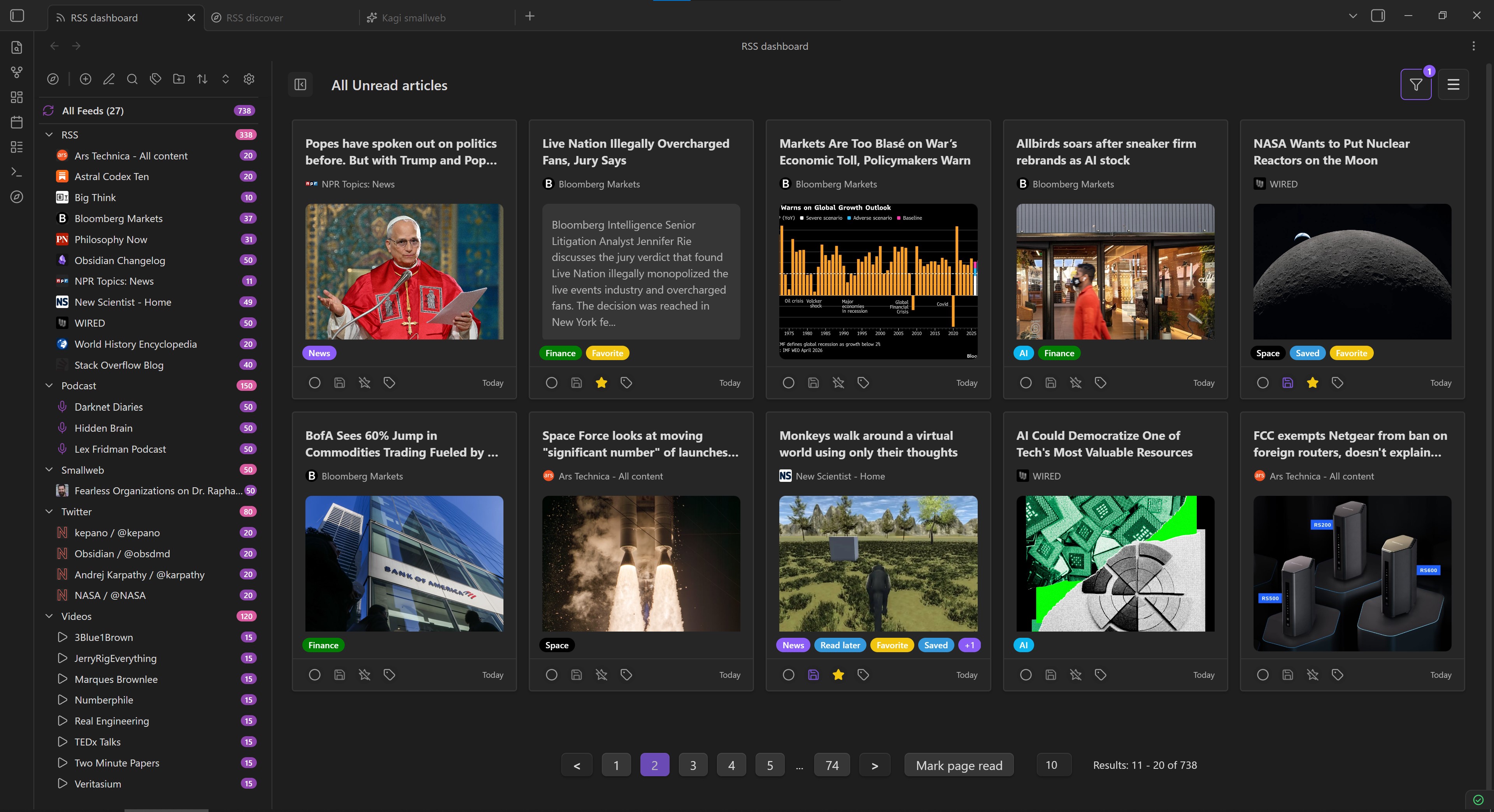
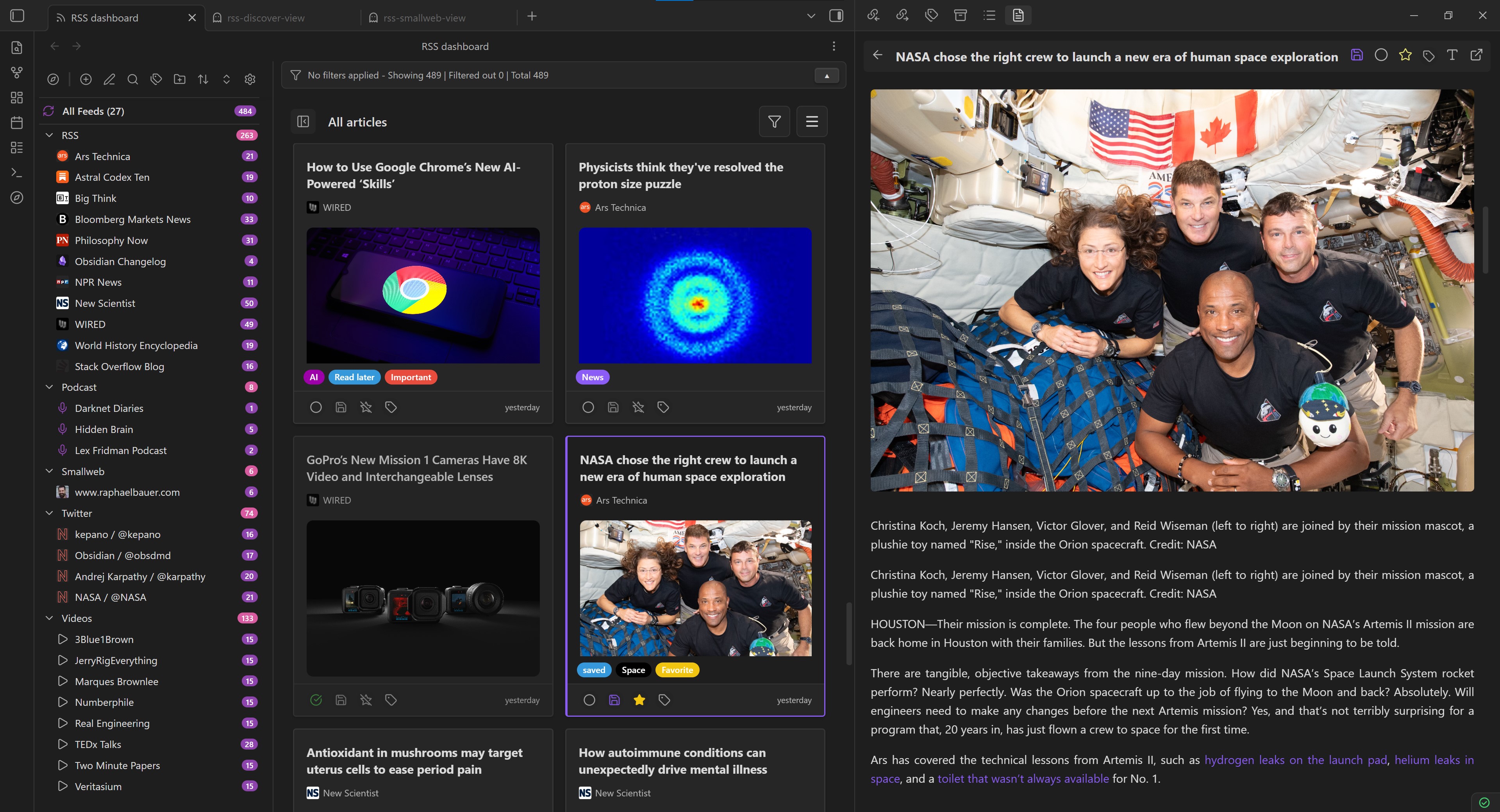
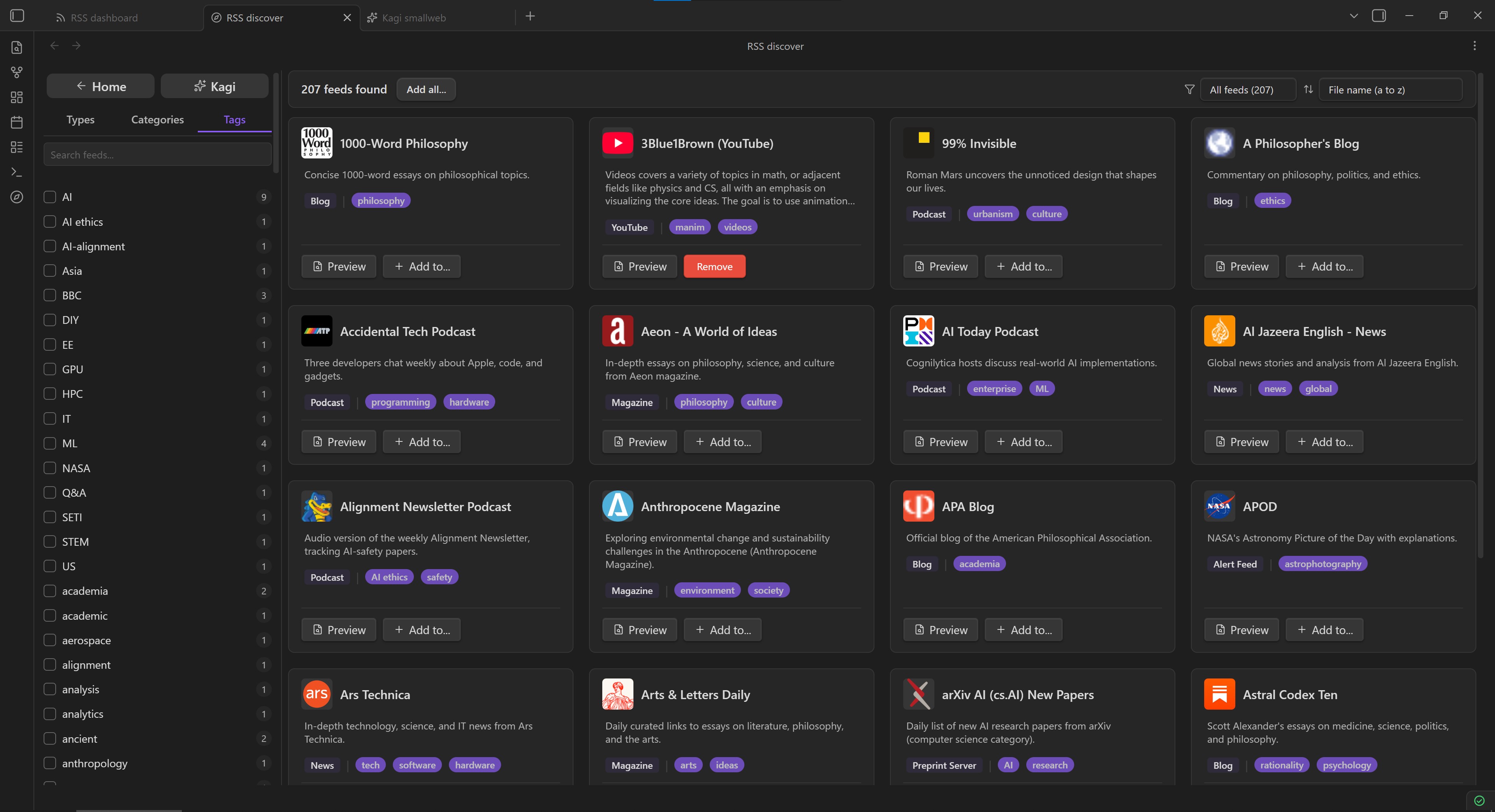
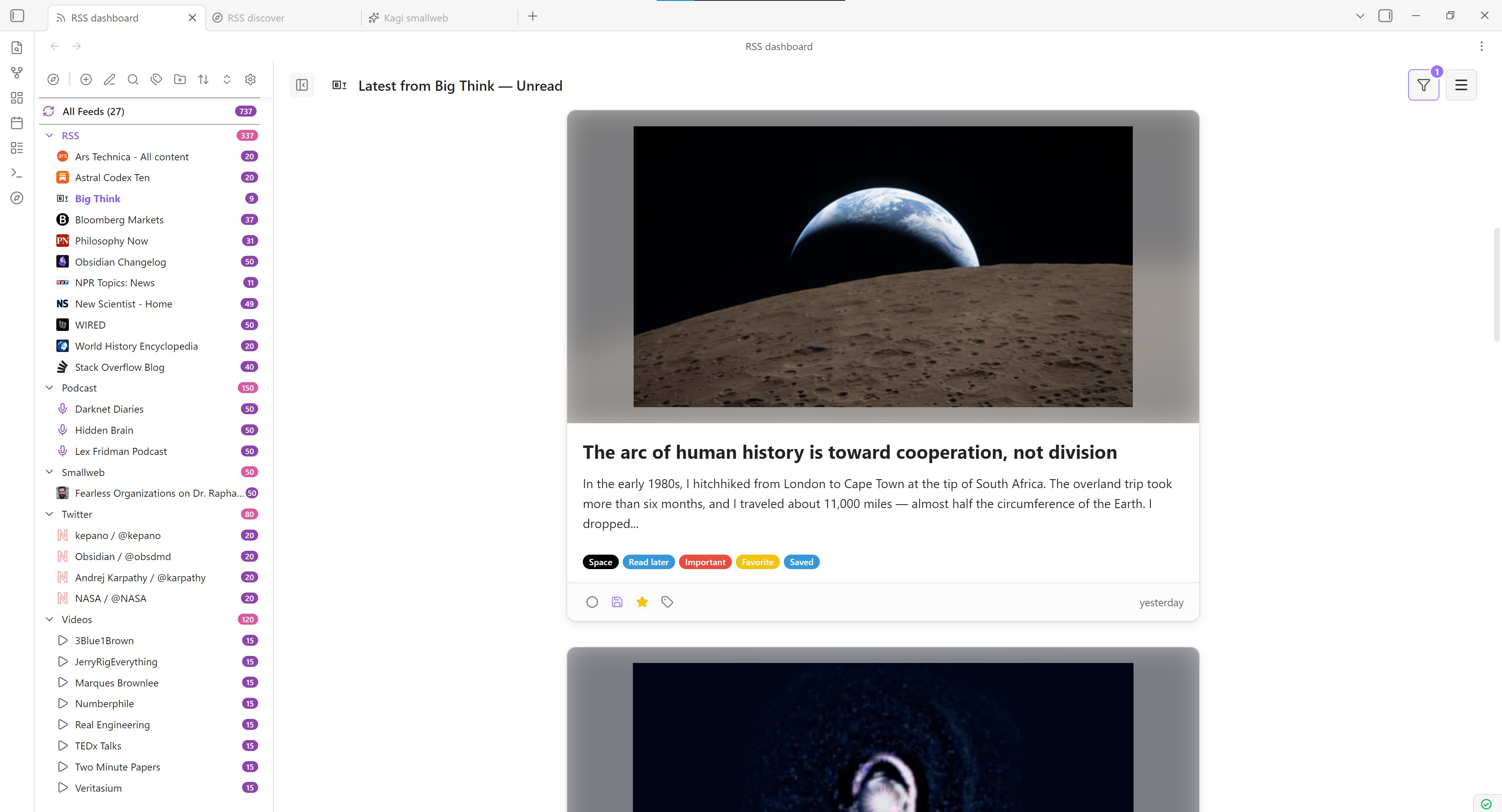
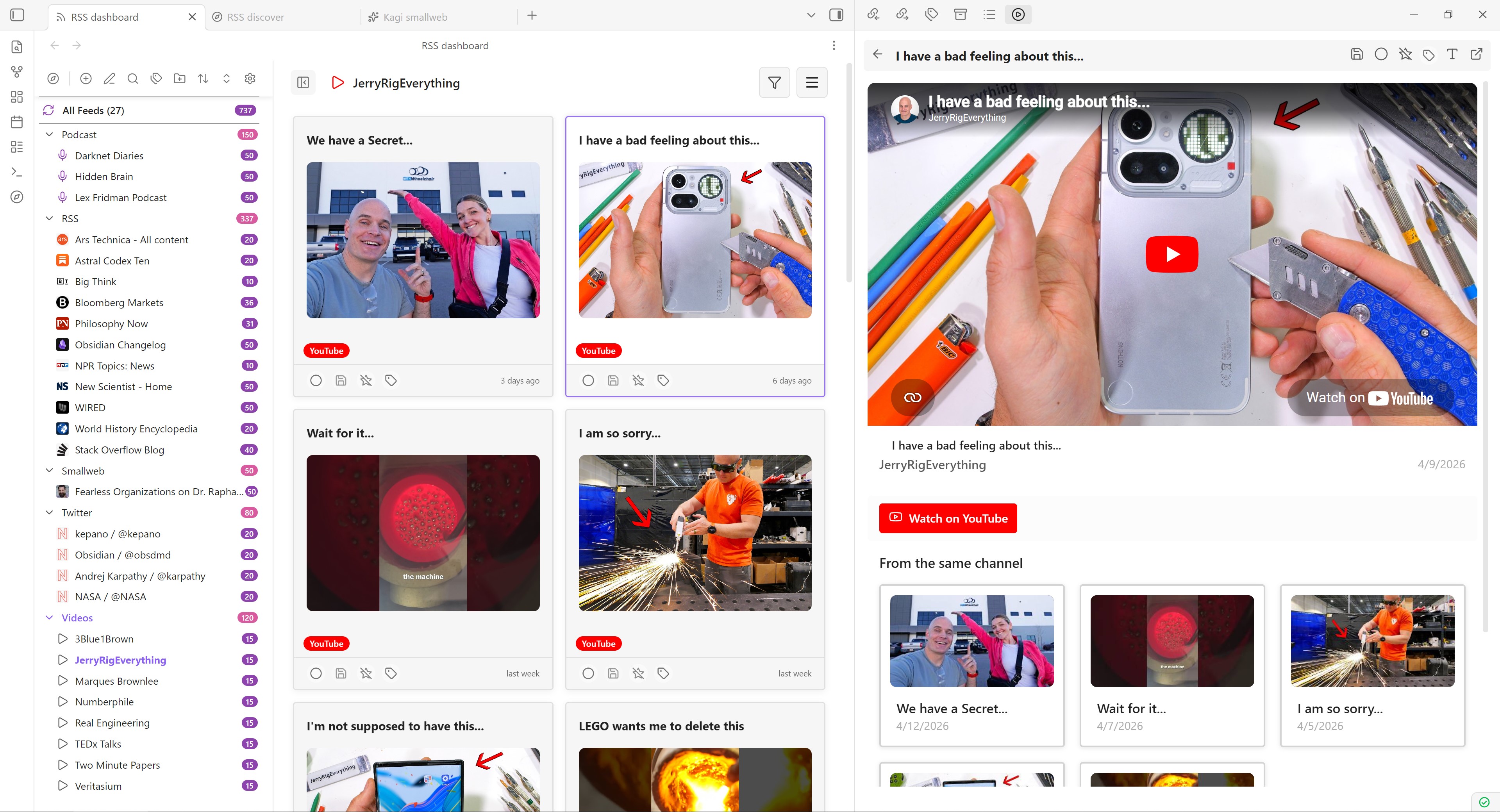
Video Showcase
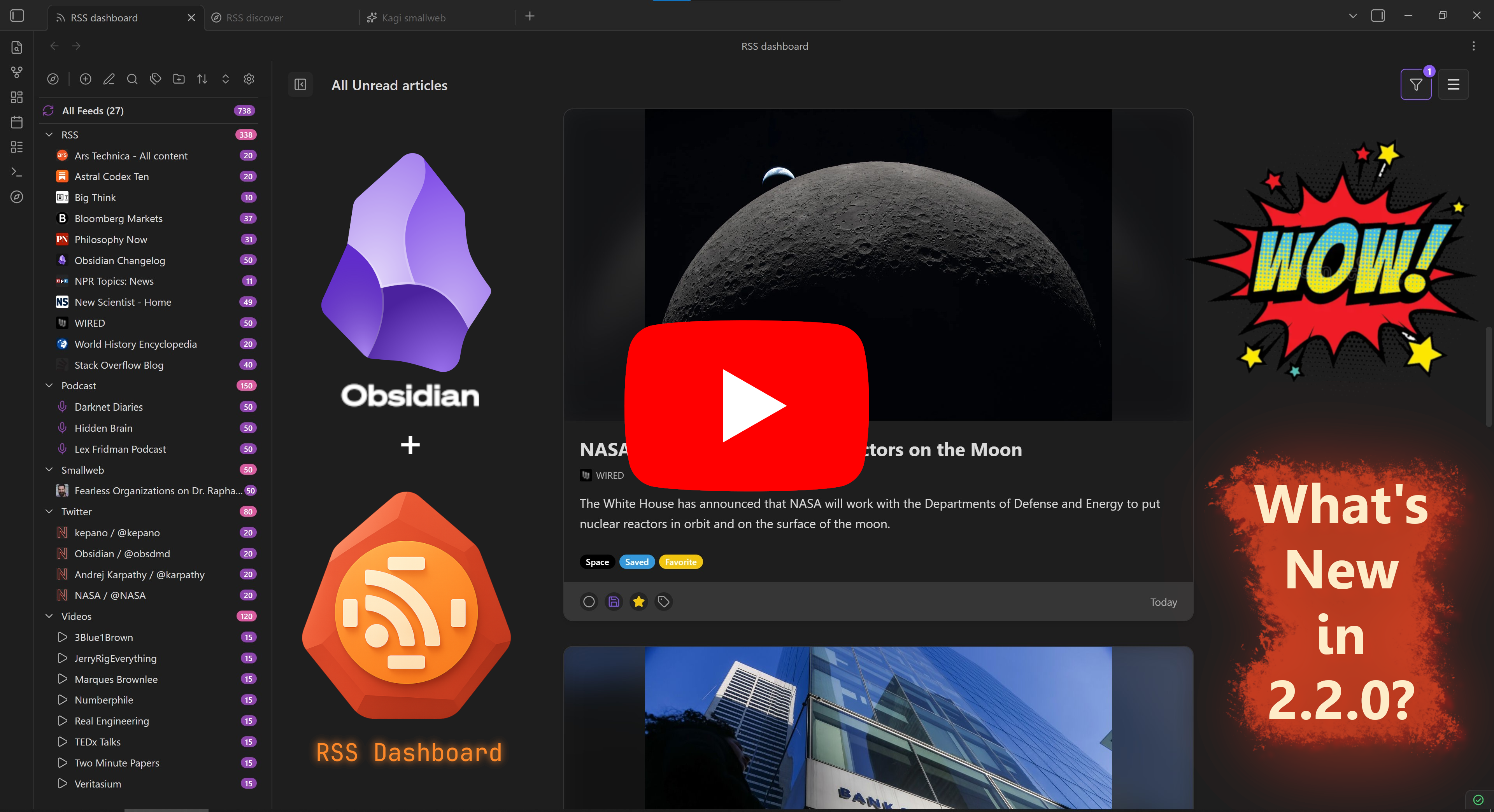
Roadmap
Looking for upcoming features? The old README planned-features list now lives in docs/plans/public-roadmap.md, along with links to other public-facing plans that have not been implemented yet.
Vault Shards Storage Guide
Using the new Vault Shards storage mode? See the user-facing guide here: docs/storage-vault-shards-guide.md.
Installation
Community Plugins Directory
- Open Settings in Obsidian.
- Go to Community plugins and disable Restricted mode if it is enabled.
- Click Browse.
- Search for RSS Dashboard.
- Click Install, then Enable.
Installing Through BRAT
- Install BRAT from Obsidian's Community Plugins browser.
- Copy the repository URL:
https://github.com/amatya-aditya/obsidian-rss-dashboard - Open the command palette and run
BRAT: Add a beta plugin for testing. - Paste the repository URL into the modal and select the latest version.
- Click Add Plugin and wait for BRAT to finish.
- Open Settings > Community plugins.
- Refresh the plugin list if needed.
- Find RSS Dashboard and enable it.
Manual Installation
- Download the latest release files (
manifest.json,styles.css,main.js) from the Releases page. - Create a folder named
rss-dashboardin your vault's.obsidian/pluginsdirectory. - Copy the downloaded files into that folder.
- Enable the plugin in Settings > Community plugins. You may need to restart Obsidian before it appears.
Getting Started
Adding Your First Feed
- Open the RSS Dashboard view using the ribbon icon or the command palette.
- Click the
+button in the sidebar to add a new feed. - Enter a feed URL or website URL. The plugin will try to auto-discover the feed for you.
- Choose a folder to organize the feed.
- Click Add Feed to subscribe.
Using the Discover Page
- Open the RSS Discover view using the Discover icon or the command palette.
- Browse curated feeds organized by category.
- Use the Kagi Smallweb button at the top of the Discover sidebar to open a curated collection of smaller independent blogs and websites.
- Use filters or search to find content you want to follow.
- Click Add Feed on any feed card to subscribe instantly.
Reading Articles
- Click any article in the dashboard to open it in the reader view.
- Use the built-in reader for a cleaner reading experience.
- Save articles as Markdown files for long-term storage in your vault.
- Use the video player for YouTube content or the audio player for podcasts.
- YouTube embeds use Privacy Enhanced Mode through
youtube-nocookie.com, and each video includes a visible Watch on YouTube link.
Organizing Your Feeds
- Create folders and subfolders to organize your subscriptions.
- Drag and drop feeds and folders to reorder them and build the structure you want more directly.
- Add tags to categorize your content.
- Use the filtering and sorting options to find specific articles quickly.
- Export your feed list as OPML for backup or migration.
Keyboard Shortcuts
To quickly access the keyboard shortcuts help file, press ? (Shift + /) within the app. This will display a comprehensive list of available shortcuts and their functions.
For a preview of the keyboard shortcuts, see Keyboard Shortcuts.
Development
Before opening a PR, read the contributor policy in CONTRIBUTING.MD, especially the Compliance Declarations (Audit Guardrails) section.
For implementation examples and approved patterns used in recent compliance passes, see docs/development/compliance-patterns.md.
Local Setup
This repo targets Node 22 for local development and CI. Both .nvmrc and .node-version are pinned to 22.
If you use nvm, run:
nvm use
npm ci
Local Development
Use the development build while making changes locally:
nvm use
npm ci
npm run dev
Local CI-Equivalent Commands
Run the same install and unit test flow used in GitHub Actions:
nvm use
npm ci
npm run test:unit -- --coverage
Test Baseline: 130 test files, 1180 passing tests, 100% compliance audit. See testing-guide.md for details.
Production Build
To mirror the release workflow build step locally:
nvm use
npm ci
npm run build
Troubleshooting
Common Issues
Feed not loading
- Check that the feed URL is correct.
- Try refreshing the feed manually.
- Some feeds require authentication.
YouTube feeds not working
- Make sure you are using a valid YouTube channel, user, or playlist URL.
- Try using the channel ID instead of a custom URL.
- Some channels have disabled RSS feeds.
- YouTube feed retrieval is currently limited, and only about 15 YouTube feeds can usually be fetched at a time.
- Embedded playback uses
youtube-nocookie.comwith a strict referrer policy to satisfy current YouTube embed requirements.
Podcast audio not playing
- Check that the audio URL is accessible.
- Some podcasts require authentication.
- Try opening the audio URL in a browser.
Getting Help
If you run into an issue or have a suggestion:
- Create an issue on GitHub
- Join the Discord community
- Check existing issues for known fixes and workarounds
YouTube Embeds and Terms
RSS Dashboard resolves YouTube feed items to a canonical videoId, renders the embedded player through Privacy Enhanced Mode (https://www.youtube-nocookie.com/embed/...), and provides a standard Watch on YouTube link that opens the original video in your browser or native YouTube app.
The plugin does not add YouTube download features, background audio-only playback, or ad-blocking behavior around the embedded player.
YouTube embeds and API usage are subject to:
Support the Development
If you find this plugin useful, consider supporting its long-term development:
- Buy me a coffee: https://www.buymeacoffee.com/amatya_aditya
- Ko-fi: https://ko-fi.com/Y8Y41FV4WI
Other Plugins by Me
License
This project is licensed under the MIT License. See LICENSE for details.