
README file from
GithubObsidian Symbols Prettifier
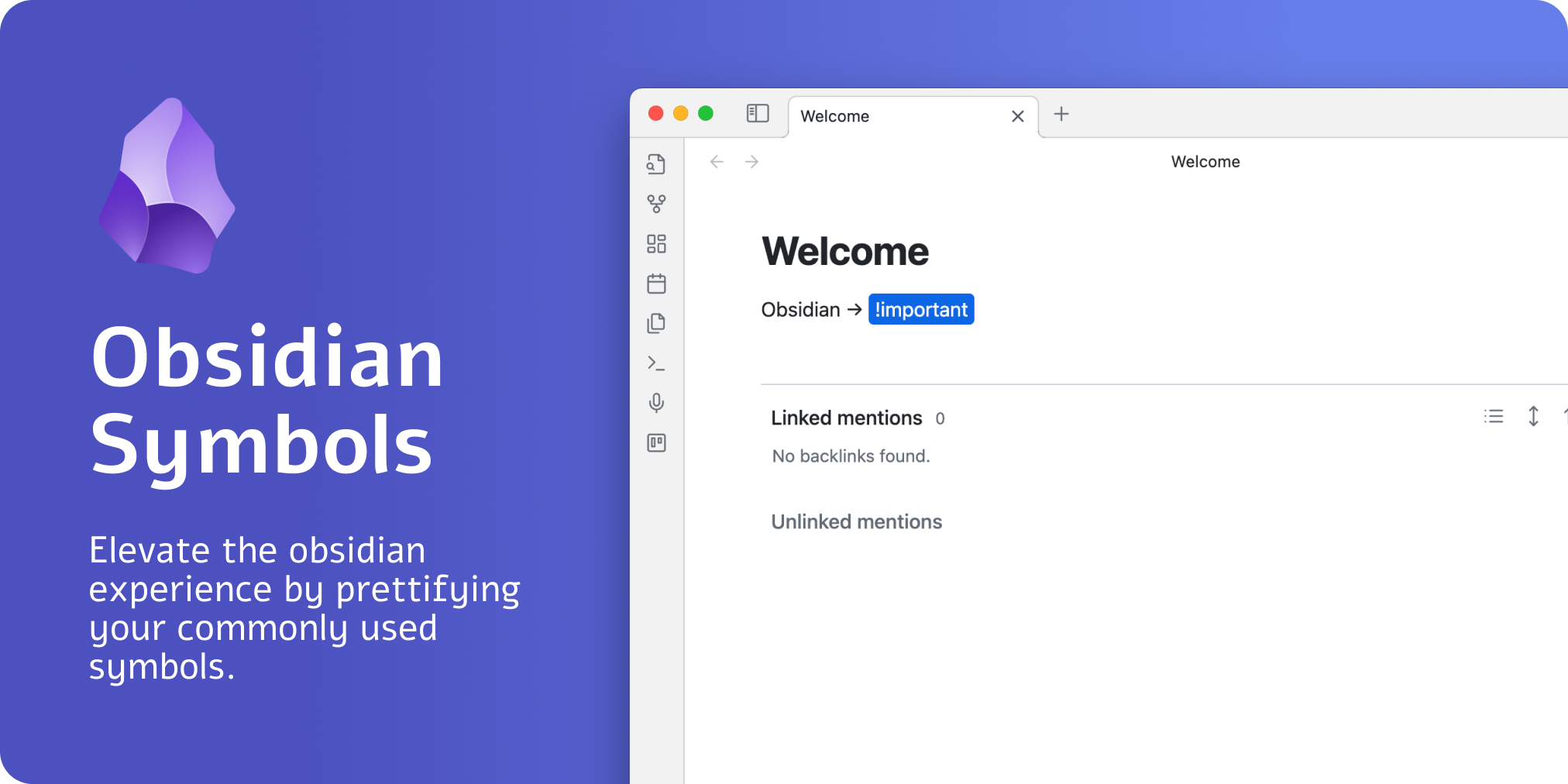
What is it
Did you ever want to prettify your arrows or symbols, like -> or <=>?
With the help of this plugin, it is easier than ever before. This plugin allows you to prettify several character combinations so that these combinations do not look like cryptic symbols.
How to use
The easiest way to use the plugin is to install it and then try to type the following symbols. All of these symbols will be prettified:
| Text | Symbol |
|---|---|
| -> | → |
| <- | ← |
| <-> | ↔ |
| <=> | ⇔ |
| <= | ⇐ |
| => | ⇒ |
| =< | ≤ |
| >= | ≥ |
| +- | ± |
| -+ | ∓ |
Development
To customize this project for your needs, you can clone it and then install all dependencies:
$ git clone https://github.com/FlorianWoelki/obsidian-symbols-prettifier
$ cd obsidian-symbols-prettifier
$ yarn
After the installation, you need to create a env.mjs file in the root directory. Fill the file with the following content:
export const obsidianExportPath =
  '<path-to-obsidian-vault>/.obsidian/plugins/obsidian-symbols-prettifier';
Afterward, you can start the rollup dev server by using:
$ yarn dev
This command will automatically build the necessary files for testing and developing every change. Furthermore, it copies all the essential files to the specified plugin directory.
Finally, you can customize the plugin and add it to your plugins.