
README file from
GithubTitle Generator
Quickly and easily title your Obsidian notes using OpenAI's GPT-3.5
Generate titles for one or multiple notes at a time based on their content.
Generating a title will set the note's title directly. Run multiple times for variations.
Three ways to use
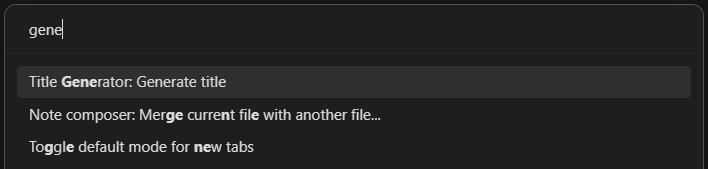
Command Palette
If a note is active in either editing or reading mode, there will be an entry in the command palette: Title Generator: Generate title
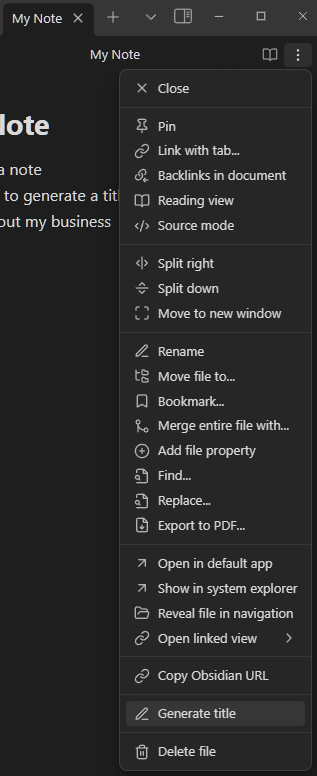
Editor Menu
If a note is active in either editing or reading mode, there will be an entry in the editor dropdown menu: Generate title
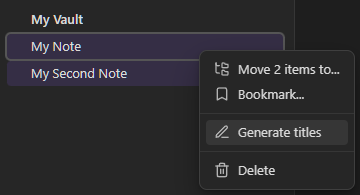
File Menu
If you right click on a file name in the file menu there will be an entry in the contextual menu: Generate title.
With multiple files selected, right click on a file name and there will be an entry in the contextual menu: Generate titles
Settings
You will need to create an OpenAI API key and add it to this plugin's settings.
There is also a setting to make titles all lower-case.