
README file from
GithubHaze Note
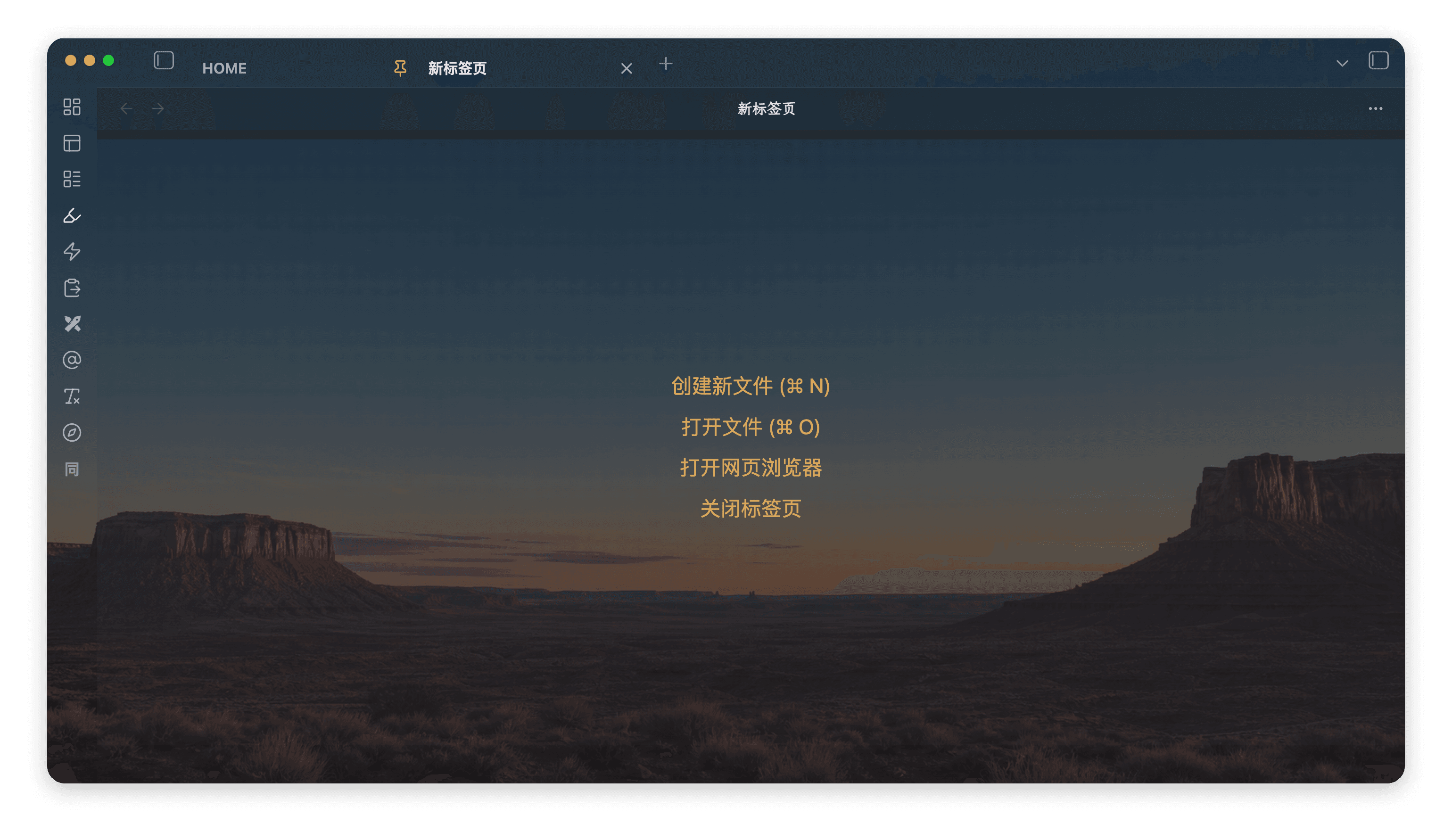
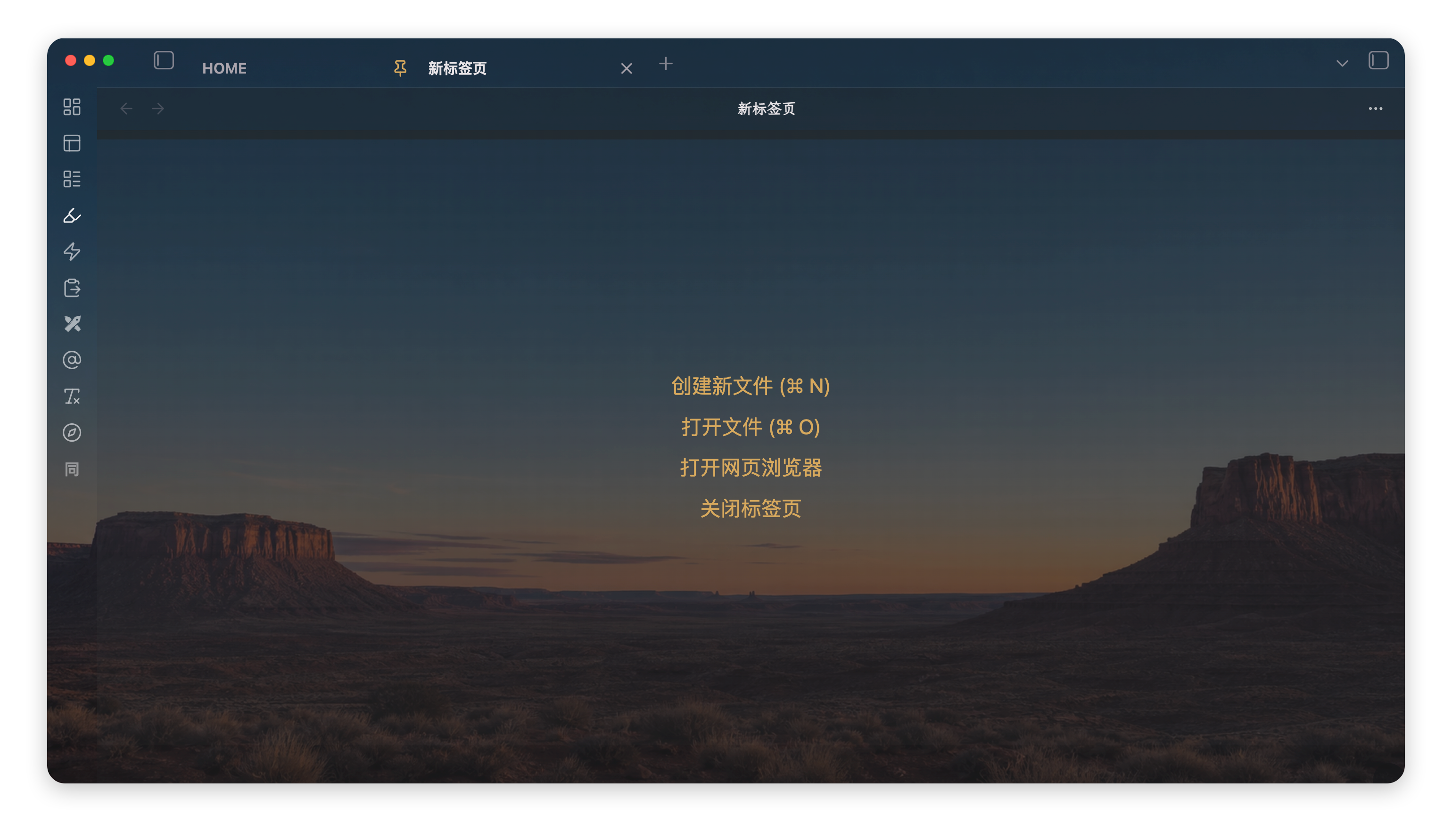
Haze Note is a macOS-first Obsidian theme with a soft neutral glass frame, four embedded 4K wallpapers, a focused reading surface, and Chinese Style Settings labels.
Highlights
- Four original 4K WebP wallpapers embedded directly in
theme.css: desert sunset, blue-violet dusk, warm paper, and graphite. - Neutral light and graphite dark modes, with one adjustable glass-opacity control.
- A continuous top frame, rounded bottom utility areas, and readable status/backlink text at low opacity.
- SF Mono / Menlo typography with
LXGW WenKai Monoas the Chinese fallback. - No remote assets, audio, or runtime background blur.
Installation
- Download
theme.cssandmanifest.jsonfrom this repository. - Create
Haze Noteunder your vault's.obsidian/themes/directory. - Put both files in that directory and enable Haze Note from Settings → Appearance.
Development
The distributable theme.css embeds four optimized 3840×2160 WebP wallpapers at q=30 and enforces a 380 KB size ceiling. Install cwebp, then rebuild after changing src/theme.template.css or an image:
node scripts/build-theme.mjs
The original 4K source wallpapers are in assets/wallpapers/. Haze Note also works without any companion plugin; the optional local Haze Note Folders plugin can override the selected preset with an image stored inside a vault.
Scope
This repository contains the public theme only. The optional local folder-color plugin, personal vault configuration, test notes, and development feedback are intentionally not included.
License
MIT. See LICENSE.