
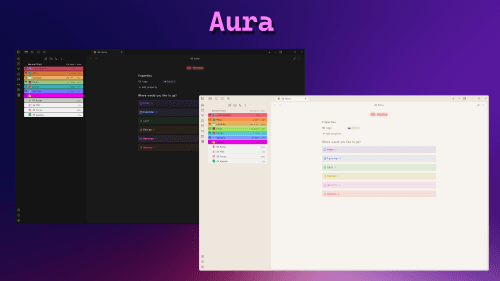
README file from
Github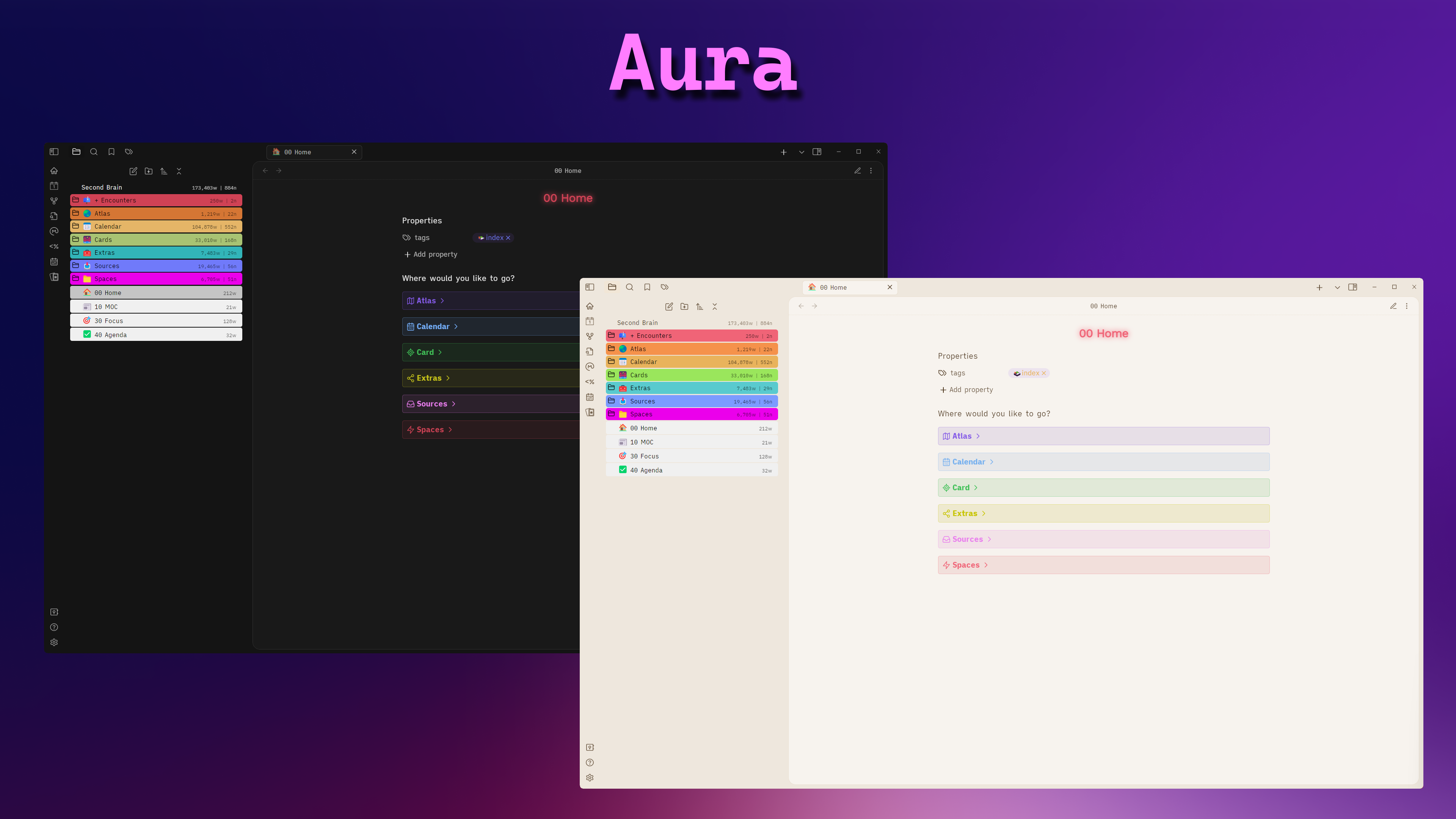
Installation
To install the theme
- Open Obsidian Settings
- Go to Appearance and click Manage
- Under community themes search for
Aura - Then click the
Install and Usebutton
Features
Custom Colorschemes
Change the look of you workspace with colorschemes
Workspace Background
Customize your workspace with custom background images
Alternate Layout
Make your workspace more rounded
Colorful Frame
Change the frame color as per your liking
And many more..
Make your callouts and folders pop out
Credits
- Anubis
- Callouts
- Floating Status bar
- File & Folder Icons
- Farouk
- Card layout
- Workspace background
- Ha'ani Whitlock
- Origin colorscheme
- Origin layout