
README file from
GithubBumblebee
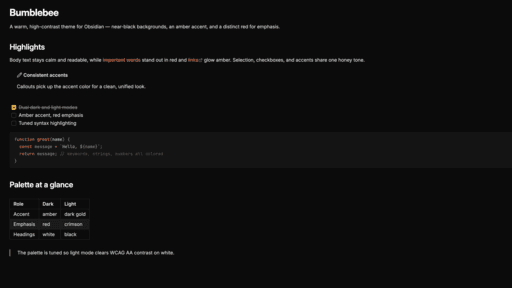
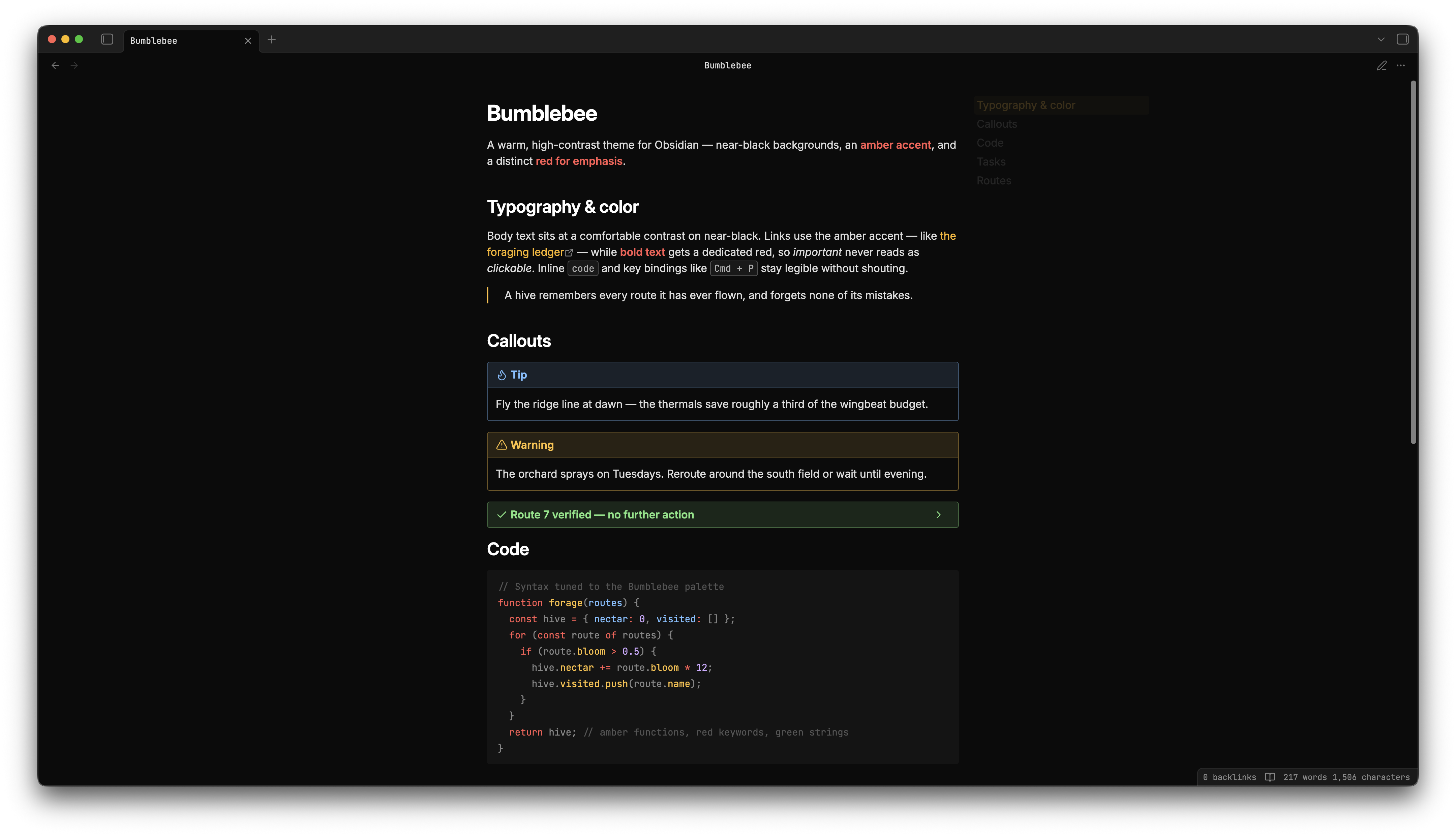
A warm, high-contrast theme for Obsidian — near-black backgrounds, an amber accent, and a distinct red for emphasis. Ships with both dark and light modes.
Features
- Dark and light modes. Dark is the primary design target; light mode uses darker accent variants to meet WCAG AA contrast on white.
- Amber accent, red emphasis. The accent (amber) is reserved for interactive elements — links, checkboxes, selection. Bold text gets a dedicated red so "important" never reads as "clickable".
- Code syntax highlighting tuned for the palette, with distinct colors for keywords, functions, strings, properties, numbers, and comments.
- Style Settings support. Install the Style Settings plugin to toggle callout styles, header underlines, per-header colors, and Kanban accents.
- Kanban styling for the Kanban plugin.
Installation
From the community themes (recommended)
- Open Settings → Appearance → Themes → Manage.
- Search for Bumblebee and click Install and use.
Manual
- Create a folder
Bumblebeein your vault's.obsidian/themes/directory. - Download
manifest.jsonandtheme.cssfrom the latest release into that folder. - Enable it under Settings → Appearance → Themes.
Customization
With the Style Settings plugin enabled, open Settings → Style Settings → Bumblebee to adjust callouts, header underlines, header colors, and Kanban accents.
Development
Bumblebee is a single-file CSS theme — theme.css is the artefact, no build step.
Local iteration. Symlink the repo into a vault's themes folder, then enable Bumblebee under Settings → Appearance → Themes. Reload Obsidian (or use the Hot Reload community plugin) when you save:
TARGET="/path/to/vault/.obsidian/themes/Bumblebee"
rm -rf "$TARGET" && ln -s "$(pwd)" "$TARGET"
The rm -rf is needed if Bumblebee was previously installed from the community themes browser — ln -sfn alone leaves the existing real directory in place and silently creates a nested symlink inside it.
Releasing. Bump the version field in manifest.json, commit, then push a bare-semver tag:
git tag 1.0.2 && git push origin main 1.0.2
The workflow at .github/workflows/release.yml asserts the tag matches manifest.json, then publishes a GitHub Release with manifest.json and theme.css attached. Tags must be bare semver — no v prefix — as required by Obsidian's community-themes index.
Design decisions live in CONTEXT.md and docs/adr/.
Credits
Bumblebee is a recolor of GitHub Theme by @krios2146, used under the MIT License. The structural CSS and Style Settings scaffolding are derived from that theme; the Bumblebee palette and the design decisions behind it are documented in CONTEXT.md and docs/adr/.
License
MIT. Copyright © 2023 Vladimir Kidyaev (original theme) and © 2026 KulySocc (recolor).