
README file from
GithubOxygen Theme for Obsidian

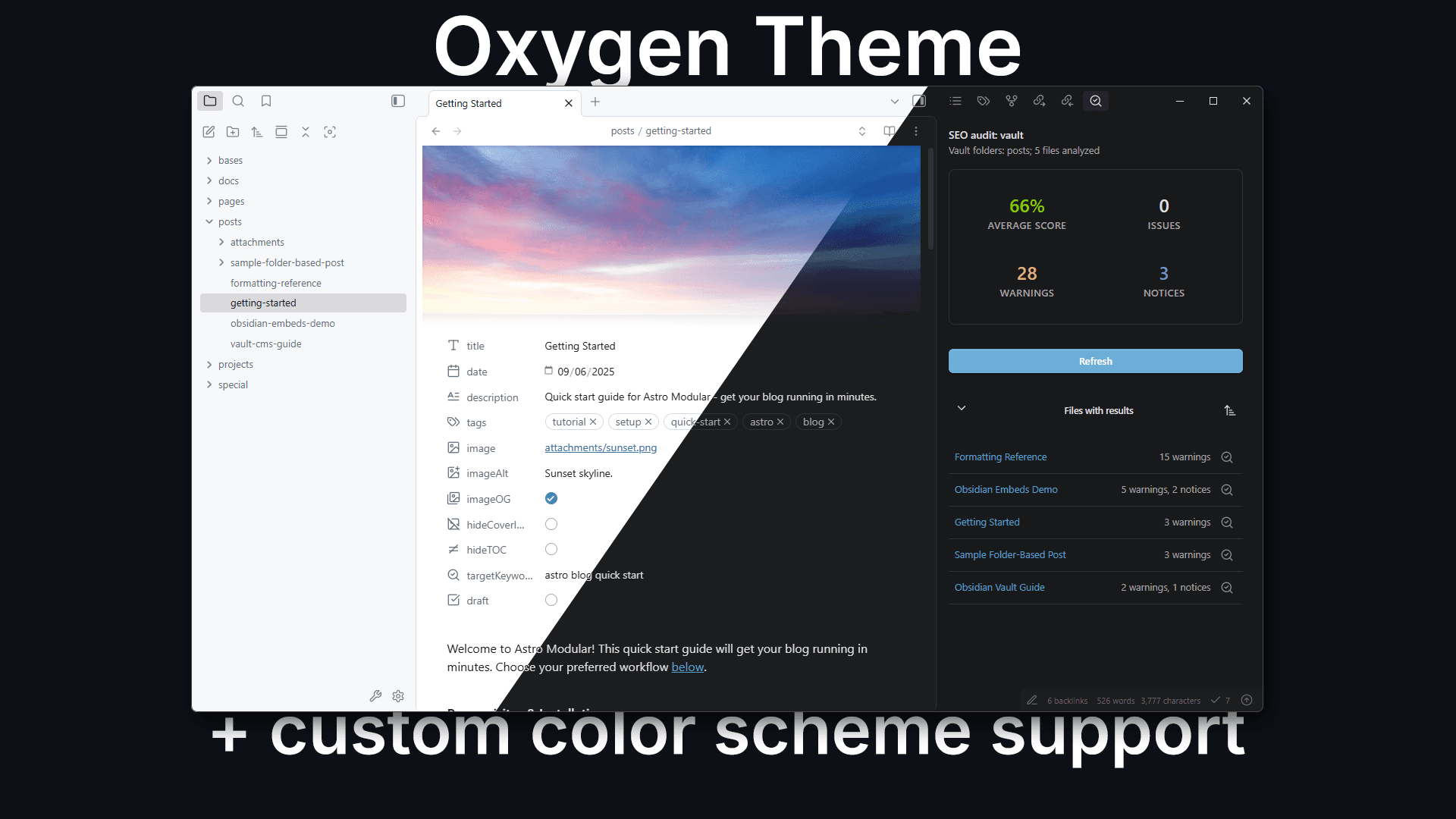
A fork of Minimal with a custom Oxygen color scheme as the default. Oxygen extends Minimal's excellent foundation with enhanced color scheme management and custom preset functionality.
Made for Vault CMS
Part of the Vault CMS project.
What Makes Oxygen Different
- Calm color scheme: Oxygen's carefully crafted color palette prioritizes focus.
- Polished animations: Smooth transitions and subtle entrance effects for workspace panes, modals, and menus with customizable speed and motion styles.
- Advanced custom presets: Create, import, and share custom color schemes with an intuitive interface using Oxygen Theme Settings
- Full Style Settings integration: Supports anything from Minimal in the Style Settings plugin
For general features and documentation, see minimal.guide.
Installation
Community Themes Search
- In Obsidian, go to Settings > Appearance.
- Select "Manage" and search for "Oxygen" and select "Install and use."
Install the Companion Plugin (Highly Recommended)
- In Obsidian, go to Settings > Community plugins (enable it if you haven't already).
- Search for Oxygen Theme Settings and click Install and then Enable.
Manual
- Download the latest release from the Releases page and navigate to your Obsidian vault's
.obsidian/themes/directory. - Create a new folder called "Oxygen" and ensure
manifest.jsonandtheme.cssare in it. - In Obsidian, go to Settings > Appearance and then enable "Oxygen."
Install the Companion Plugin (Highly Recommended)
- Download the latest release from the Oxygen Theme Settings Releases page and navigate to your Obsidian vault's
.obsidian/plugins/directory. - Create a new folder
oxygen-settingsand ensuremanifest.json,main.js, andstyles.cssare in there. - Enable the plugin in Settings > Community plugins.
Companion Plugins
- Oxygen Theme Settings - Recommended for accessing color schemes, custom presets, and theme features. Includes advanced color management functionality.
- Style Settings - Optional. Create custom color schemes through a visual interface with full variable customization.
For general features like focus mode, image grids, helper classes, alternate checkboxes, and more, see the Minimal documentation.
Color Schemes
Oxygen offers the same color schemes as Minimal, with Oxygen as the default instead. Switch between schemes using Oxygen Theme Settings.
Built-in schemes: Oxygen (default), Minimal (original), Atom, Ayu, Catppuccin, Dracula, Eink, Everforest, Flexoki, Gruvbox, macOS, Nord, Rose Pine, Sky, Solarized, and Things.
Custom Presets
Oxygen's custom preset (via Oxygen Theme Settings) functionality extends beyond Minimal's capabilities:
- Create custom color schemes with an intuitive color picker interface
- Import any Obsidian theme and extract its color palette automatically
- Export and share presets as JSON or CSS files
- Smart color mapping that automatically detects light/dark mode colors
- Live preview of changes as you design
Access custom presets through the "Custom Presets" tab in Oxygen Theme Settings. See CUSTOM_PRESET_GUIDE.md for detailed documentation.
Animations
Oxygen includes smooth, polished animations throughout the interface to enhance the user experience:
- Entrance effects: Workspace panes, modals, and menus fade in with subtle scale and blur effects
- Smooth transitions: Sidebars, tabs, ribbons, and focus mode elements transition smoothly between states
- Customizable speed: Choose between normal, fast, or disabled animations via Style Settings
- Motion styles: Two easing curves available: refined (default) for subtle elegance, or playful for a bouncier feel
- Accessibility: Automatically respects your system's
prefers-reduced-motionsetting
These are based off of the animations found in the Baseline theme.
Using Style Settings
For even deeper customization, use the Style Settings plugin to modify individual CSS variables. This gives you granular control over colors, fonts, sizes, and spacing.
Developers
Build Setup
sudo gem install sass
npm install -g grunt-cli
npm install
Local Development
Rename .env.example to .env and update OBSIDIAN_PATH to your vault's theme folder for live reload.
# Fast development watch (recommended)
npx grunt

# Full production build
npx grunt build
Development watch creates Oxygen.css (unminified) and auto-copies to your vault. Production build creates both theme.css (minified) and Oxygen.css (unminified).
License
Oxygen is licensed under the MIT License. You may modify and redistribute the code, but must preserve the copyright and license notice in your CSS file.
If you distribute a fork of Oxygen, please keep @kepano's Buy me a coffee link from Minimal in your README.
Oxygen is based on the Minimal theme and is regularly updated to stay current with Obsidian releases. To stay up-to-date with improvements, consider using GitHub's fork feature to merge updates into your fork.
Disclaimer
This theme is provided as-is. It modifies significant parts of the Obsidian interface and may break with future Obsidian updates or conflict with custom CSS snippets.
Credits
Minimal, the theme upon which this is based. Baseline theme for the animation effects and some feature ideas.