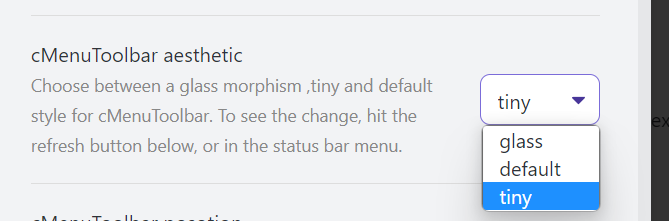
Editing Toolbar

by Cuman
5
4
3
2
1
Score: 79/100

Description

Category: Customization & UI

The Editing Toolbar plugin is a game-changer for Obsidian users who want to enhance their writing experience. This plugin provides a user-friendly text editor modal with a minimalistic design, making it easy to format and edit your notes without having to memorize complex markdown commands or configure multiple hotkeys. With its intuitive toolbar, you can quickly switch between font colors, backgrounds, indentations, and more, all while maintaining a distraction-free writing environment. The plugin also supports custom command icons, submenus, and menu dragging and sorting, allowing for a high degree of customization to fit your workflow.

Reviews

No reviews yet.

Stats

1367
stars
1,430,861
downloads
71
forks
1,277
days
9
days
9
days
24
total PRs
0
open PRs
4
closed PRs
20
merged PRs
285
total issues
131
open issues
154
closed issues
52
commits

Latest Version

9 days ago

Changelog

4.0.8 国际化部分字段,ai能力全面放开

canvas输入面板支持双链

Merge branch 'master' of https://github.com/PKM-er/obsidian-editing-toolbar

Update manifest.json and CHANGELOG.md for version 4.0.6

README file from

Github

中文 | English

obsidian-editing-toolbar Plugin

[!tip] The 3.x version has been completely refactored with numerous new features. For advanced usage, please refer to: Editing Toolbar Plugin Advanced Guide · PKM-er/obsidian-editing-toolbar · Discussion #217"
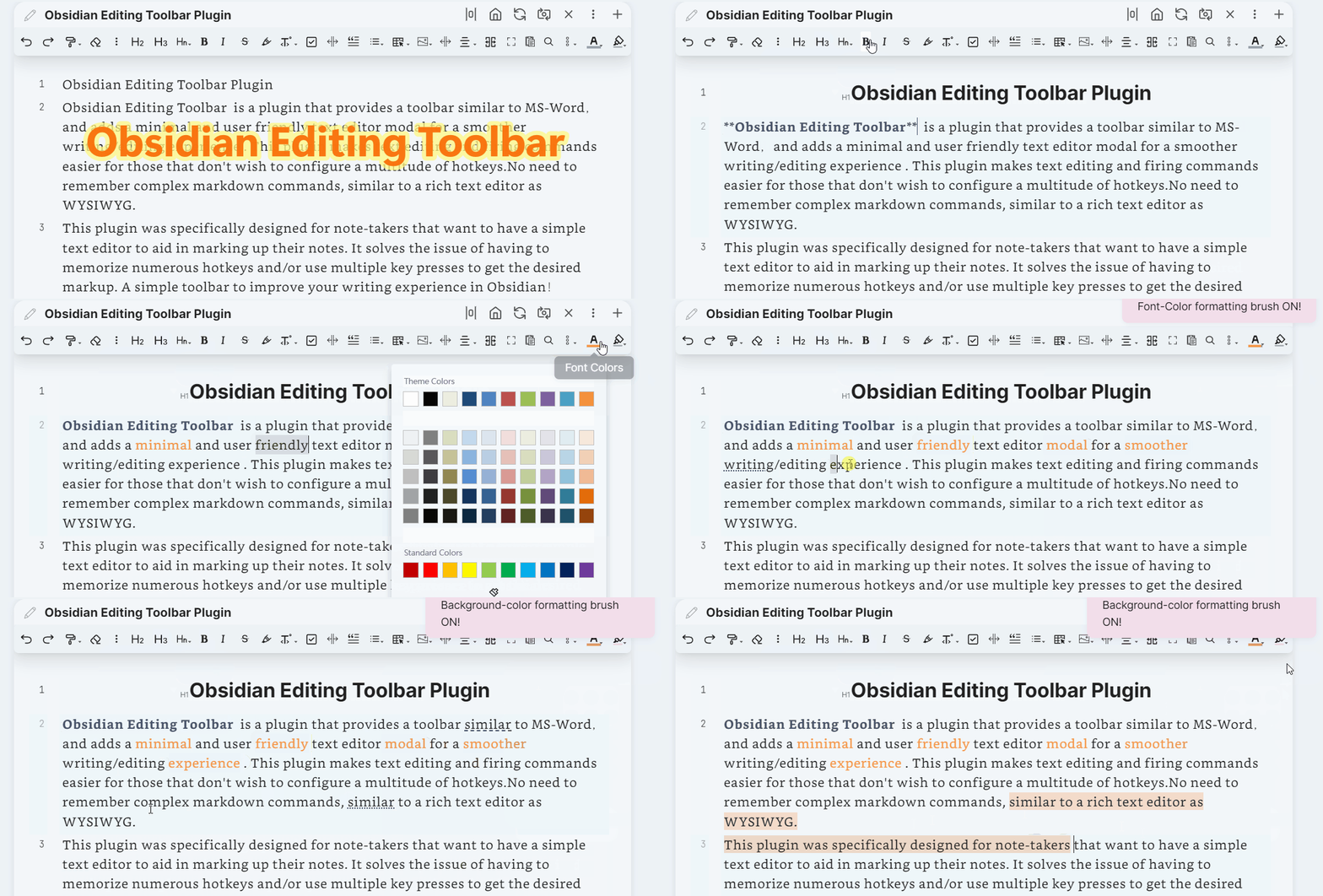
Thanks to the cmenu plugin, which gave me a lot of inspiration, but this plugin has not been maintained for more than a year, so I re-modified it and added a lot of interesting features, including the top toolbar, cursor following, etc., so editing toolbar was created.

Obsidian Editing Toolbar is a plugin that provides a toolbar similar to MS-Word,and adds a minimal and user friendly text editor modal for a smoother writing/editing experience . This plugin makes text editing and firing commands easier for those that don't wish to configure a multitude of hotkeys.No need to remember complex markdown commands, similar to a rich text editor as WYSIWYG. This plugin was specifically designed for note-takers that want to have a simple text editor to aid in marking up their notes. It solves the issue of having to memorize numerous hotkeys and/or use multiple key presses to get the desired markup. A simple toolbar to improve your writing experience in Obsidian!

It is recommended to work with Enhanced Editing Plugin, which can add more useful editing commands.

TOC

how-to-install

Please Refer: How to install Obsidian Plugins

Video Introduction

About Cmenu toolbar

Obsidian 插件:Editing Toolbar 必装的可视化编辑工具

Key Features

This differs from the cmenu plugin in the following points:

  1. add a new toolbar style tiny

  2. add toolbar position options, top, following

  3. support multi-window, multi-tab adapted to obsidian 0.14+

  4. add some built-in commands

    1. change-font-color
    2. change-background-color
    3. indent-list
    4. undent-list
    5. editor-undo
    6. editor-redo
    7. hrline
      will insert a --- split line
    8. justify Both ends aligned Inserts an html code to align the text at both ends <p align="justify">..... </p>
    9. left
      Insert an html code to align the text left <p align="left">..... </p>
    10. right
      Insert an html code to align the text right <p align="right">..... </p>
    11. center
      Insert an html code to center the text <center>..... </center>
    12. fullscreen-focus Default binding shortcut key Ctrl+shift+F11 Will make the notes page display full screen, let you focus more on the writing itself. To exit full screen press ESC or execute the full screen command again
    13. workplace-fullscreen-focus Default binding shortcut key Ctrl+F11 Unlike fullscreen-focus mode, this one just hides the left and right sidebar panels, it's only workspace full screen
    14. head 1-6 level heading settings Default binding shortcut key Ctrl+1,ctrl+2,...Ctrl+6

    15. support custom command icons
    16. Support modify command name
    17. Support for adding submenus
    18. Support menu dragging and sorting
    19. Add formatting brush function Built-in two kinds of formatting brush for font color and background color (middle mouse button or right click can cancel the formatting brush status)
    20. Adaptive shrinkage of toolbar icon width

Work with other plugins

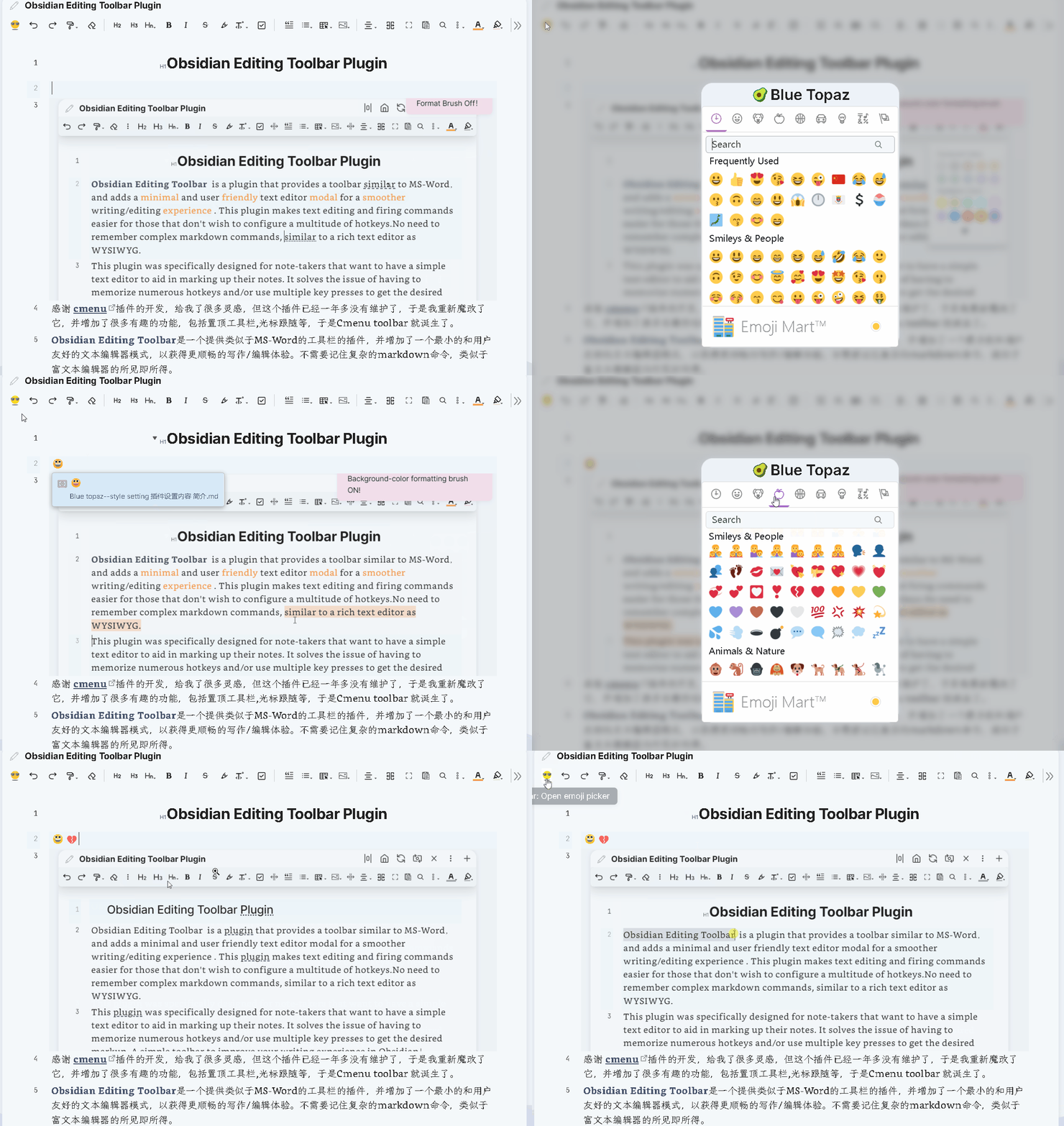
  1. emjoi toolbar Quickly Insert a emoji

  2. Obsidian-Table-Generator & ob-table-enhance Quickly Insert a table and edit
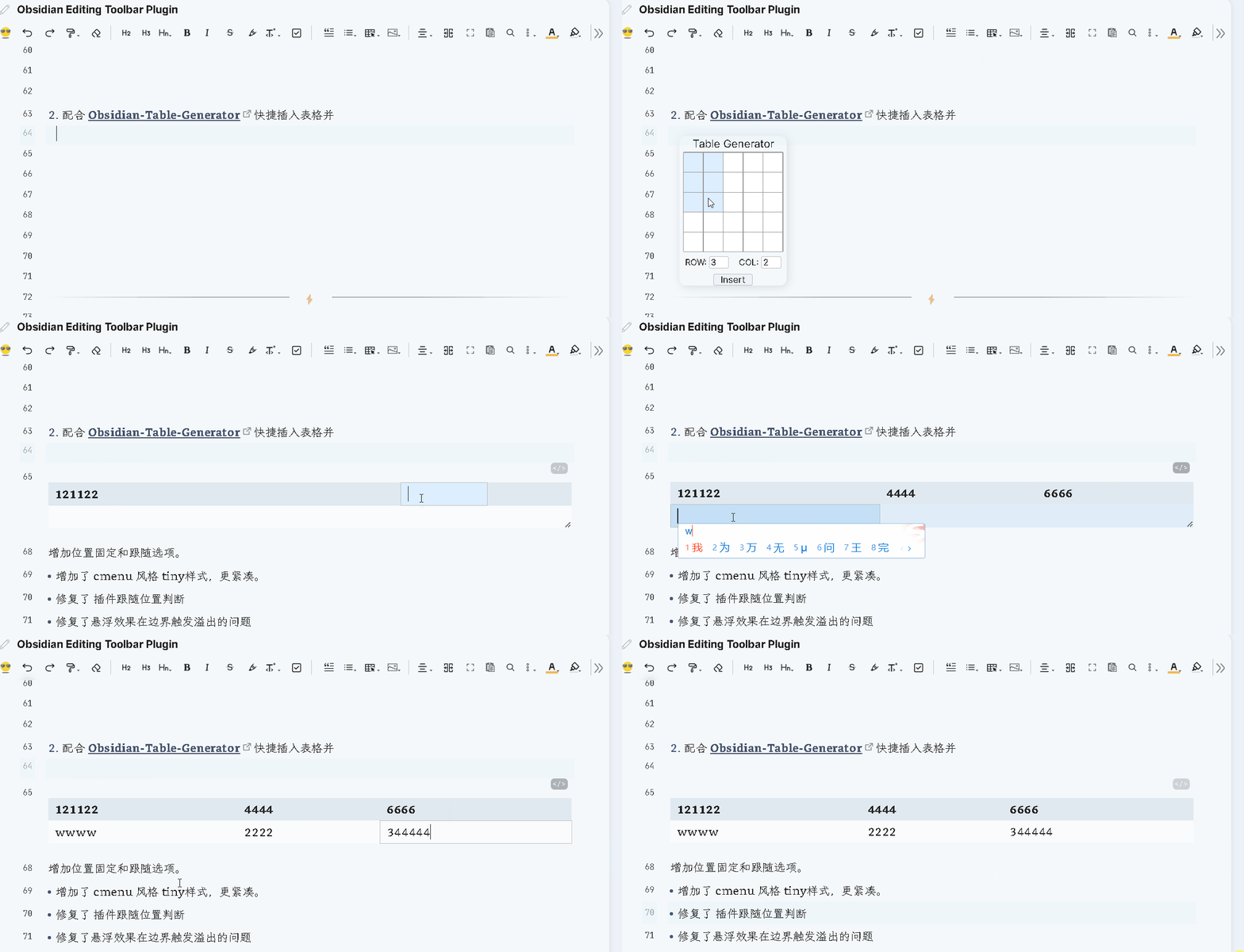
The above plugins are available from the example vault , all of which have been optimized and have some bugs fixed ☟☟☟

Full Vault showcase

This is the Obsidian example vault is amazing, there are a lot of dazzling features and showcase, I believe you will wonder a bit, is this Obsidian? Blue-topaz-examples

support

Thank you very much for your support!

Similar Plugins

info
• Similar plugins are suggested based on the common tags between the plugins.
cMenu
5 years ago by Chetachi
An Obsidian.md plugin that adds a minimal text editor modal for a smoother writing/editing experience ✍🏽.
Note Toolbar
2 years ago by Chris Gurney
Flexible, context-aware toolbars for your notes in Obsidian.
Pixel Perfect Image
a year ago by Johan Sanneblad
Pixel perfect 100% image resizing, copy to clipboard, show image in Finder/Explorer, edit image in external editor, and much more.
Better MathJax
3 years ago by GreasyCat
Mini Toolbar
3 years ago by AidenLx & Boninall
mini context toolbar in editor for Obsidian
Spellcheck Toggler
2 years ago by Julian Szachowicz
A plugin for Obsidian which gives you more control over the red-underline spellcheck behaviour.
Auto Correct Capitals Misspellings
2 years ago by Ummel
This plugin automatically corrects words where the first two letters are capitalized and the rest are lower case.
PopKit
2 years ago by Zhou Hua
Write Good
a year ago by Mark Hesketh
Obsidian plugin to help improve writing style
Gay Toolbar
a year ago by Chas Kane
Colorful, customizable toolbar for Obsidian, designed for mobile.
Proofreader
a year ago by pseudometa (aka Chris Grieser)
AI-based proofreading and stylistic improvements for your writing. Changes are inserted as suggestions directly in the editor, similar to suggested changes in word processing apps.
Emoji Picker
a year ago by Ali Faraji
An up-to-date Emoji Picker for obisian.md, using emoji-mart.
Hemingway Mode
2 years ago by Joaquín Bernal
Nova
3 months ago by Shawn Duggan
Nova - AI plugin for Obsidian that edits your documents directly through natural conversation. Stop copying from chat, start collaborating with AI.
Rich Text Editor Shortcuts
2 years ago by Joshua Wootonn
Create and toggle checkboxes, paste links wrapping your current selection, and toggle underline without leaving the keyboard.
Table Line Break Mobile
3 months ago by marcelflymark
Obsidian plugin: Insert a new line break inside a table cell using the <br> HTML element
Duplicate line
a year ago by Marcin Sztolcman
Plugin for Obsidian: duplicate current line, or selection.
Variant Editor
9 months ago by Kunal Jain
Obsidian plugin to create variants
Mode manager
a year ago by dk949
Better management of reading/editing modes in obsidian
Expand Selection
a month ago by Alex Tait
Expands the editor selection to lines, sections, or the entire note for convenience on mobile.
AI Revisionist
a year ago by Synaptic Labs
Regex Line Filter
a year ago by 64MM4-KN1F3
A note filtering plugin for Obsidian
Editing Mode Hotkey
2 years ago by Signynt
Obsidian plugin to change the default editing mode (between Live Preview and Source) using a command or hotkey
Select word
2 years ago by Connor Espino
Edit Link Alias
4 months ago by mnaoumov
Obsidian Plugin that adds edit link alias command.
Quick Nav
a year ago by exoticknight
Enhance your editing experience by unleashing the hidden power of shortcuts.