Spreadsheets

by Divam Gupta
5
4
3
2
1
Score: 33/100

Description

Category: Data Visualization

The Spreadsheets plugin brings the power of a standard spreadsheet tool directly to Obsidian, allowing you to create and manage complex spreadsheets within your note-taking environment. With rich text formatting, formulas, filtering, and sorting capabilities, this plugin enables you to organize and analyze your data in a flexible and customizable way. The intuitive interface also allows for easy cell manipulation, including merging, resizing, and dragging cells. Whether you're tracking project progress, managing inventory, or simply keeping track of your tasks, the Spreadsheets plugin provides a robust solution for spreadsheet creation and management within Obsidian.

Reviews

No reviews yet.

Stats

185
stars
37,442
downloads
9
forks
974
days
805
days
977
days
2
total PRs
1
open PRs
0
closed PRs
1
merged PRs
29
total issues
27
open issues
2
closed issues
0
commits

Latest Version

3 years ago

Changelog

Some cleanups.

README file from

Github

Obsidian Spreadsheets Plugin

This plugin gives you all the features of a standard spreadsheet tool in Obsidian. You can build powerful spreadsheets within Obsidian.

This plugin is based on FortuneSheet, which is based on Luckysheet.

Features:

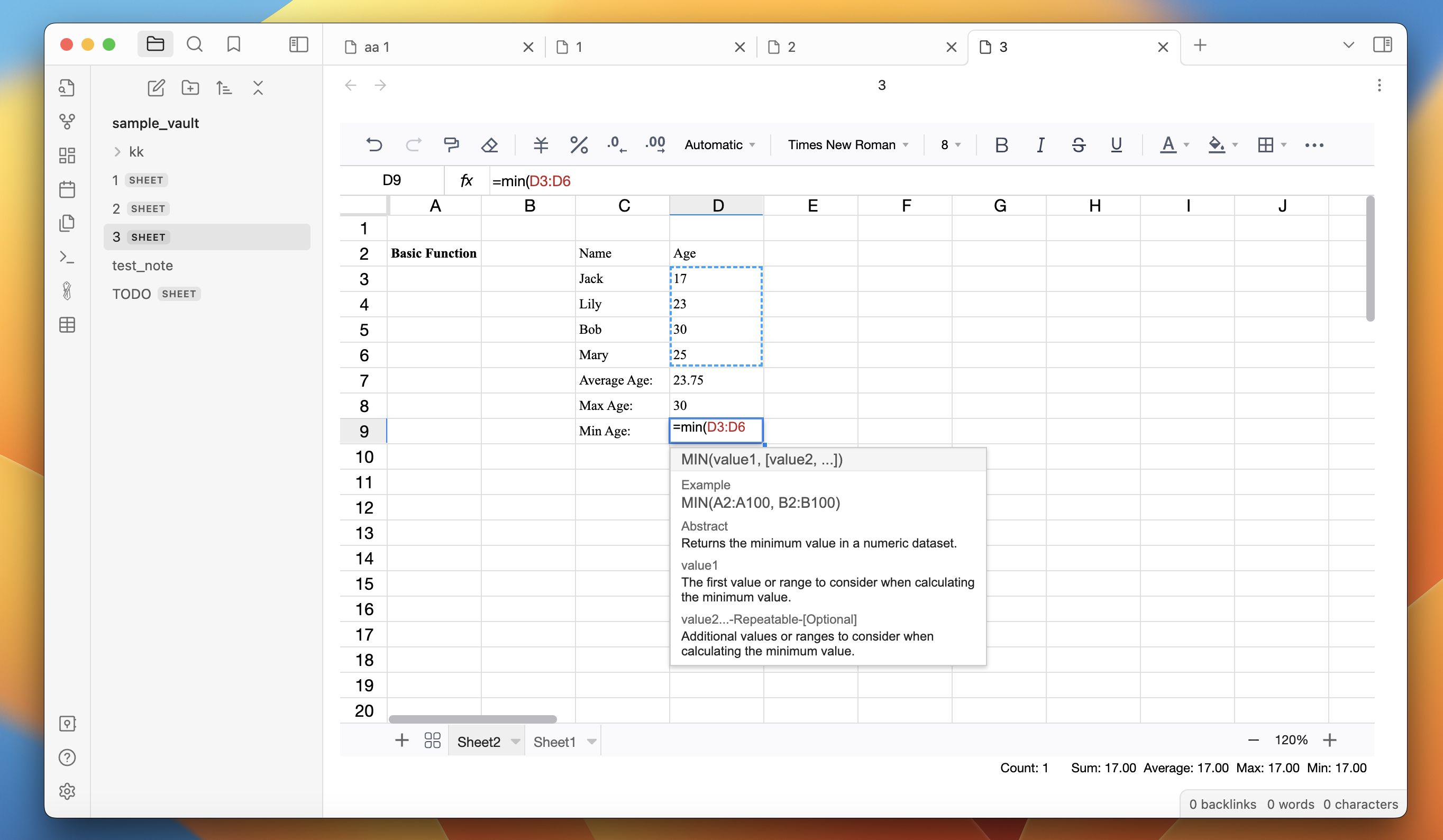
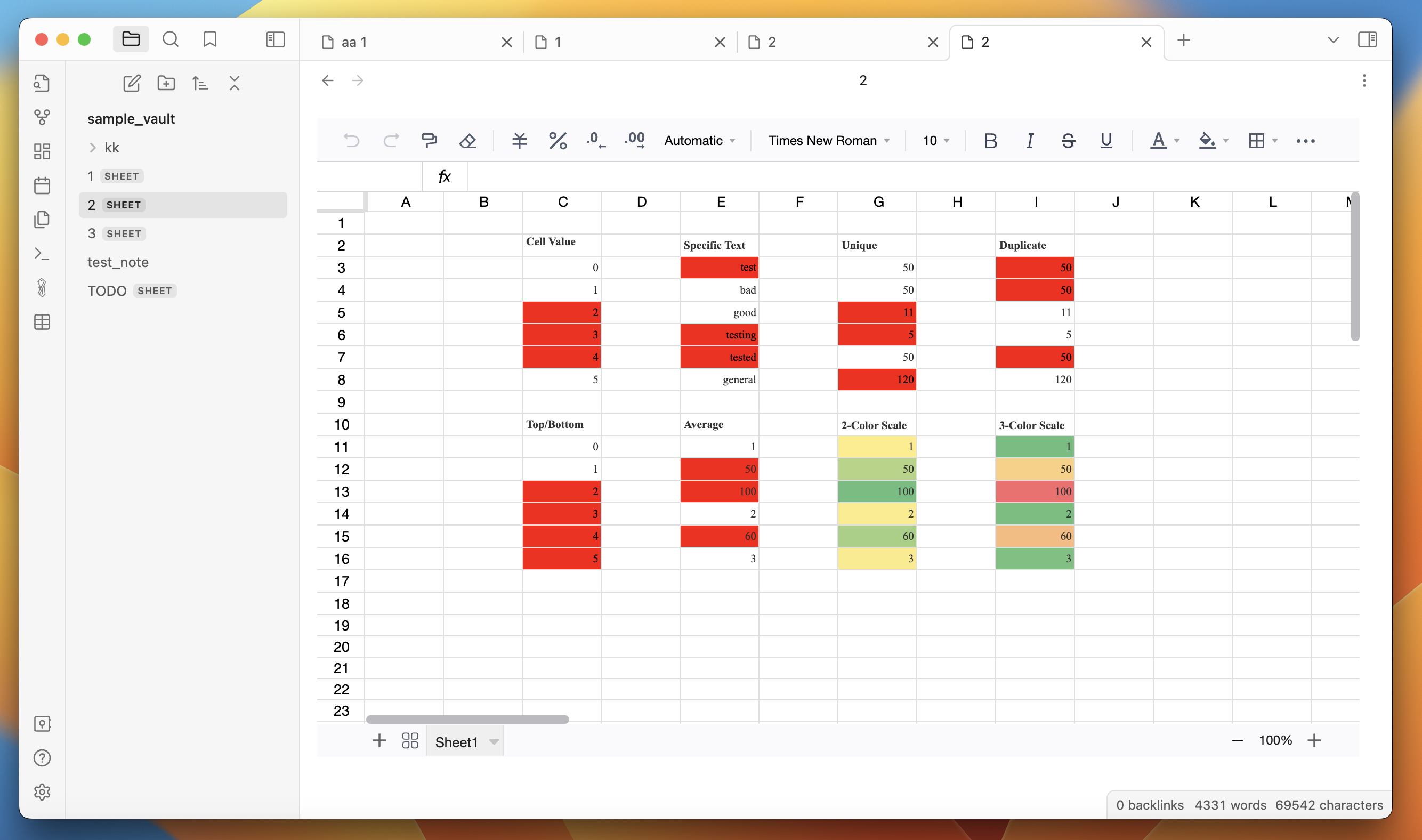
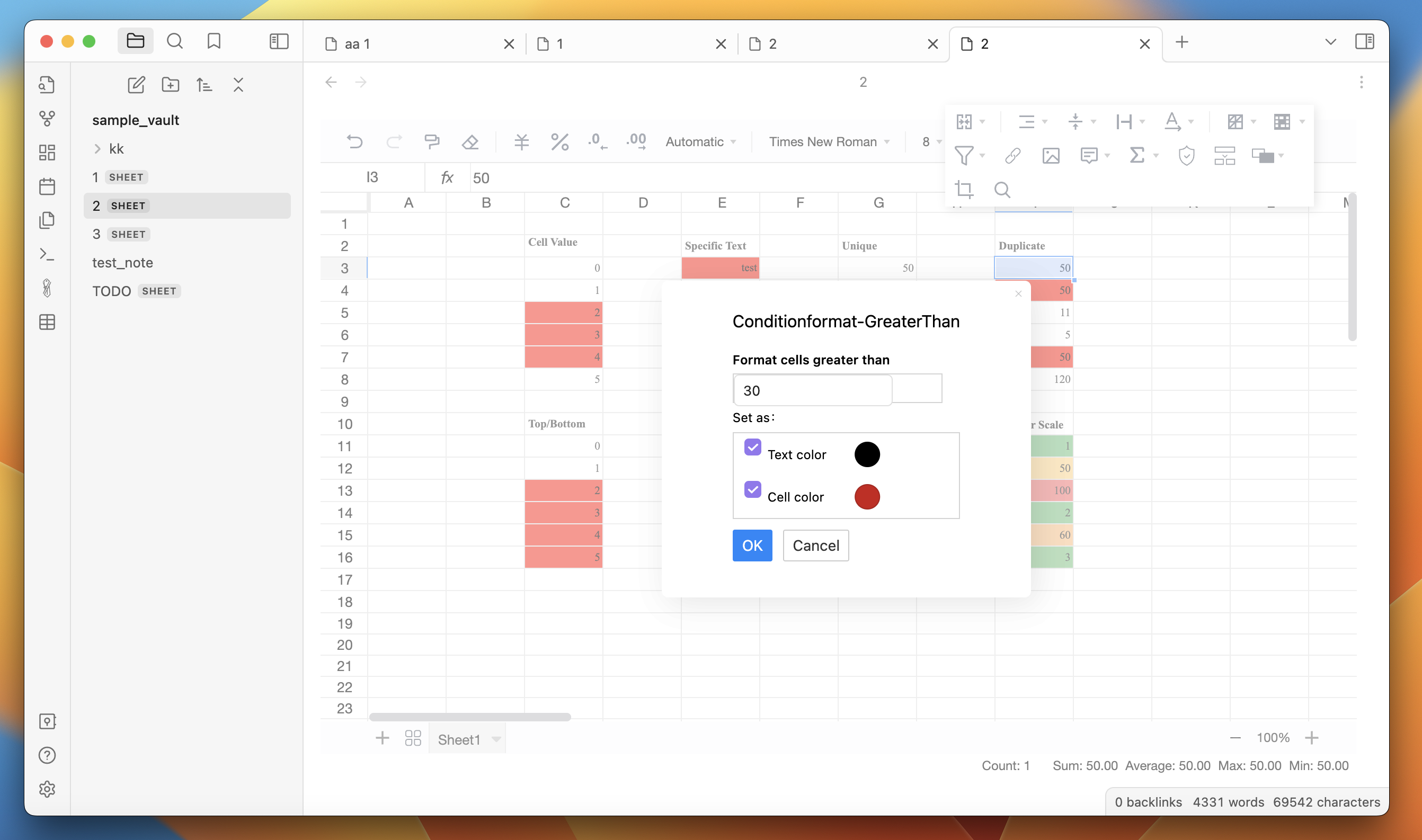
  • Rich text formatting - change fonts, size, colors, borders, cell color, line-wrapping, etc.

  • Formulas - several build in formulas

  • Filter and sort

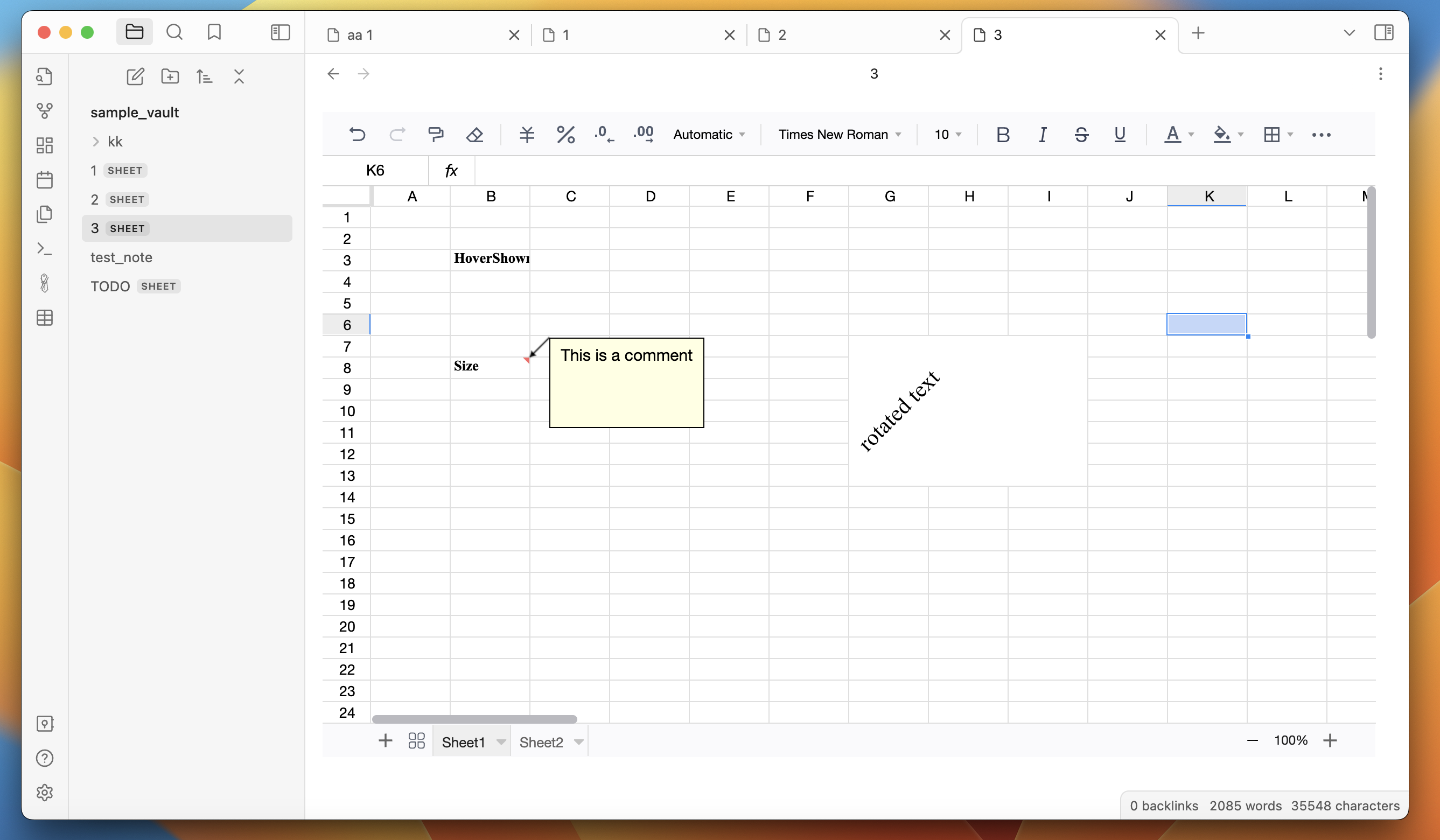
  • Cells - merge cells, resize cells, drag cells

How to use:

  1. Install the plugin.

  2. Create a new spreadsheet by clicking on the "New Spreadsheet" ribbon button. Or right-click on a folder in the left sidebar and click on "New spreadsheet".

  3. Start creating spreadsheets.

Screenshots:
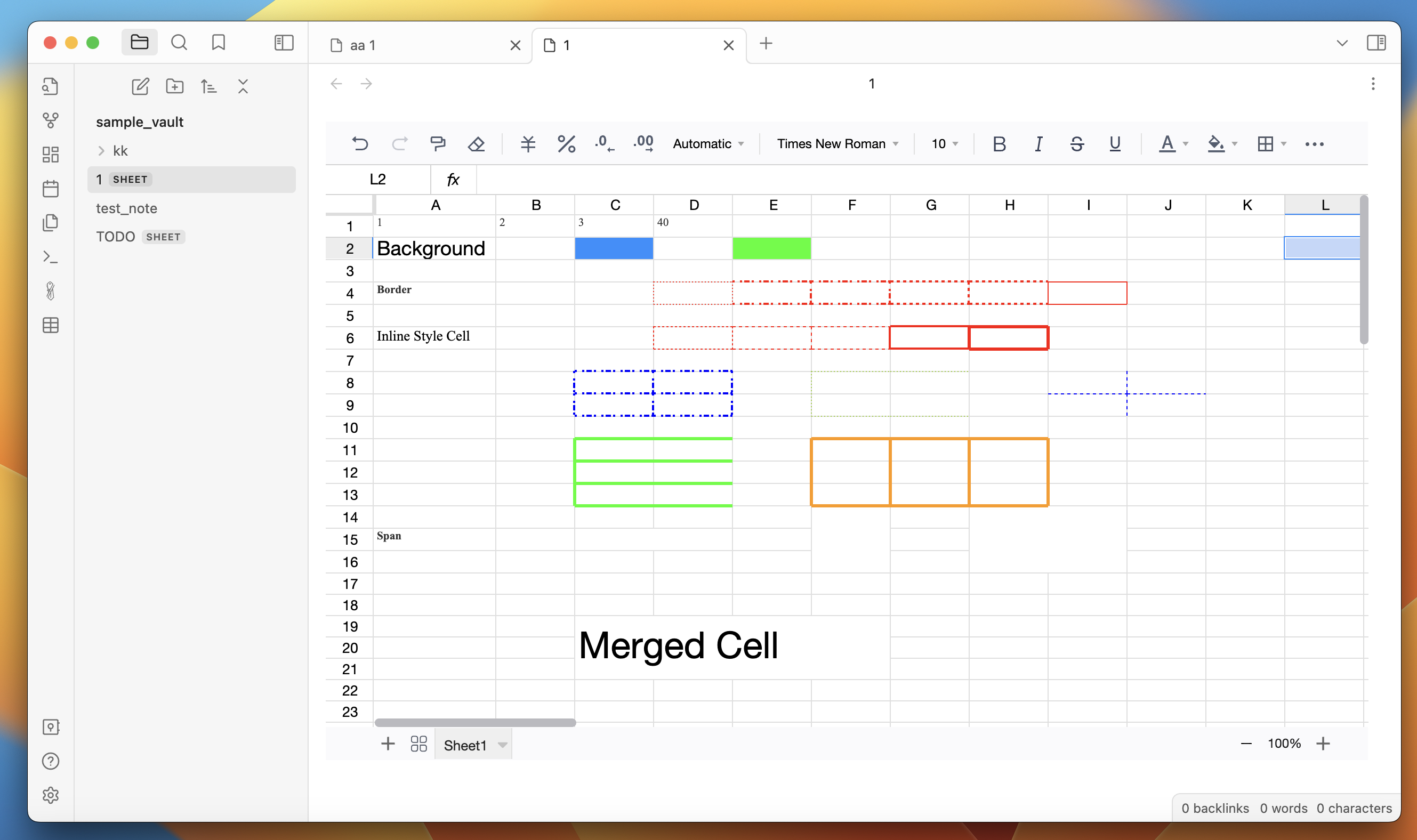
screen1

screen2

screen3

screen3

screen5

Similar Plugins

info
• Similar plugins are suggested based on the common tags between the plugins.