
README file from
GithubTaskNotes for Obsidian
A task management plugin where each task is a separate Markdown note, and all views are powered by Obsidian Bases.
Overview
Each task is a Markdown note with YAML frontmatter. Every view is a Bases query.
Bases is Obsidian's core plugin for turning notes into databases—it reads properties from your notes and lets you filter, sort, and group them without writing code. TaskNotes stores tasks as notes with structured frontmatter, then uses Bases to query and display them. The Task List, Kanban, Calendar, and Agenda views are all .base files.
This keeps your data portable. Tasks are just Markdown files with YAML, so you can read them with any tool, transform them with scripts, or migrate them elsewhere. There's no plugin-specific database.
The frontmatter is extensible—add fields like energy-level or client and they're immediately available in Bases for filtering and grouping. The .base files are plain text too, so you can edit filters and sorting directly or duplicate them to create new views.

Quick start
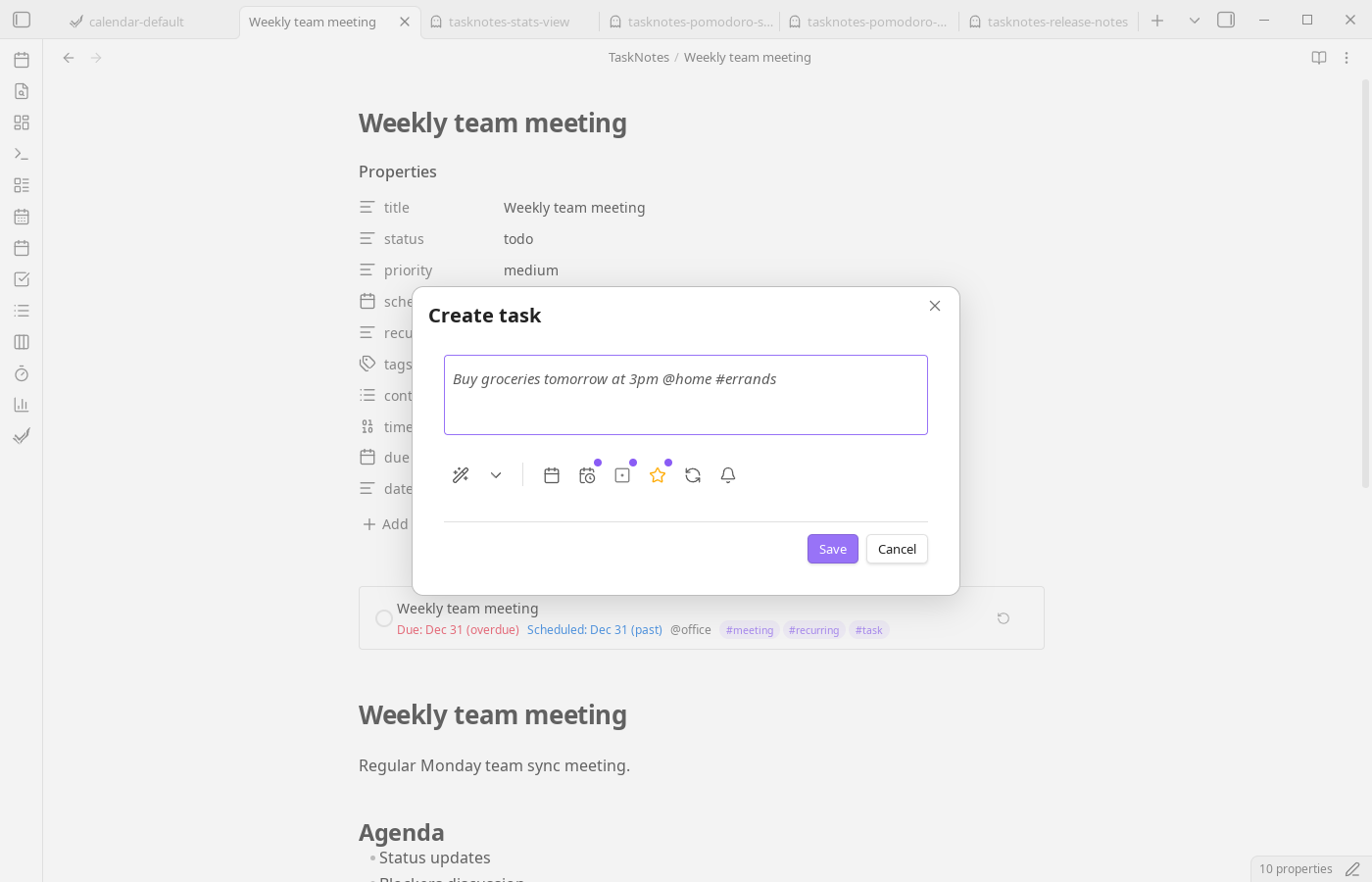
Create a task with TaskNotes: Create new task. The plugin parses natural language—type "Buy groceries tomorrow #errands" and it extracts the due date and context automatically.
Tasks are stored as Markdown files in your vault. Open them directly, edit the frontmatter, or use the plugin's views to manage them.
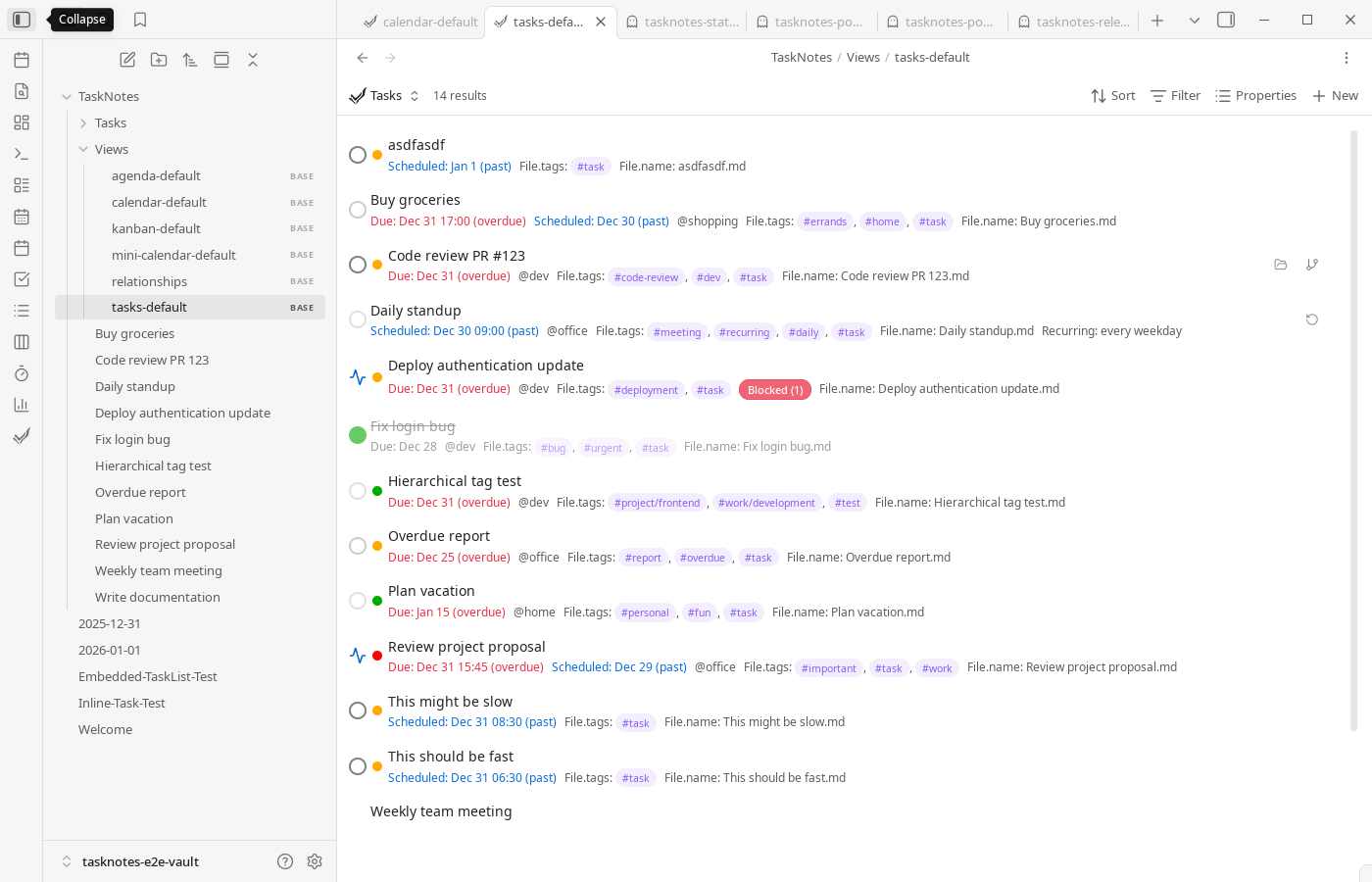
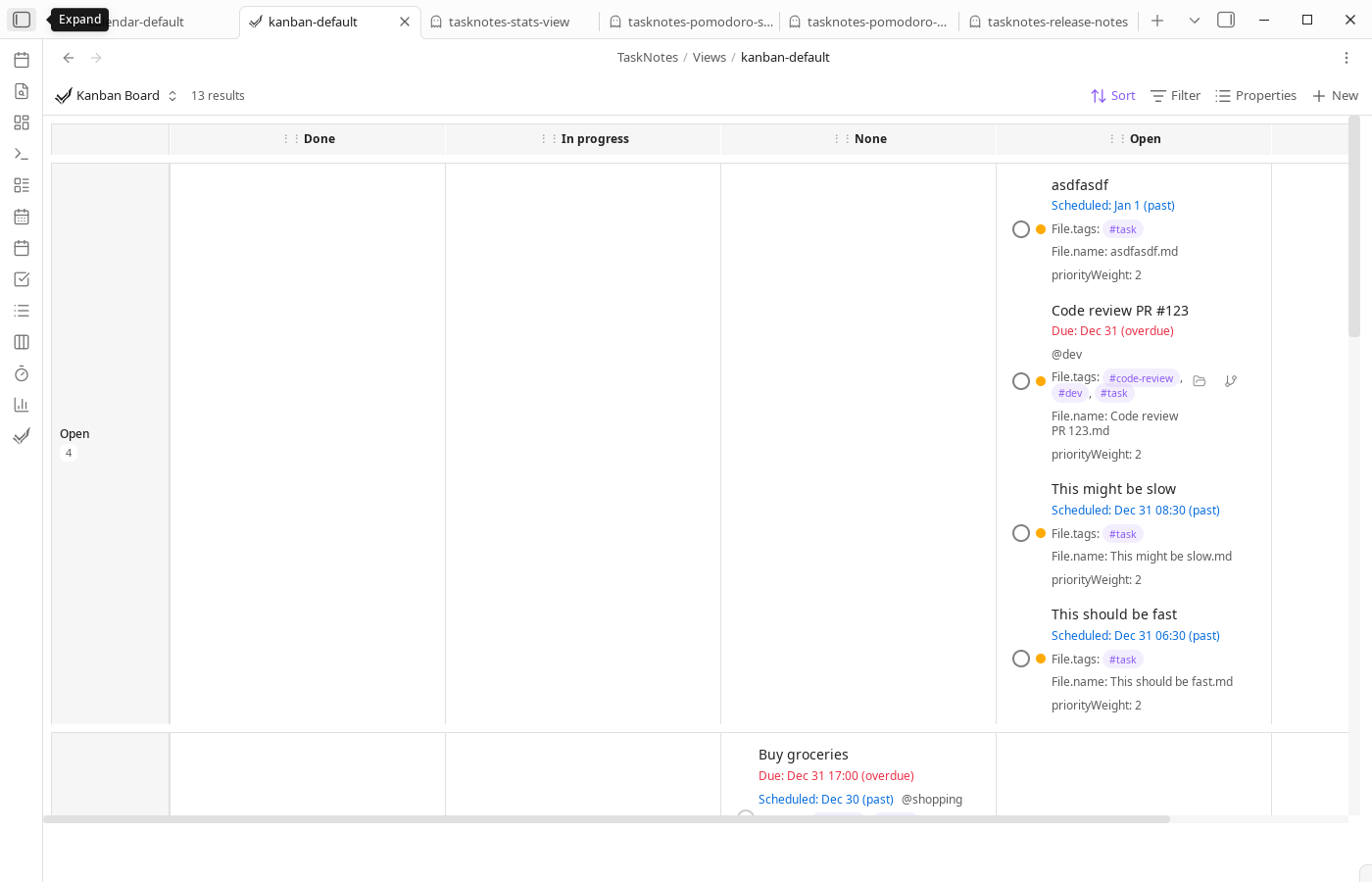
Open a view with commands like TaskNotes: Open tasks view or TaskNotes: Open kanban board. These open the corresponding .base files from TaskNotes/Views/.
How it works with Bases
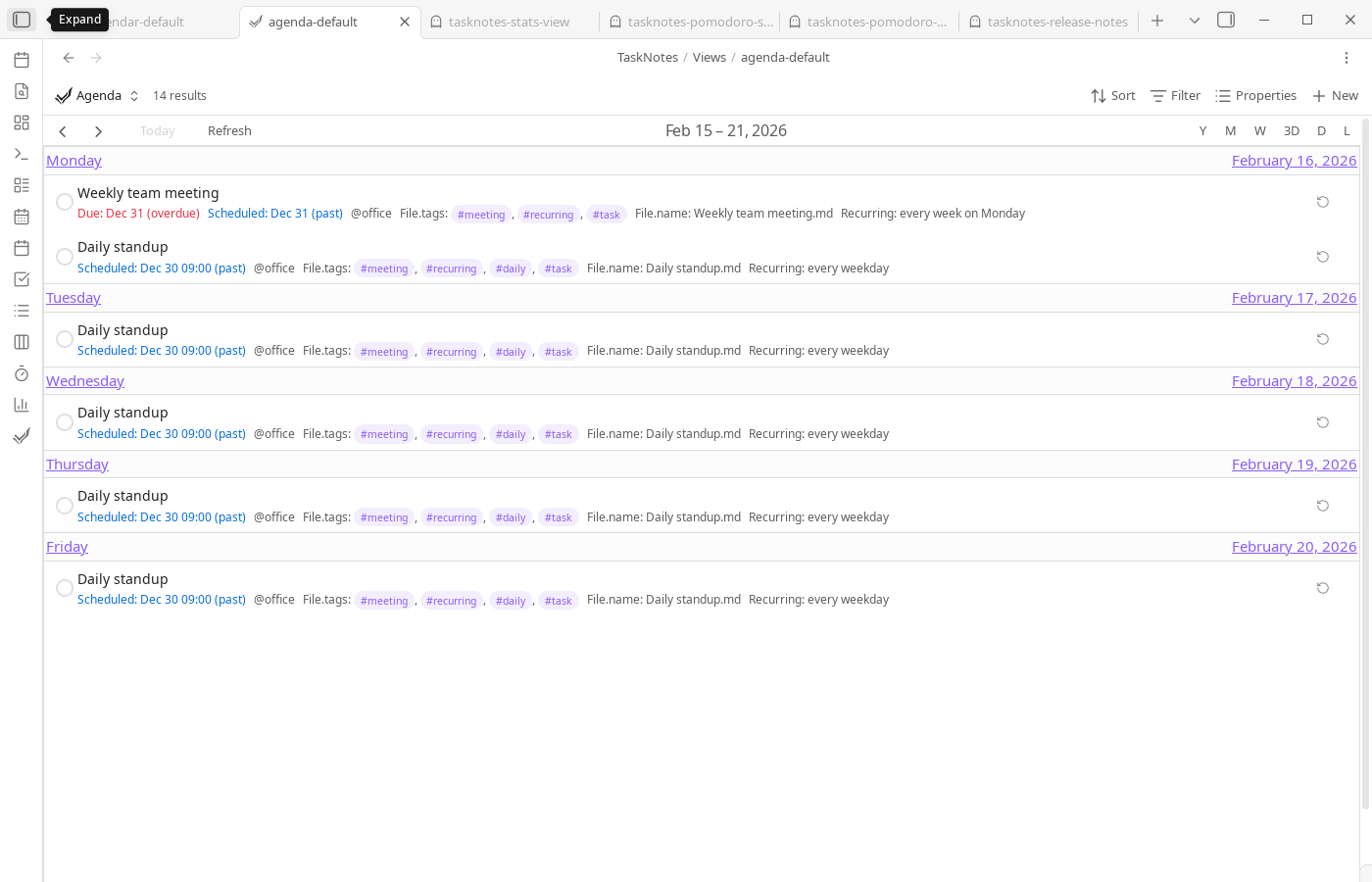
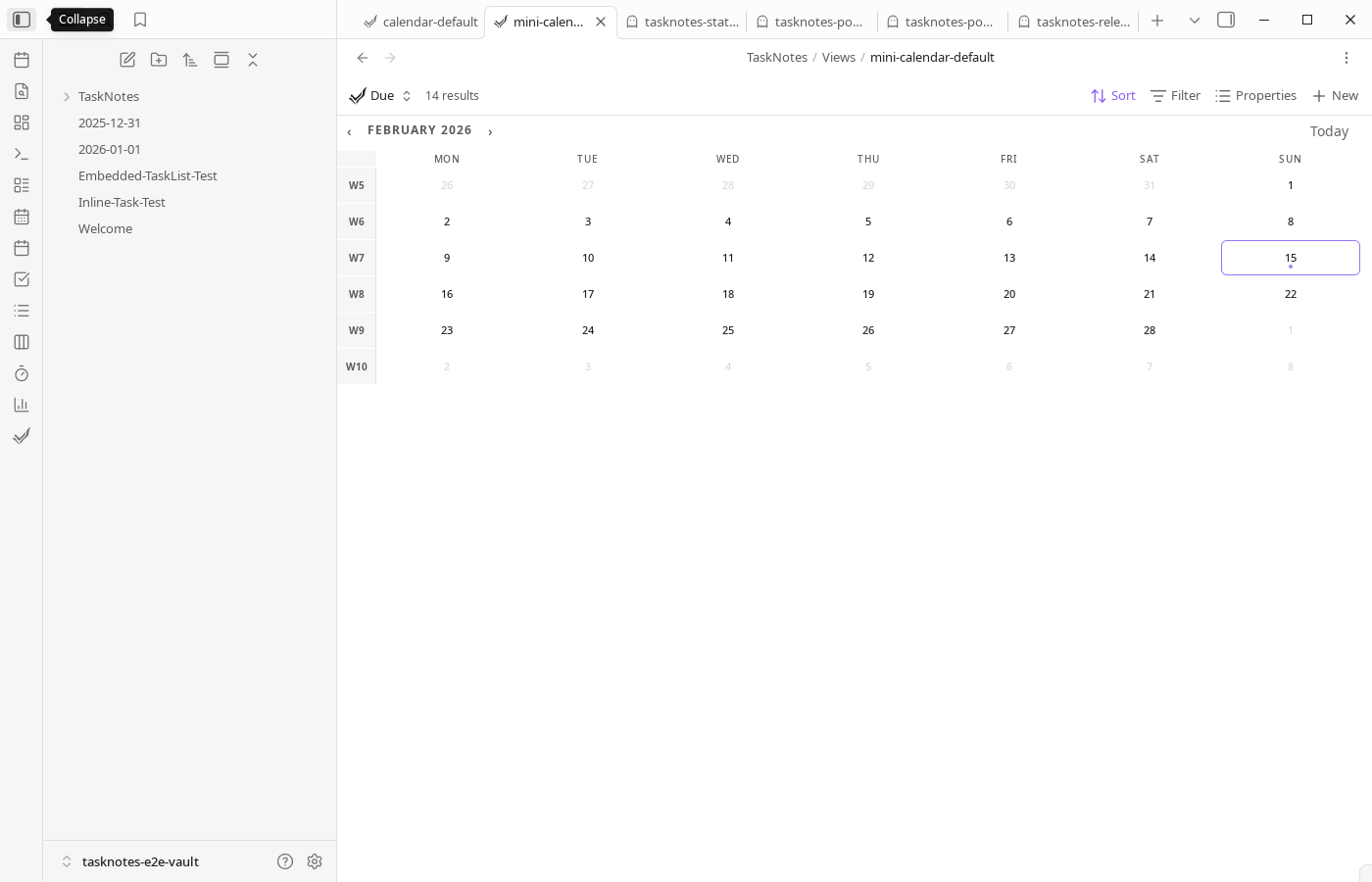
TaskNotes registers as a Bases data source and provides custom view types: tasknotesTaskList, tasknotesKanban, tasknotesCalendar, and tasknotesMiniCalendar. The default Agenda file is a preconfigured tasknotesCalendar list view (listWeek). Your task notes become rows; frontmatter properties become columns.
The default .base files include formula properties for computed values:
formulas:
  daysUntilDue: if(due, ((number(date(due)) - number(today())) / 86400000).floor(), null)
  isOverdue: due && date(due) < today() && status != "done"
  urgencyScore: formula.priorityWeight + max(0, 10 - formula.daysUntilDue)
  efficiencyRatio: (timeTracked / timeEstimate * 100).round()
You can sort by urgencyScore, filter to show only isOverdue tasks, or add these as columns. Edit the .base files directly or use the Bases UI. See default base templates for the full list of included formulas.
Task structure
title: "Complete documentation"
status: "in-progress"
due: "2024-01-20"
priority: "high"
contexts: ["work"]
projects: ["[[Website Redesign]]"]
timeEstimate: 120
timeEntries:
  - startTime: "2024-01-15T10:30:00Z"
    endTime: "2024-01-15T11:15:00Z"
Recurring tasks use RRULE format with per-instance completion tracking:
title: "Weekly meeting"
recurrence: "FREQ=WEEKLY;BYDAY=MO"
complete_instances: ["2024-01-08"]
When an individual recurrence needs its own note, TaskNotes can materialize that occurrence as a normal task. Calendar views show the note-backed occurrence in place of the matching virtual recurrence instance:
title: "Weekly meeting"
recurrence_parent: "[[Tasks/Weekly meeting]]"
occurrence_date: "2024-01-15"
scheduled: "2024-01-15T09:30"
timeEstimate: 60
Occurrence notes inherit planning metadata from the recurring parent, such as scheduled time, due offset, tags, contexts, projects, reminders, details, and time estimate. They do not copy the parent's recurrence rule, completion history, or time entries.
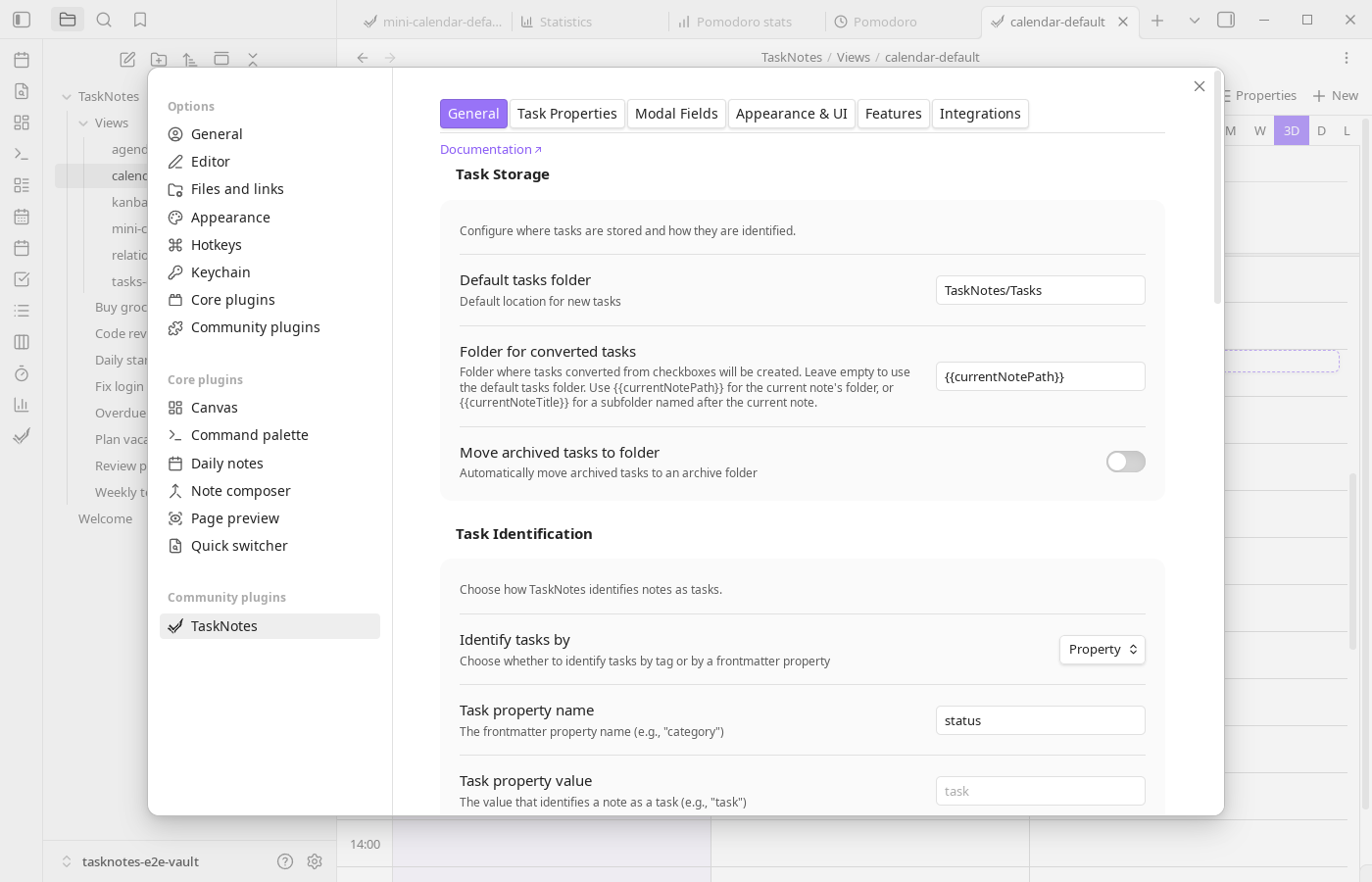
All property names are configurable. If you already use deadline instead of due, remap it in settings.
Other features
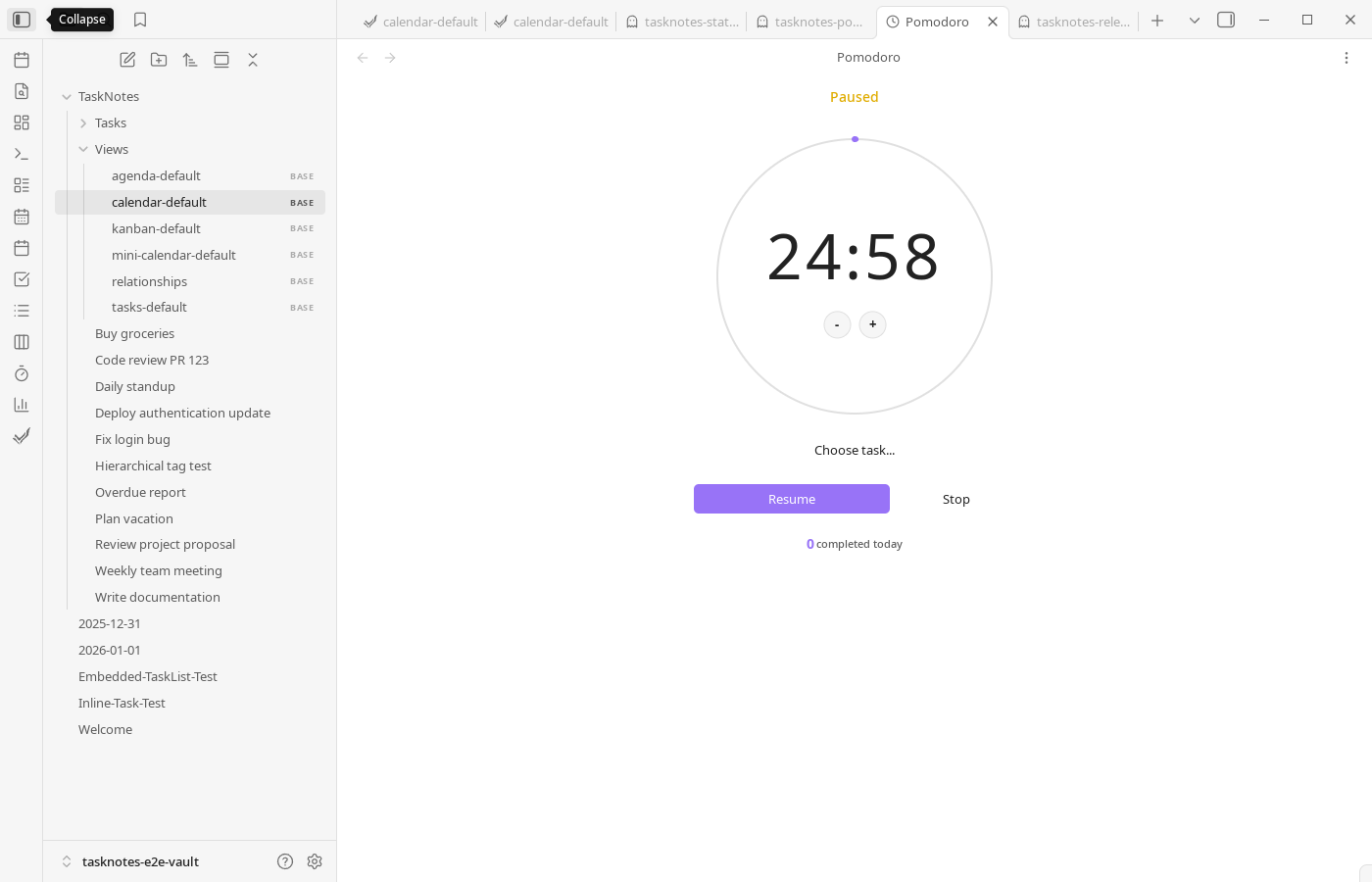
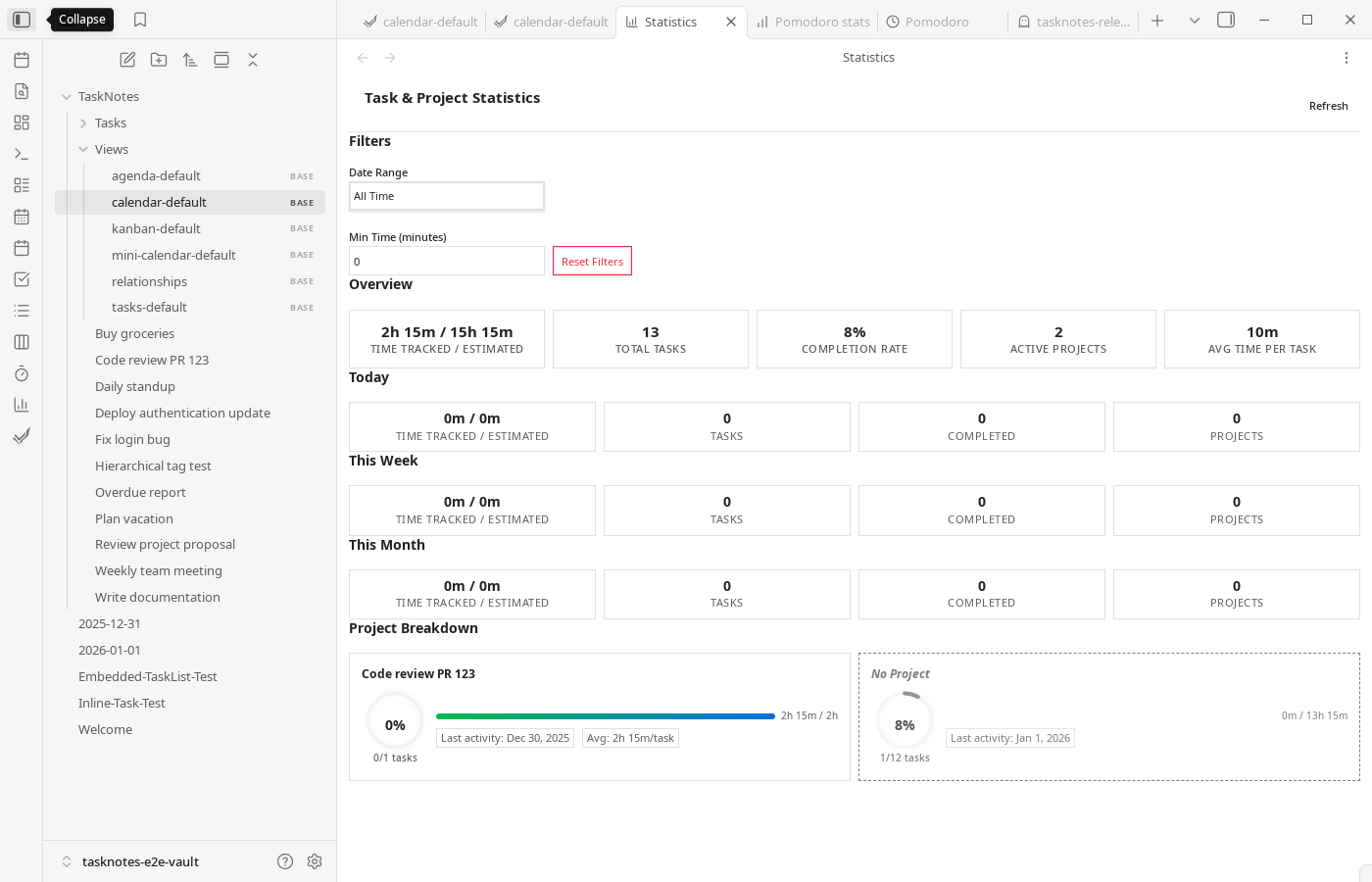
Calendar sync with Google and Microsoft (OAuth) or any ICS feed. Time tracking with start/stop per task, Pomodoro timer, and session history. Recurring tasks with fixed or flexible schedules, per-instance completion tracking, and optional materialized occurrence notes. Dependencies between tasks. Natural language parsing for task creation. Custom statuses, priorities, and user-defined fields.
Integrations
TaskNotes has an optional HTTP API. There's a browser extension and a CLI. Webhooks can notify external services on task changes. See HTTP API docs and Webhooks docs.
Language support
UI: English, German, Spanish, French, Japanese, Russian, Chinese, Portuguese, Korean.
Natural language parsing: English, German, Spanish, French, Italian, Japanese, Dutch, Portuguese, Russian, Swedish, Ukrainian, Chinese.
Screenshots
Screenshots are generated from the Playwright documentation suite (npm run e2e:docs).
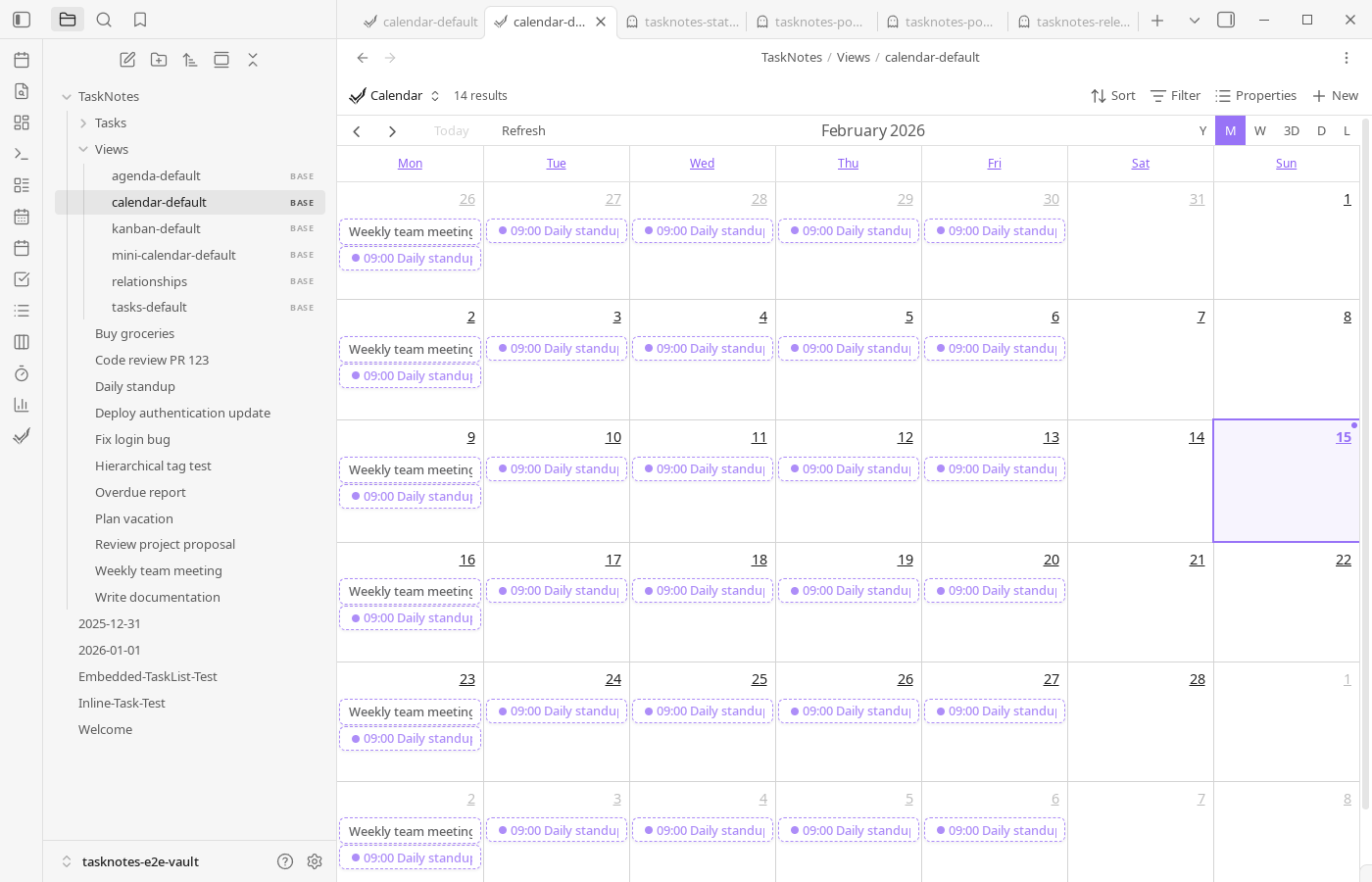
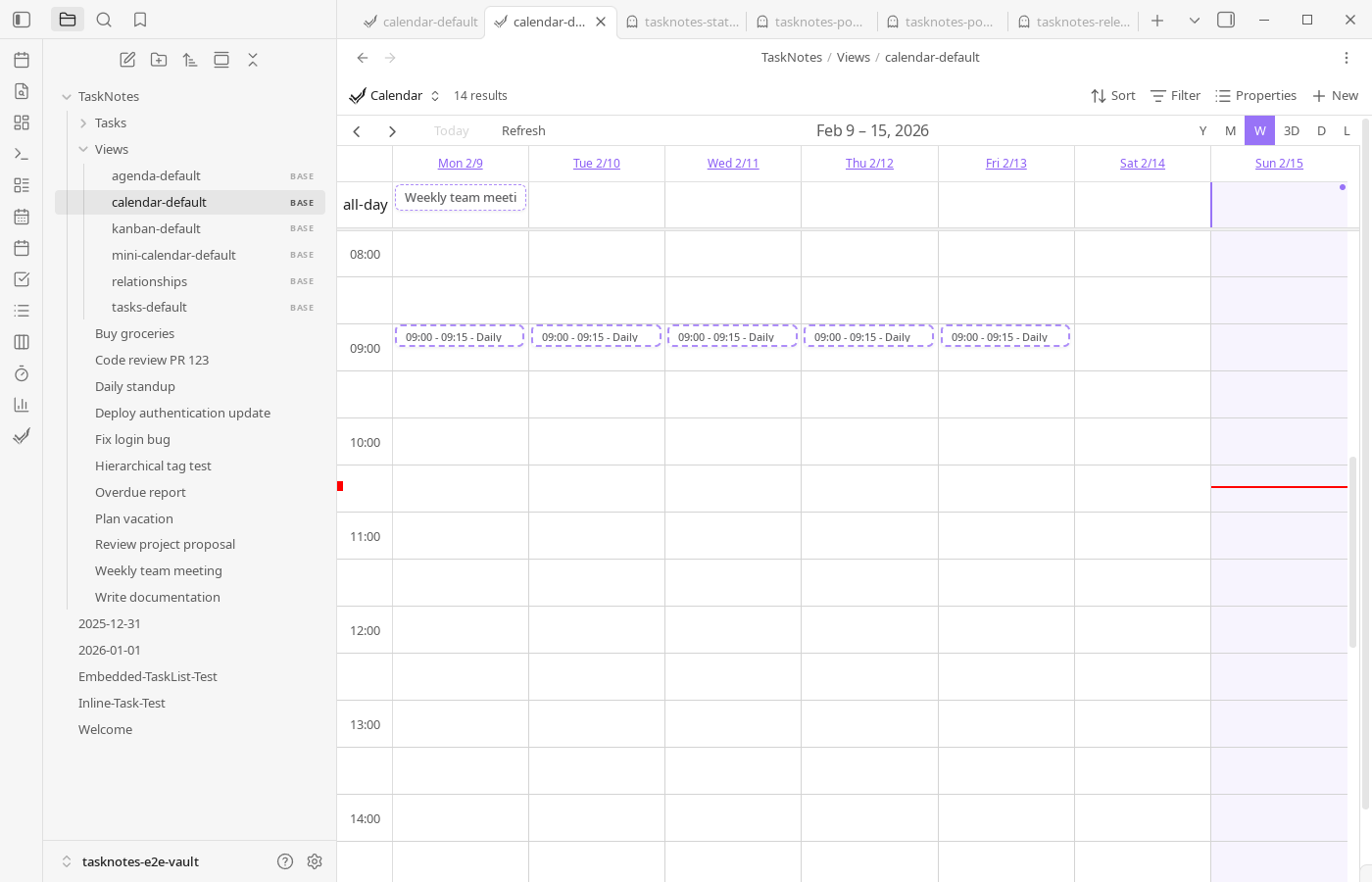
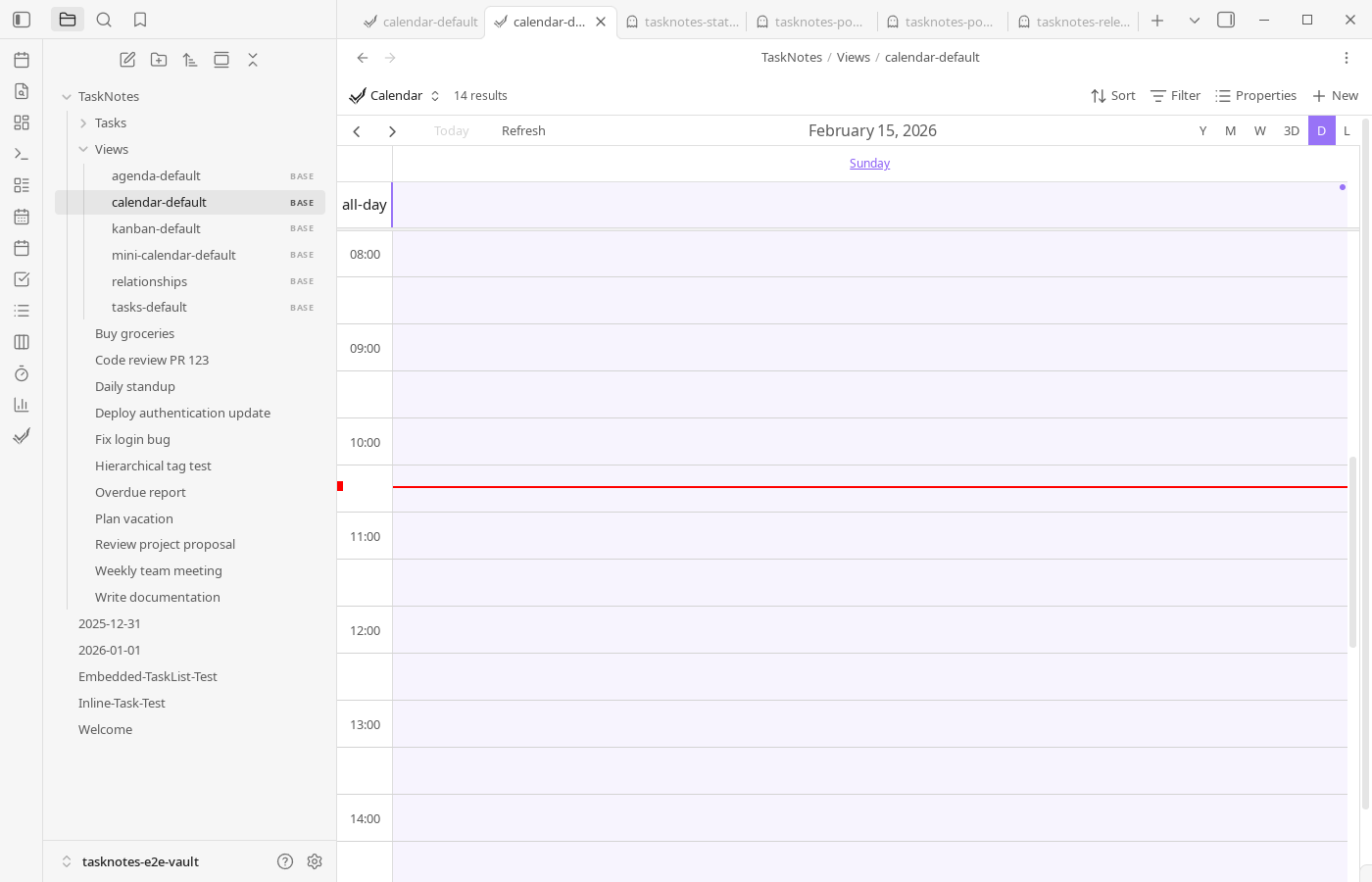
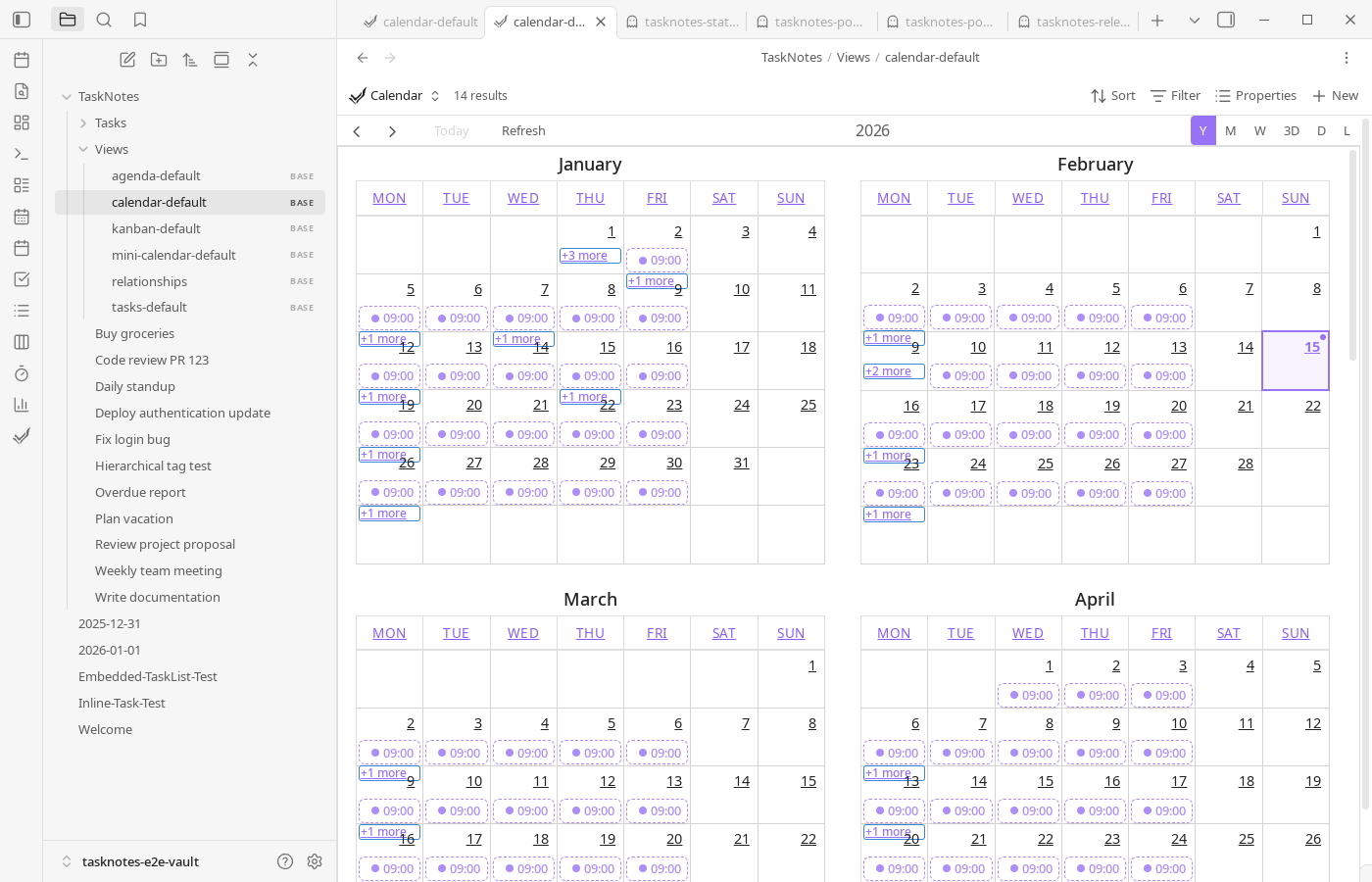
Calendar
Task views
Features
Credits
Calendar components by FullCalendar.io.
License
MIT—see LICENSE.