
README file from
GithubVisited Countries Map — Obsidian Plugin
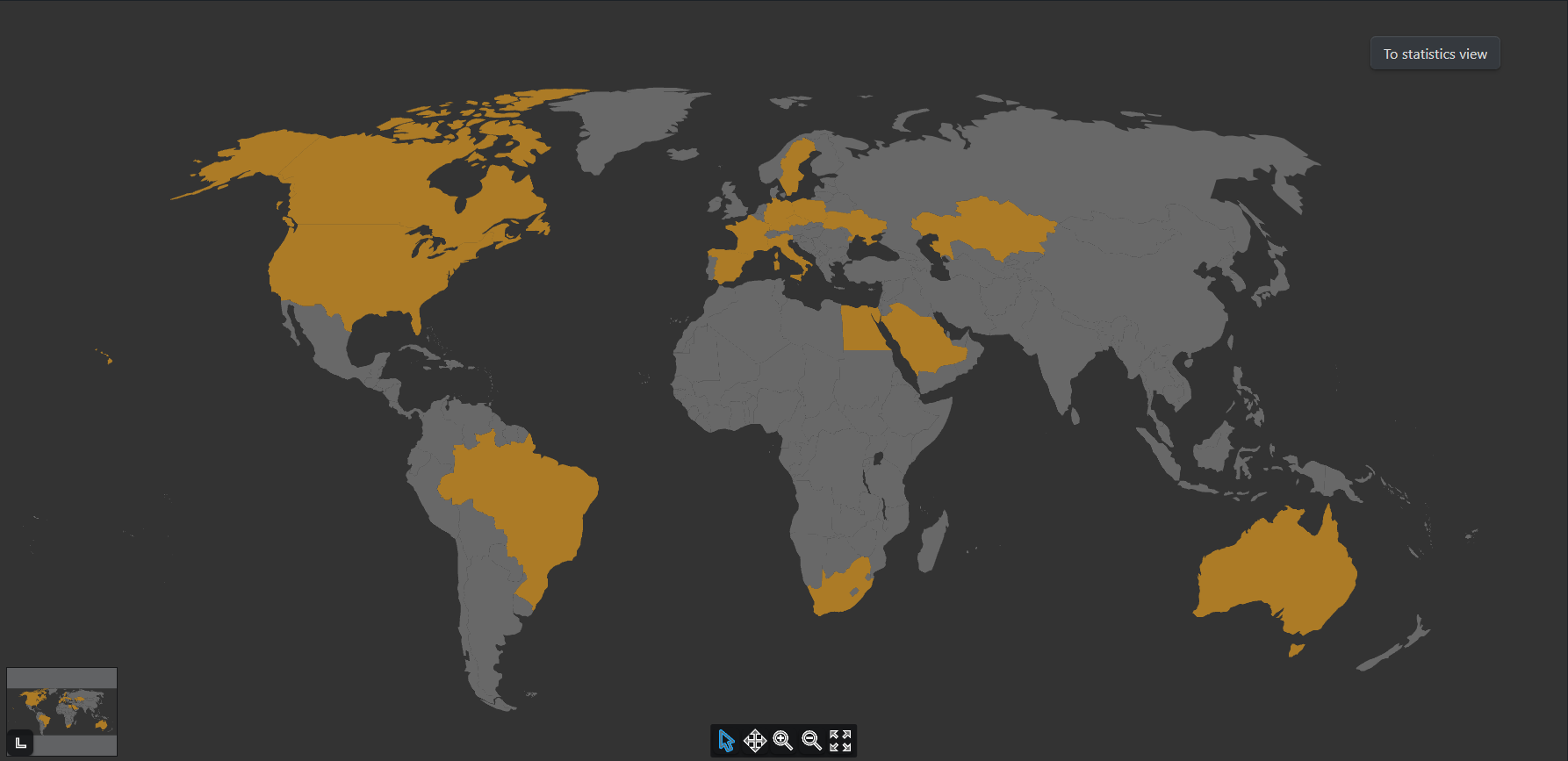
An Obsidian plugin that lets you mark and visualize the countries you've visited using an interactive world map, directly inside your vault.
Features
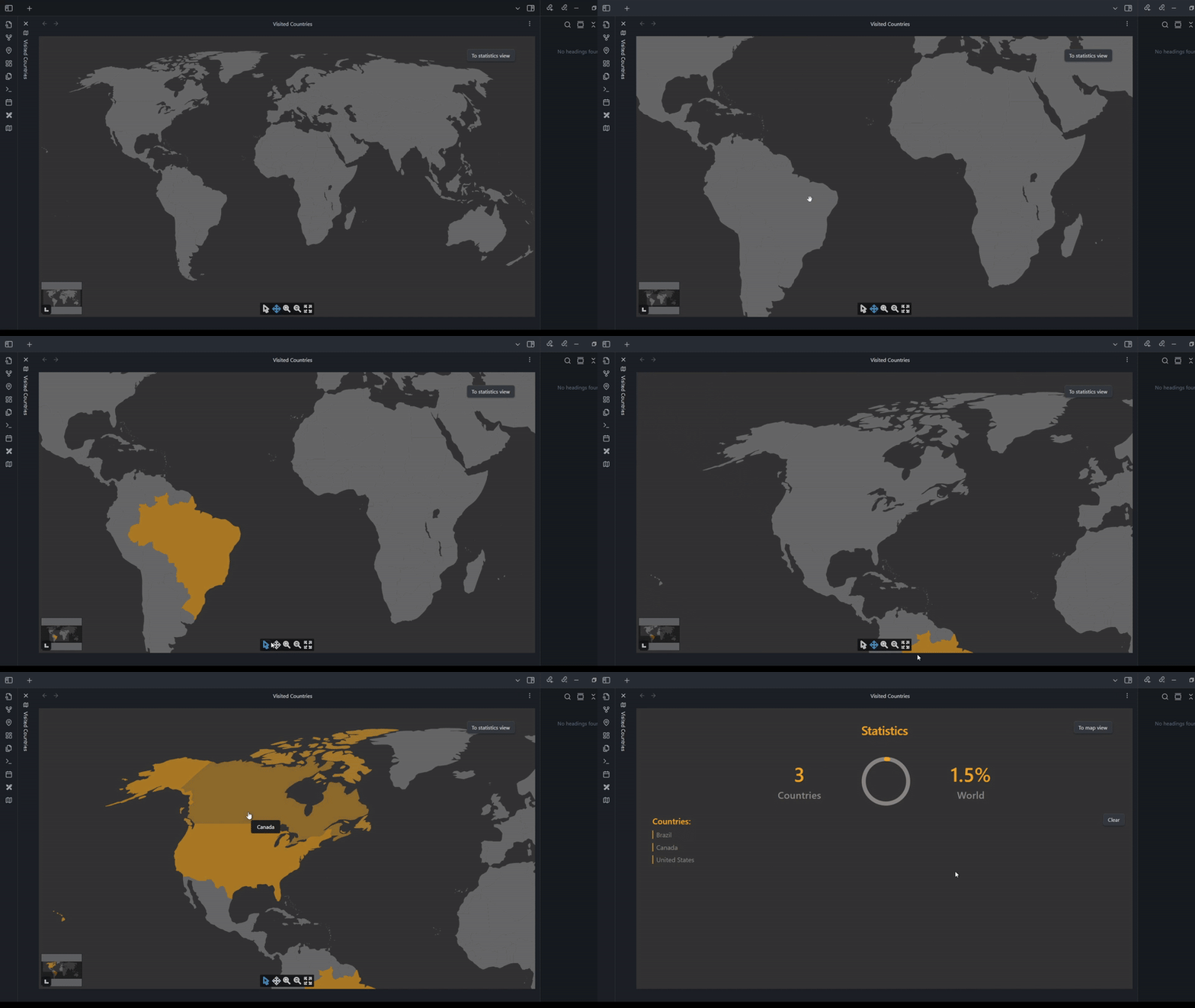
- Interactive world map for selecting visited countries
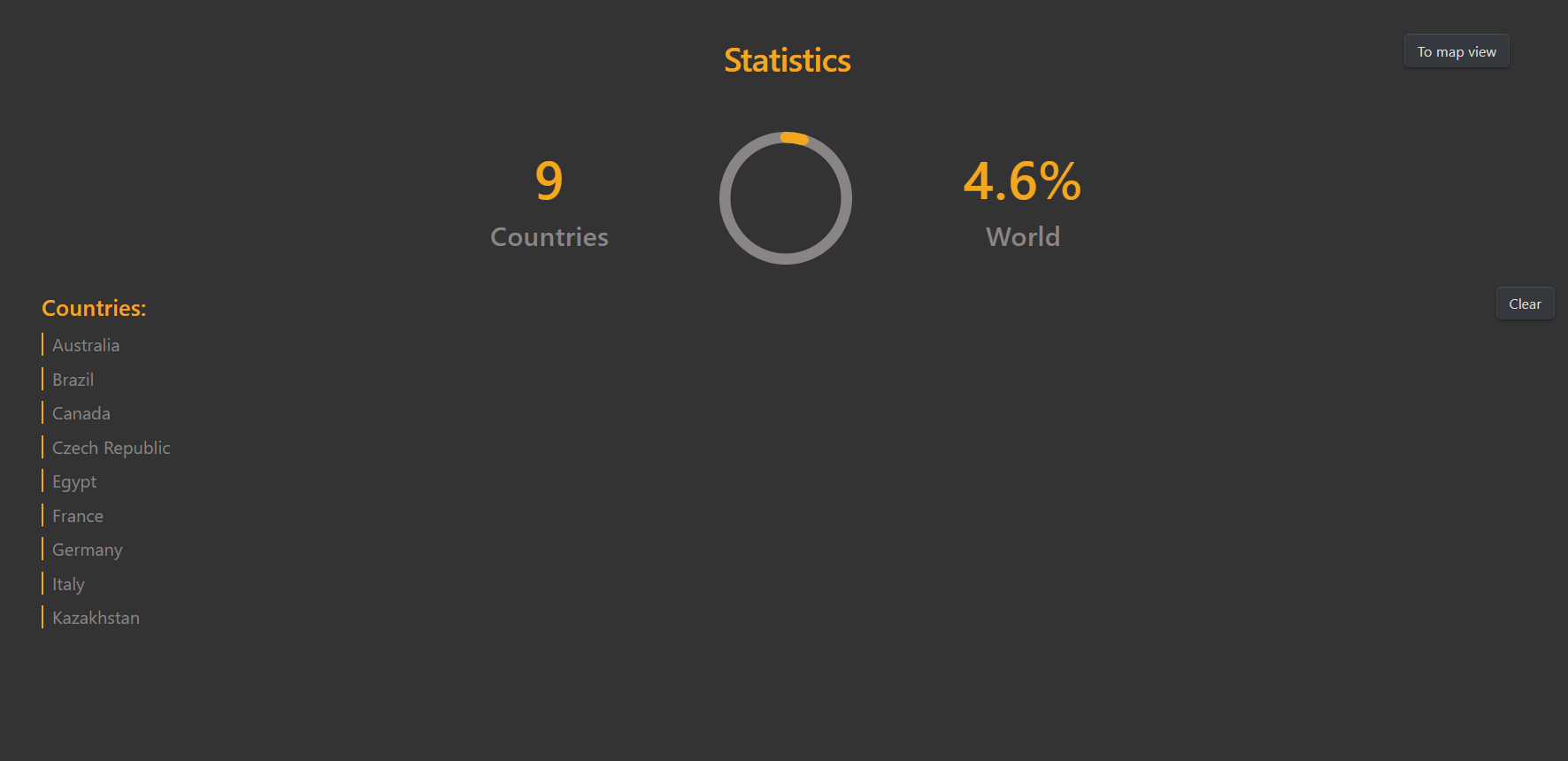
- Built-in stats page with totals and coverage percentage
- Optional links from countries to notes or travel logs
- Mobile support — works on Obsidian for iOS and Android
- Fully local — no internet connection or external services required
- Simple, responsive design that blends into your workflow
Demo
Stats Page Preview
Installation
- Clone or download this repository as a ZIP archive.
- Extract it into the
.obsidian/plugins/directory inside your Obsidian vault.- If you've customized the name or location of your plugins folder in Obsidian settings, use that path instead.
- Open Obsidian, go to Settings → Community Plugins, and enable the plugin.
Once enabled, you can launch the map from the command palette and begin marking countries.