Simsapa

by gambhiro
5
4
3
2
1
Score: 33/100

Description

Category: Note Enhancements

The Simsapa plugin integrates with Obsidian to provide powerful Pāli dictionary and sutta lookup features. It requires the Simsapa Dhamma Reader app to be running in the background, allowing users to search and retrieve definitions from Pāli dictionaries directly within Obsidian. By double-clicking a word in a note, users can instantly access its meaning, with results displayed in the sidebar or in a separate lookup window. This plugin enhances the reading and study experience for users interested in Pāli texts and Buddhist teachings, making it easier to reference and understand key terms.

Reviews

No reviews yet.

Stats

1
stars
931
downloads
0
forks
787
days
787
days
790
days
0
total PRs
0
open PRs
0
closed PRs
0
merged PRs
1
total issues
1
open issues
0
closed issues
13
commits

Latest Version

2 years ago

Changelog

README file from

Github

Simsapa Obsidian Plugin

This is a sub-module repo for simsapa-extensions-and-plugins

The plugin requires Simsapa Dhamma Reader to be installed to work.
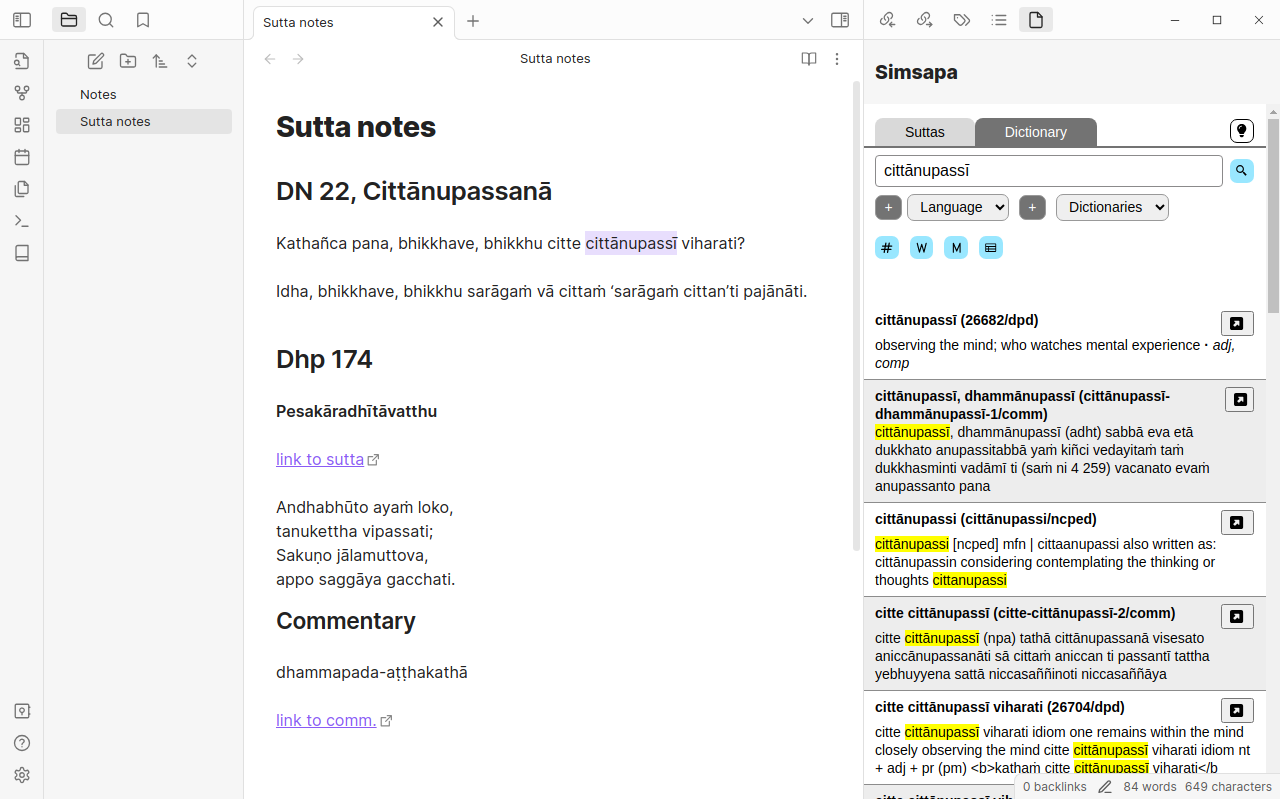
Simsapa Sidebar

Simsapa Word Lookup

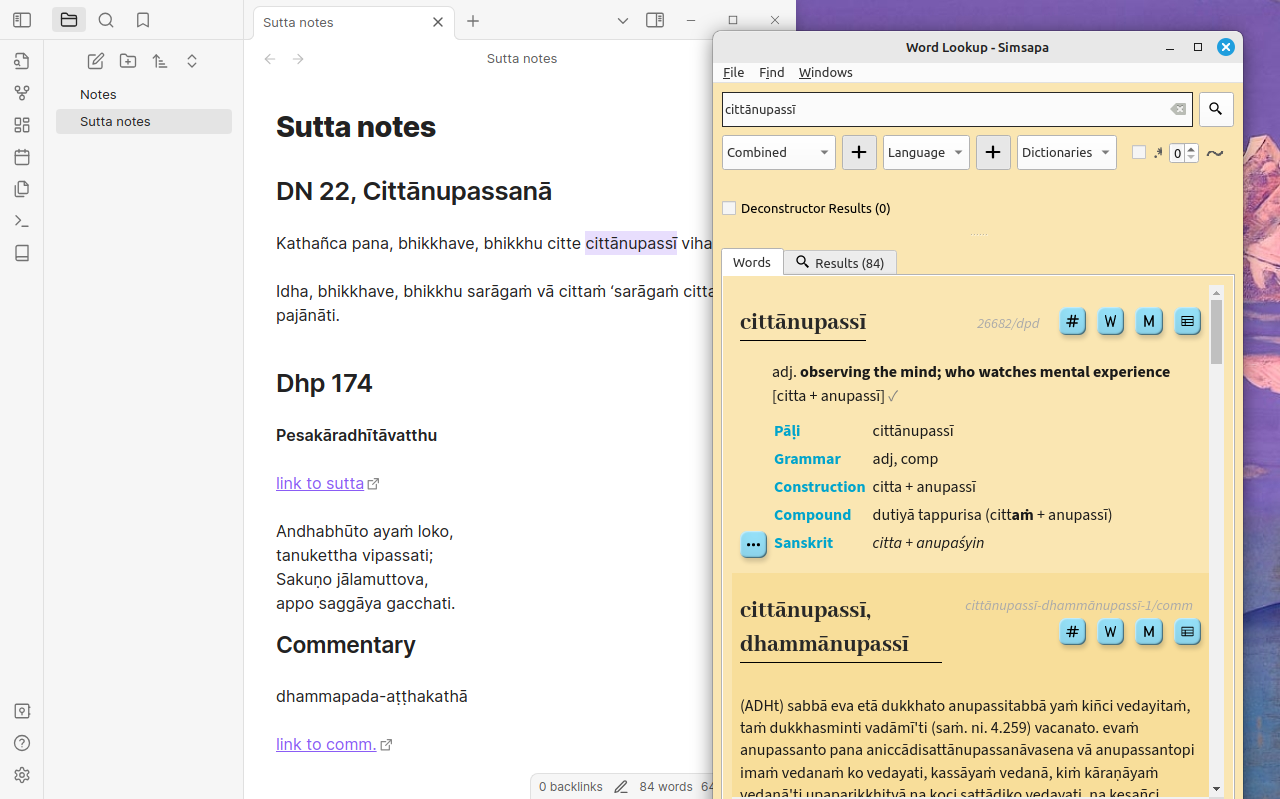
Start the Simsapa app, close the main window and let the app stay in the background. The plugin makes HTTP requests to the application.

When clicking the plugin's icon (book 📓), the sidebar is opened.

The sidebar can be used to search Pāli dictionaries or suttas.

Double click on a word in a note's text to trigger a dictionary lookup.

  • If the sidebar is open, the results are shown there.
  • If the sidebar is closed, it should open a Simsapa Word Lookup window with the results (including Pāli accents).

If the Word Lookup does not pop-up, the system may prevent it being opened. In this case:

Open Word Lookup in Simsapa first, move it next to Obsidian, and use double-click on work in your note's text to trigger a lookup. The window should respond by showing the results.

Similar Plugins

info
• Similar plugins are suggested based on the common tags between the plugins.