
README file from
GithubObsidian Vault Explorer
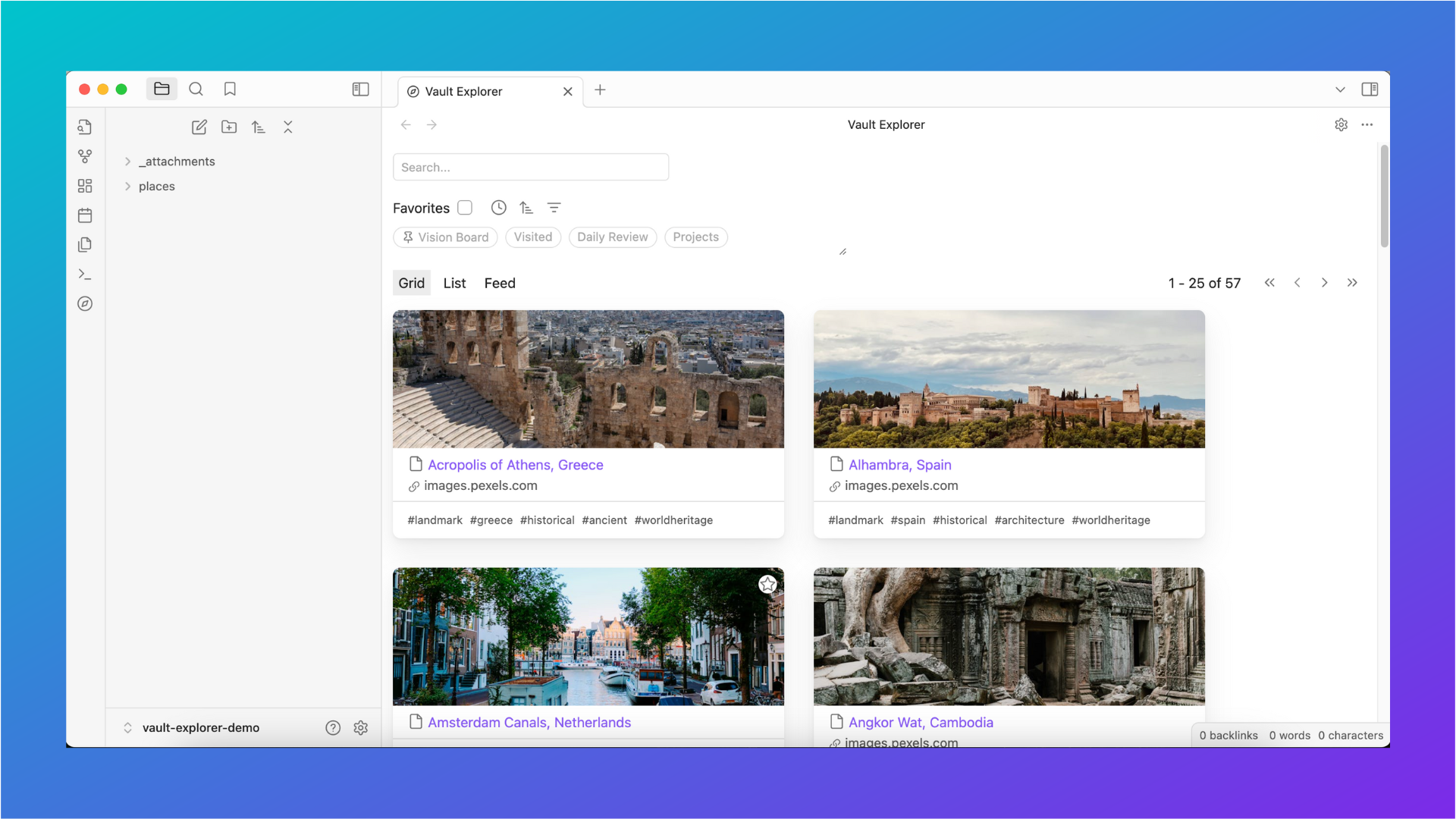

Find detailed documentation at vaultexplorer.com
Vault Explorer is an Obsidian plugin that leverages frontmatter properties to help you explore and organize your vault files.
The goal of Vault Explorer is to solve three main problems:
- How to easily filter by groups of frontmatter properties and other file data.
- How to display frontmatter properties in meaningful visual layouts.
- How to create a social media-like experience using just your personal data.
Vault Explorer is a work in progress. Please check the GitHub repository and documentation website regularly for updates.
Table of contents
Screenshots
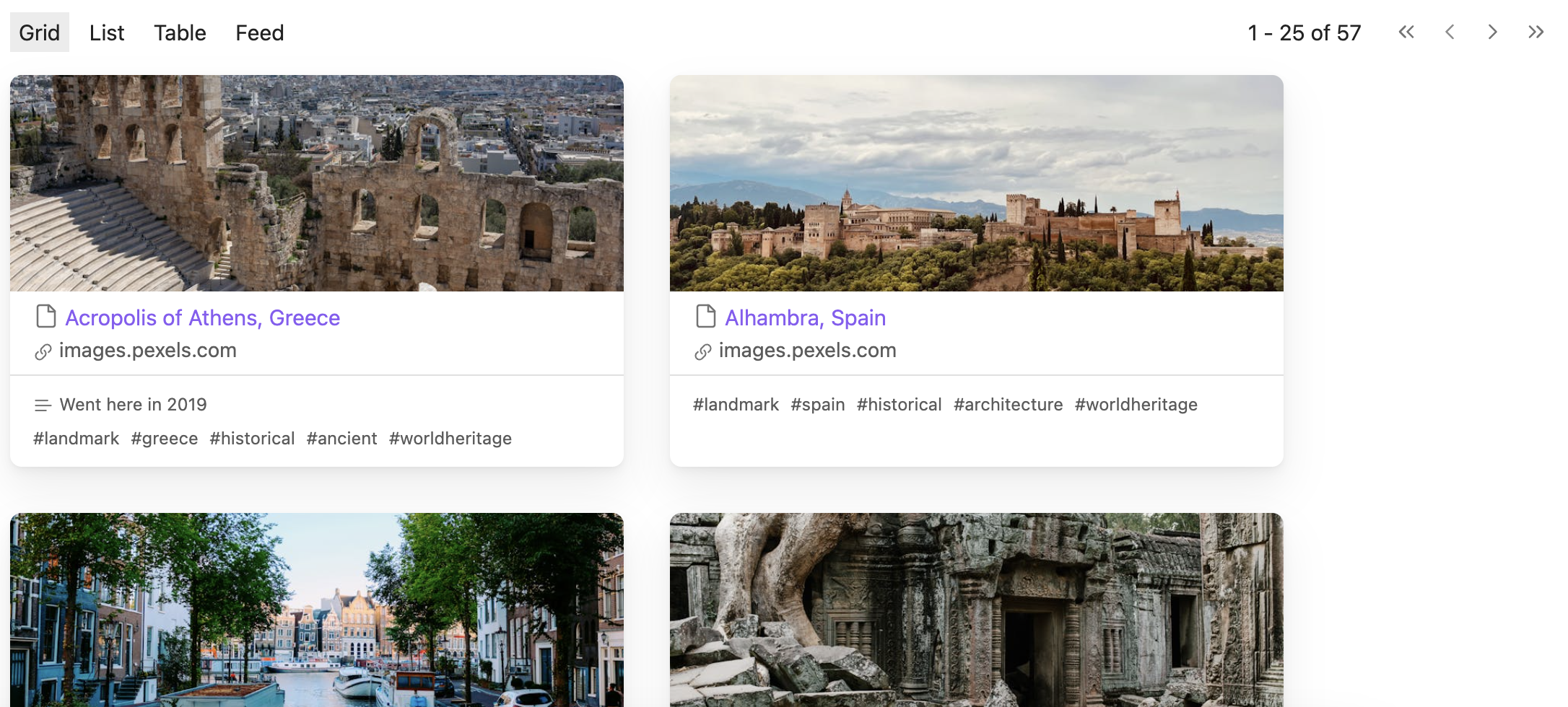
Grid view
List view
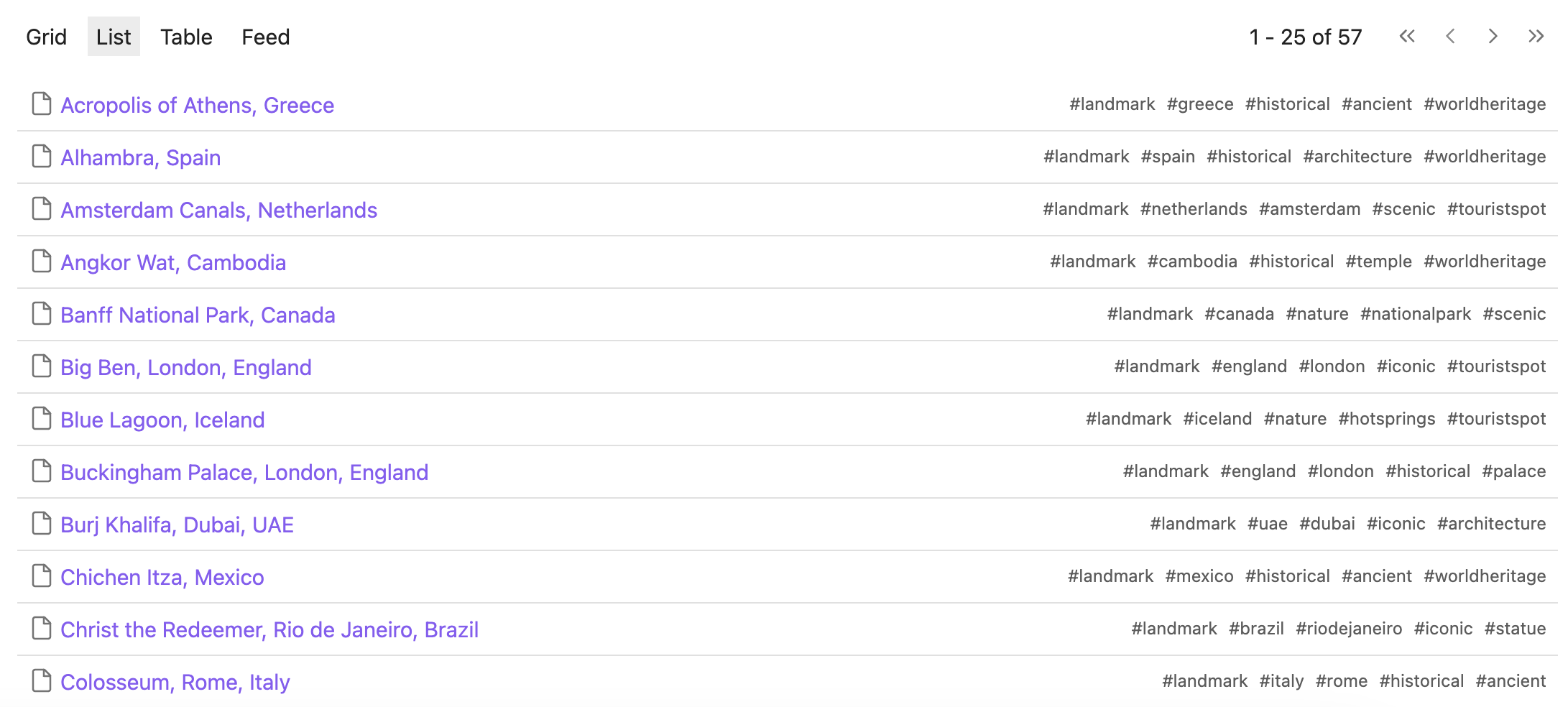
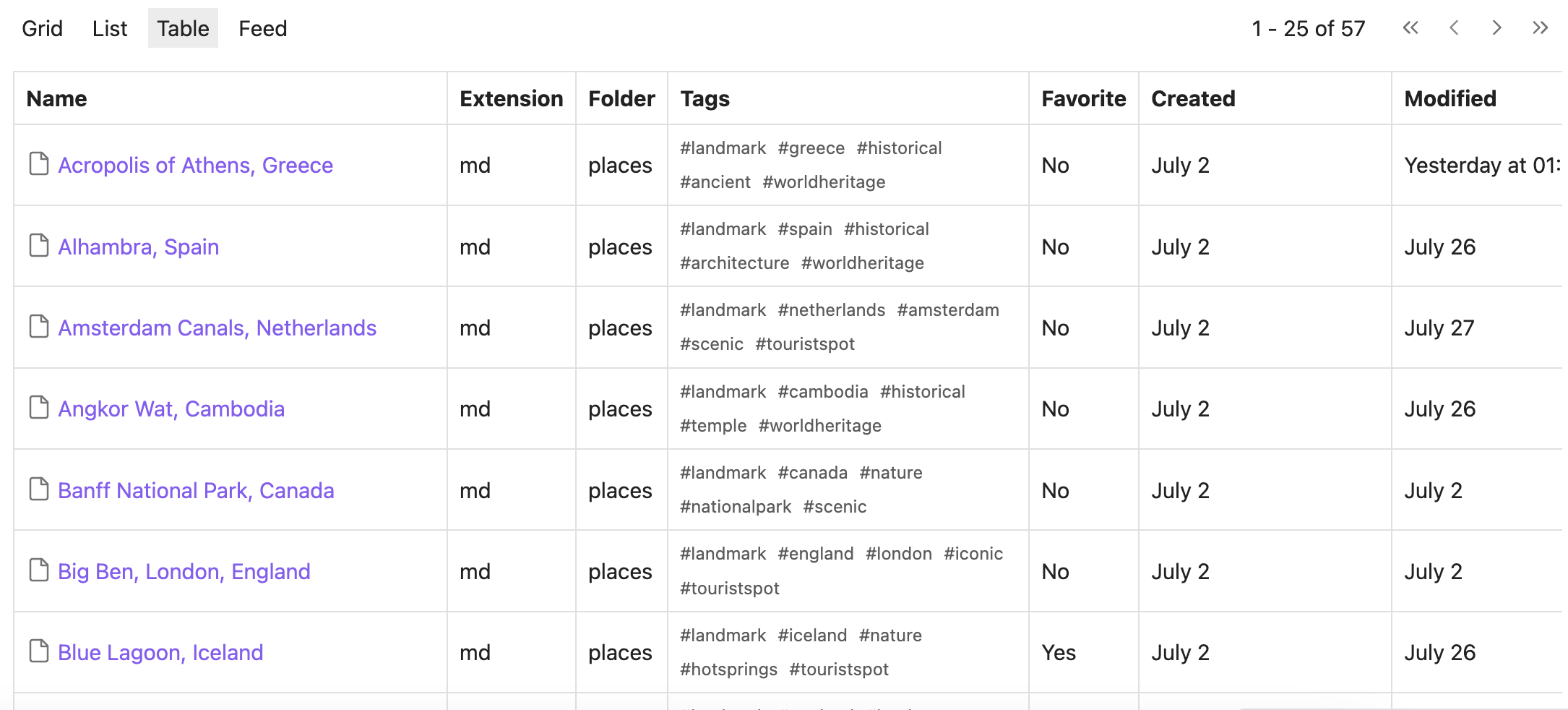
Table view
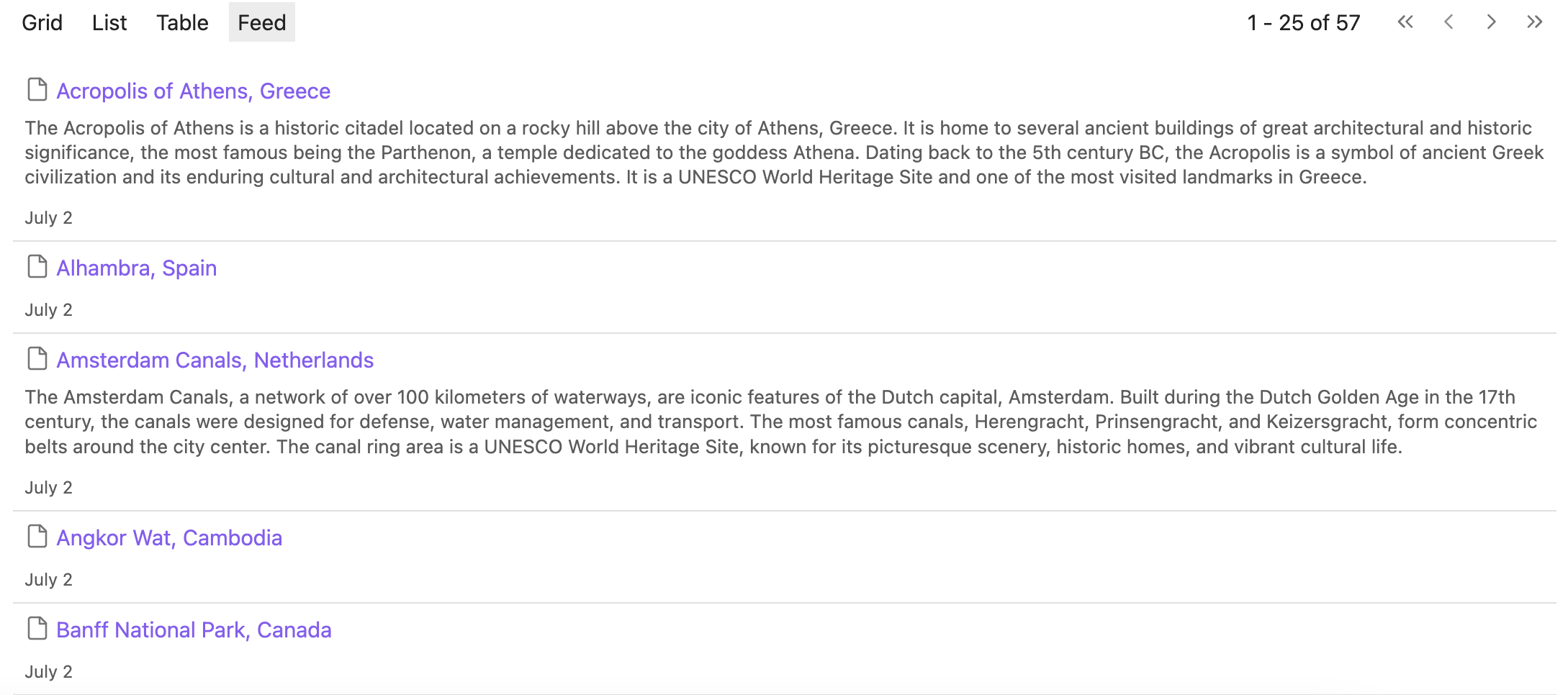
Feed view
Custom filter
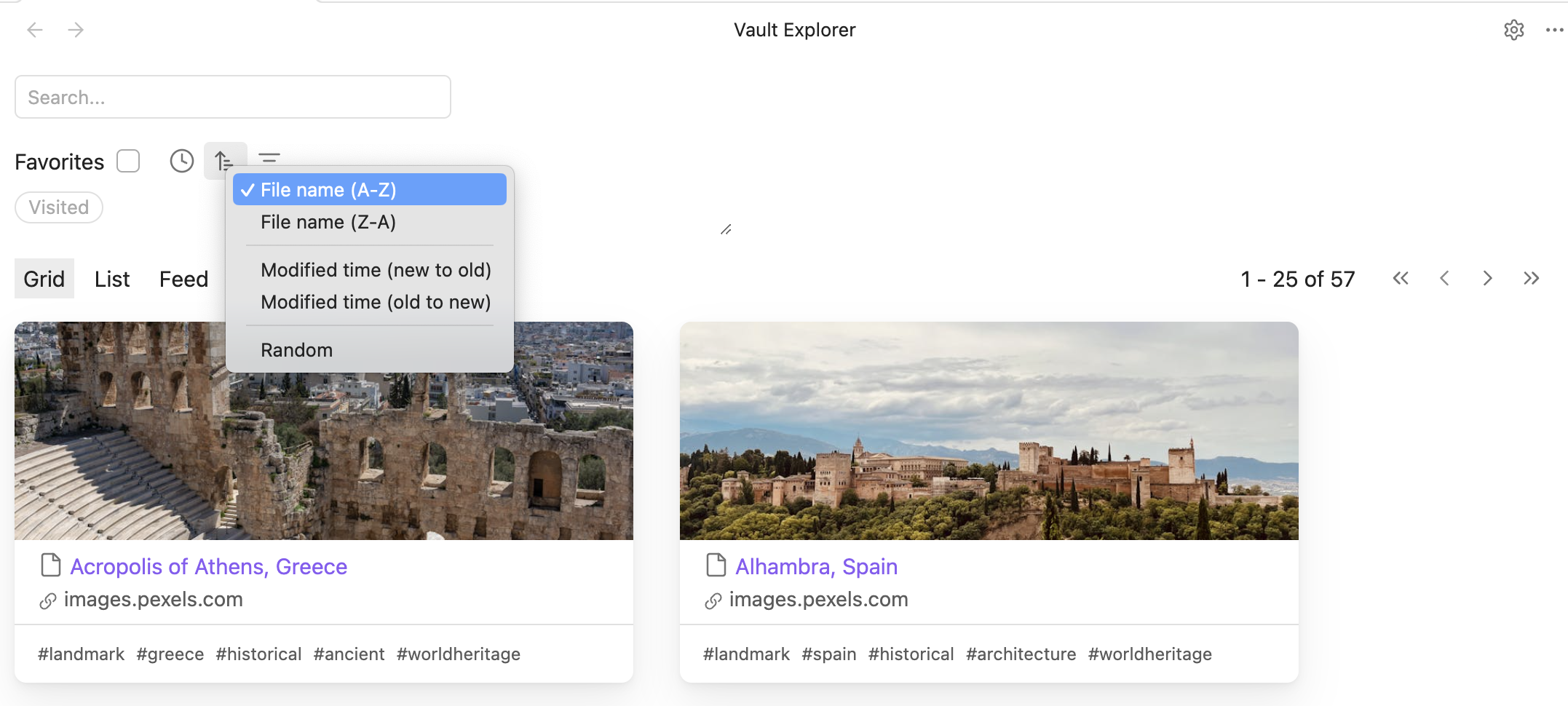
Sort filter
Search filter
Installation
- In Obsidian, open Settings
- Go to Community plugins
- Click Browse
- Search for Vault Explorer by DecafDev
- Click Install
- Finally, click Enable
Usage
Click the compass button on the left-hand sidebar to open the vault explorer view.
Features
| Name | Categories | Documented |
|---|---|---|
| Move focus with left and right arrows | Accessibility | ✅ |
| See an image placeholder on the grid card | Cover image | ✅ |
| Load a cover image from the image property | Cover image | ✅ |
| Load images from the url property | Cover image | ✅ |
| Load images from the first link in the frontmatter (wiki link or url) | Cover image | ✅ |
| Load images from the first link the body (internal embed or external embed) | Cover image | ✅ |
| Cache social media images | Cover image | ✅ |
| Change the order of cover image sources | Cover image, Setting | ✅ |
| Enable/disable cover image sources | Cover image, Setting | ✅ |
| Enable/disable loading the social media image | Cover image, Setting | ✅ |
| Clear the social media cache | Cover image, Setting | ✅ |
| Change the collapse style for feed content | Feed view, Setting | ✅ |
| Remove H1 from feed content | Feed view, Setting | ✅ |
| Remove markdown from feed content | Feed view, Setting | ✅ |
| Change the feed content line clamp for small screens | Feed view, Setting | ✅ |
| Change the feed content line clamp for medium screens | Feed view, Setting | ✅ |
| Change the feed content line clamp for large screens | Feed view, Setting | ✅ |
| See files icons next to the file name | File icons | ✅ |
| Toggle file icons | File icons, Setting | ✅ |
| Reorder the filter group list | Filter group | ✅ |
| Add a filter group | Filter group | ✅ |
| Delete a filter group | Filter group | ✅ |
| Set a filter group as sticky | Filter group | ✅ |
| Unset a filter group as sticky | Filter group | ✅ |
| Right click to edit a filter group item | Filter group | |
| Change the filter groups wrap | Filter groups, Setting | ✅ |
| Add a filter rule | Filter rule | ✅ |
| Delete a filter rule | Filter rule | ✅ |
| Duplicate a filter rule | Filter rule | ✅ |
| Match when property doesn't exist toggle | Filter rule | ✅ |
| Filter files by folder | Filter rule | ✅ |
| Filter by frontmatter property | Filter rule | ✅ |
| Select a condition | Filter rule | ✅ |
Select a logical operator: and, or |
Filter rule | ✅ |
| Filter files by folder | Filter rule | ✅ |
| Filter files by file content | Filter rule | ✅ |
| Filter files by file name | Filter rule | ✅ |
| Enable/disable a filter rule | Filter rule | ✅ |
| Enter a license key | License, Setting | ✅ |
| Enable/disable tags on a list item | List view, Setting | ✅ |
| Set the log level | Logging | ✅ |
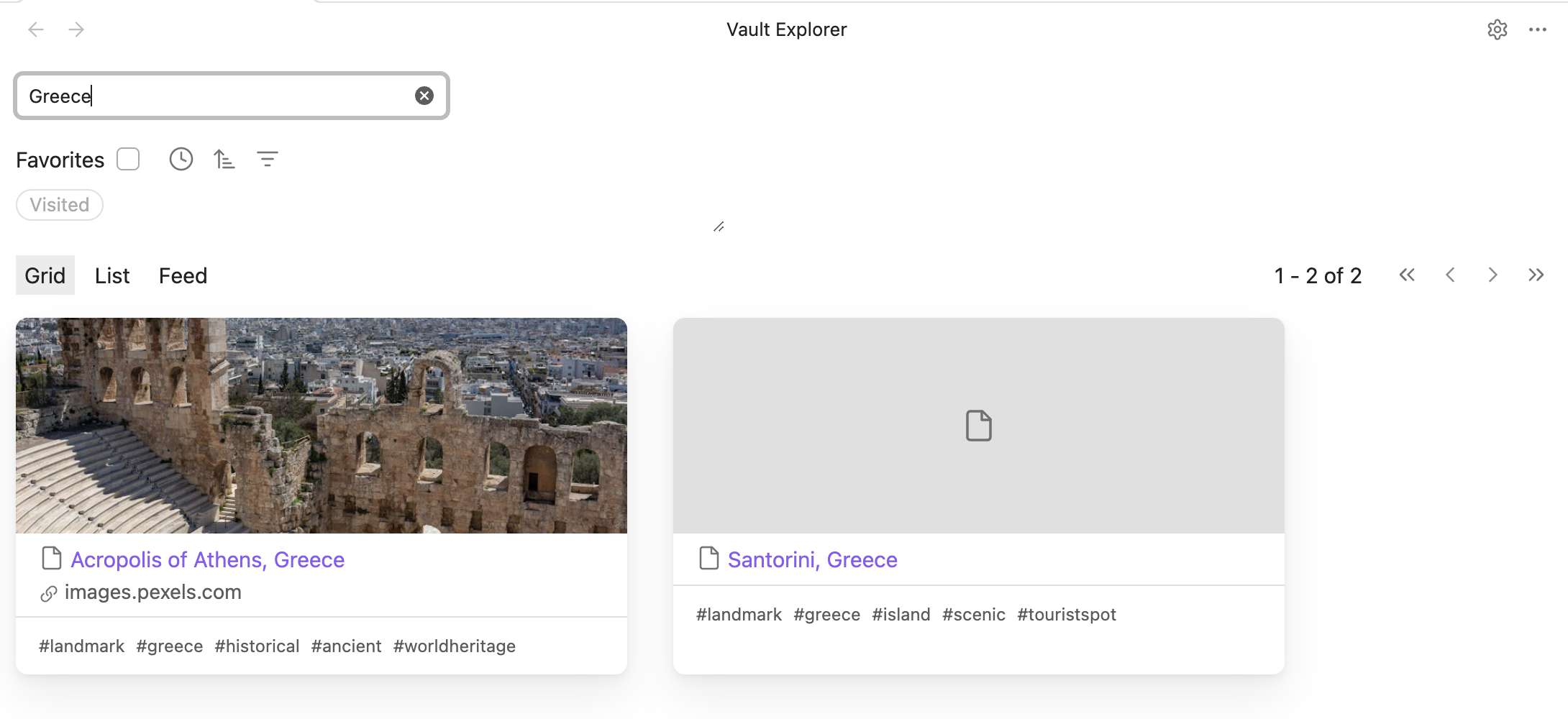
| Filter by search | Search filter | ✅ |
| Change the plugin configuration folder | Setting | ✅ |
Sort by title: asc, desc |
Sort order | ✅ |
Sort by modification date: asc, desc |
Sort order | ✅ |
| Randomly sort files | Sort order | ✅ |
| Set property for modification date | Setting | ✅ |
| Set property for creation date | Setting | ✅ |
| See vault files in a grid view | View | ✅ |
| See vault files in a list view | View | ✅ |
| See vault files in a feed view | View | ✅ |
| See vault files in a table view | View | ✅ |
| Change the view list order | View | |
| Limit displayed files with pagination | View | |
| Search for a tag when clicked | View | ✅ |
| See a file preview when mouse hovers link and ctrl/cmd is pressed | View | |
| Search for property when clicked | View | ✅ |
| Load tags from the body of a markdown notes | View | ✅ |
| Set page size | View, Setting | ✅ |
| Set a url property | View, Setting | ✅ |
| Set custom text property | View, Setting | ✅ |
| Enable/disable load tags from a markdown note | View, Setting | ✅ |
Network use
Vault Explorer is a privacy friendly plugin.
When you access the grid view, Vault Explorer will make requests to the URL's that you specify to display cover images. You may disable this behavior in the settings.
Besides cover image fetching, Vault Explorer does not make any network requests.
Vault Explorer does not include any client-side telemetry.
Contributing
Contributions are welcome! Please read the CONTRIBUTING.md to get started.
License
Vault Explorer is distributed under MIT License.