Dynamic Background

by Samuel Song
5
4
3
2
1
Score: 38/100

Description

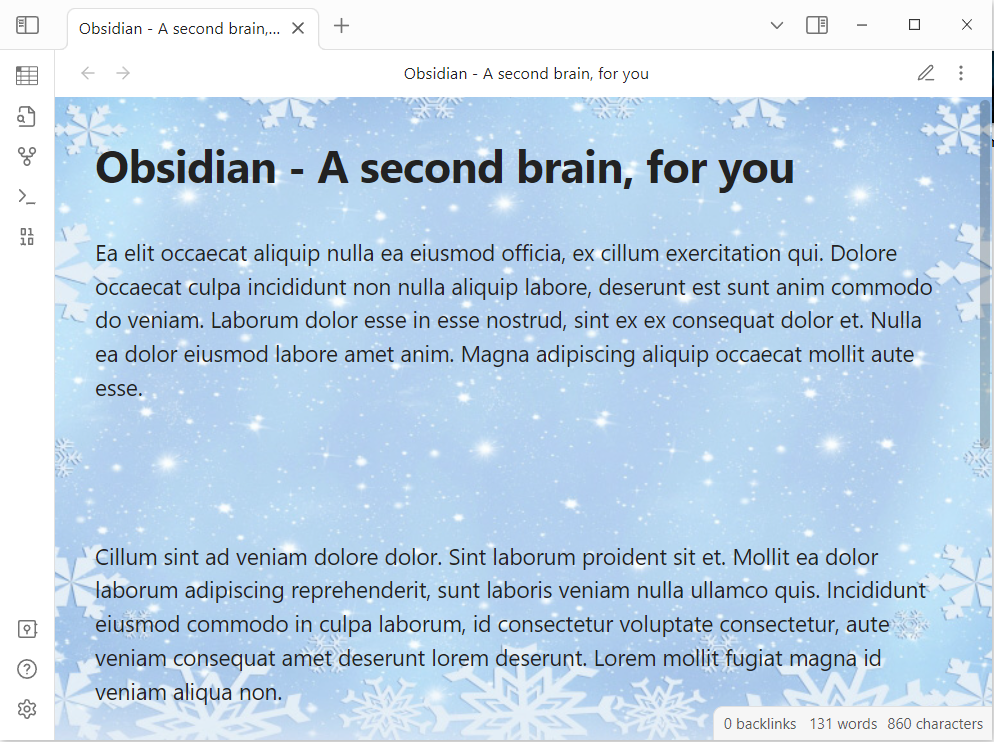
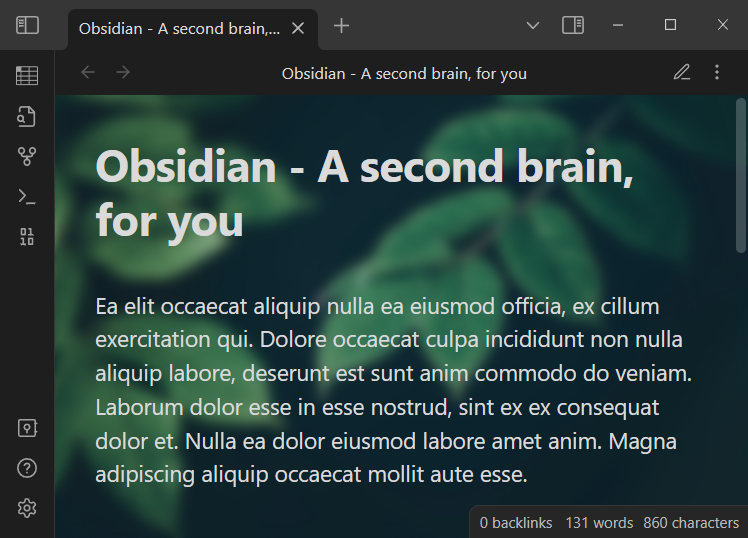
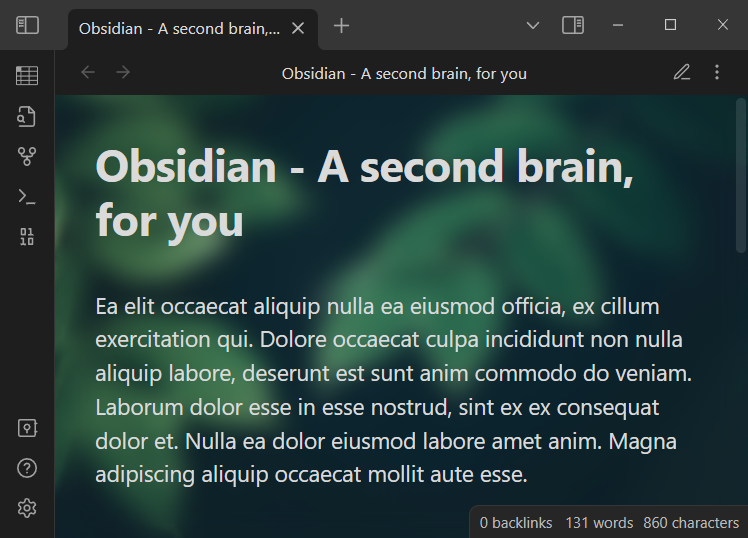
The Dynamic Background plugin enhances the visual experience in Obsidian by enabling users to add dynamic effects and static wallpapers to their workspace. It supports a variety of animated effects such as Matrix/Digital Rain, Snow, Rain, and Star Sky for dark themes, and Random Circle and Wave effects for light themes. Users can also customize the background with static wallpapers, adjust blur levels, and integrate dynamic visuals for a personalized touch. The plugin allows easy switching between effects and wallpapers, ensuring compatibility with Obsidian's base theme settings.

Reviews

No reviews yet.

Stats

47
stars
20,164
downloads
9
forks
1,285
days
854
days
1,072
days
2
total PRs
1
open PRs
1
closed PRs
0
merged PRs
18
total issues
10
open issues
8
closed issues
0
commits

Latest Version

3 years ago

Changelog

Fixed an issue where static wallpapers could not be displayed after upgrading to Obsidian v1.2.8 or later.

README file from

Github

Dynamic Background Plugin

An Obsidian plugin for adding dynamic effects and/or static wallpapers for Obsidian background.

Features

  • Adding dynamic effects for Obsidian background.
  • Adding static wallpapers for Obsidian background.
  • Adding dynamic effects and static wallpapers for Obsidian background.

This plugin provides the following dynamic effects:

  • 5 dynamic effects for Obsidian dark theme
    • Matrix / Digital Rain
    • Rain
    • Random Circle
    • Snow
    • Star Sky
  • 2 dynamic effects for Obsidian light theme
    • Random Circle
    • Wave

Note: Please report any bugs or needs by opening a new issue on GitHub.

Demo

Matrix / Digital Rain dynamic effect
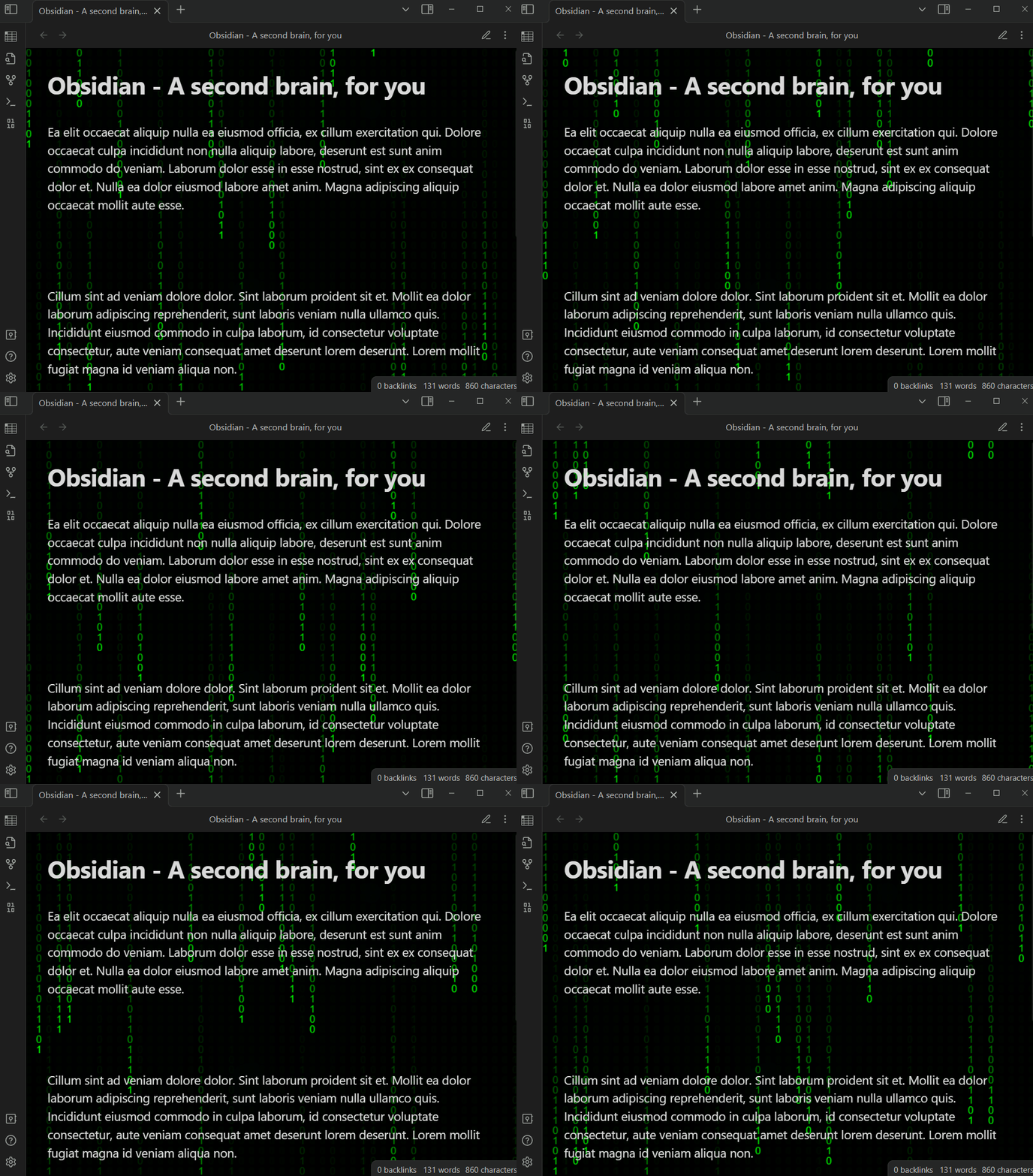
Digital rain dynamic effect

Rain dynamic effect
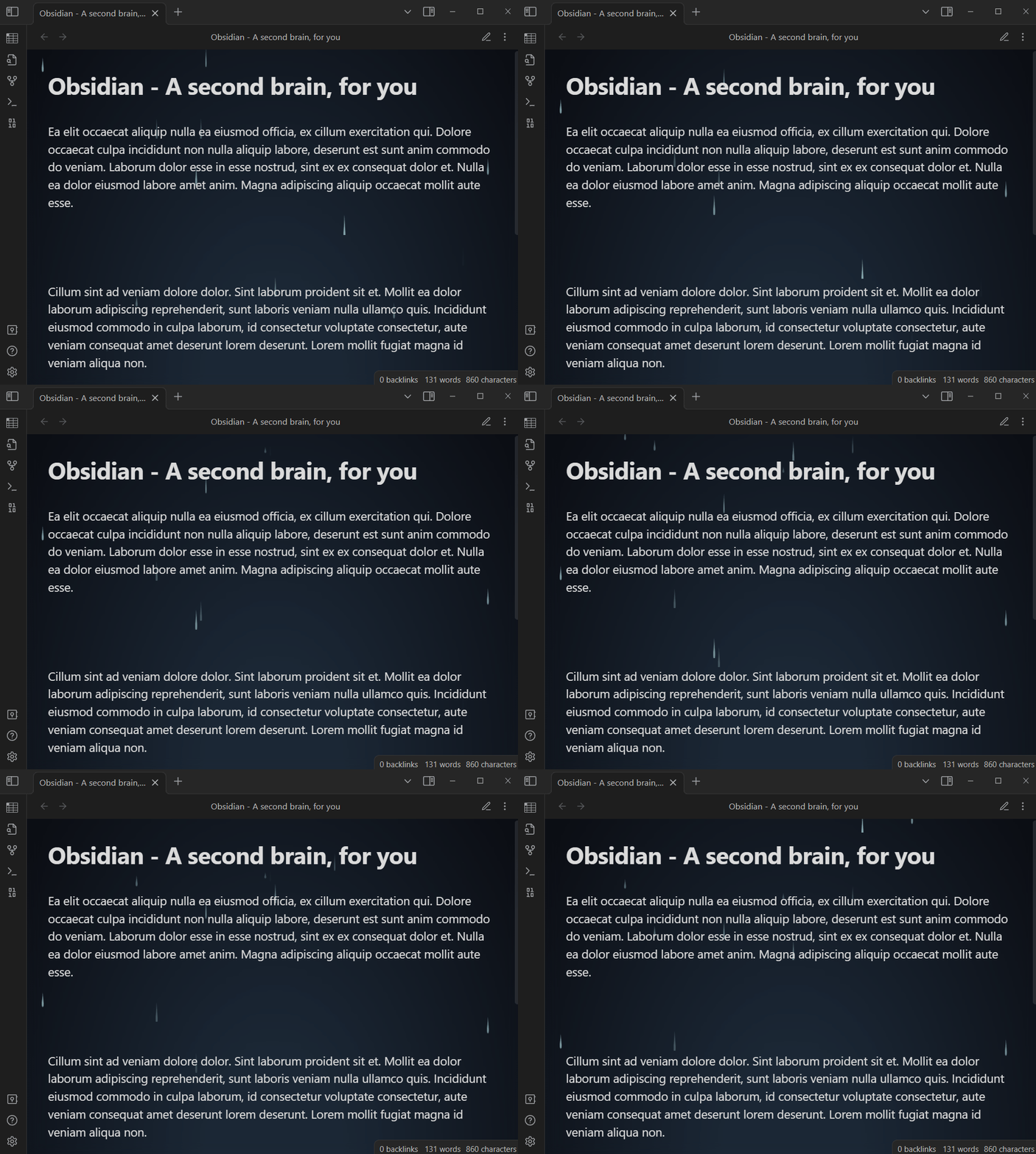
Rain dynamic effect

Rain dynamic effect with wallpaper
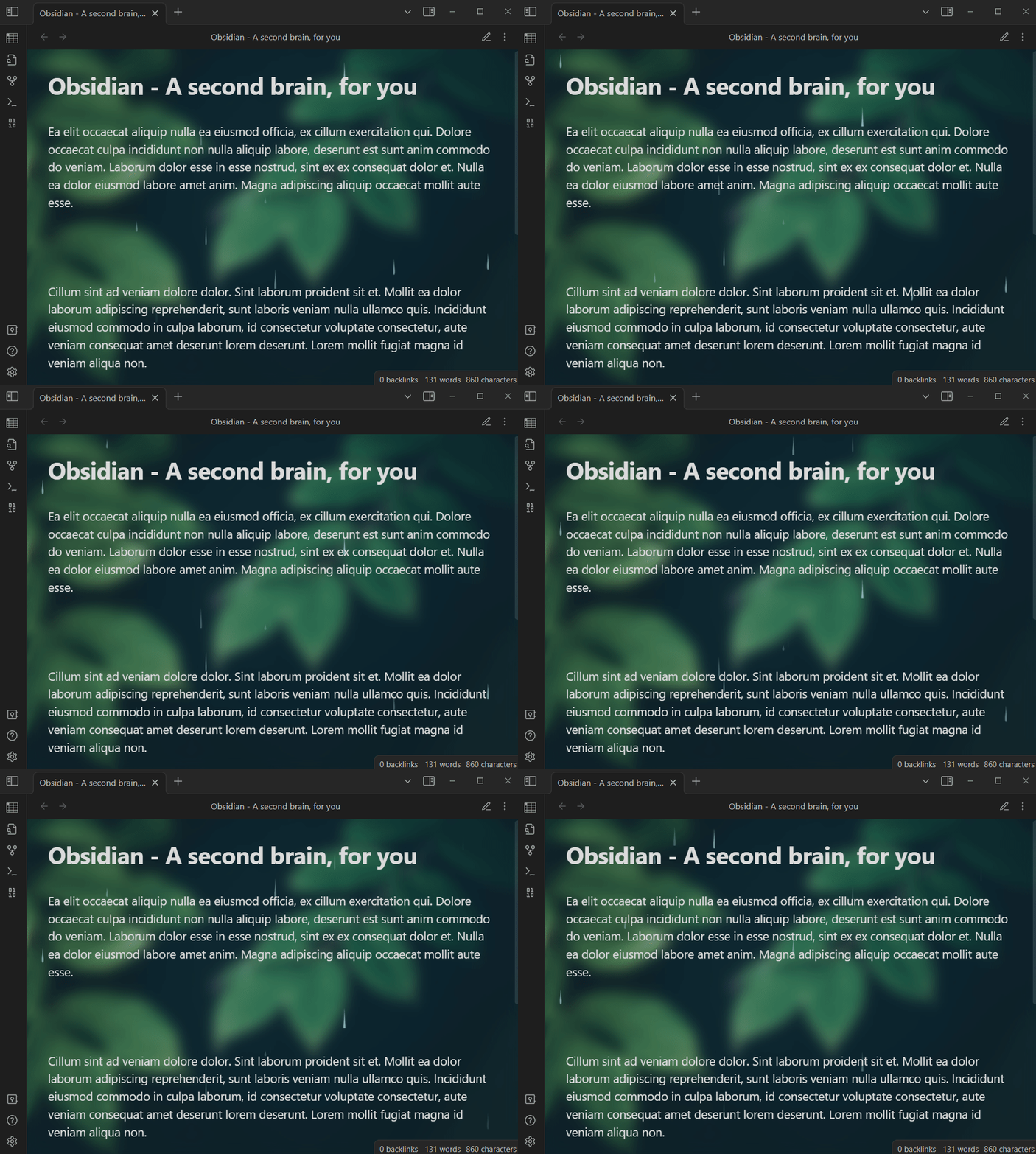
Rain dynamic effect with wallpaper

Snow dynamic effect
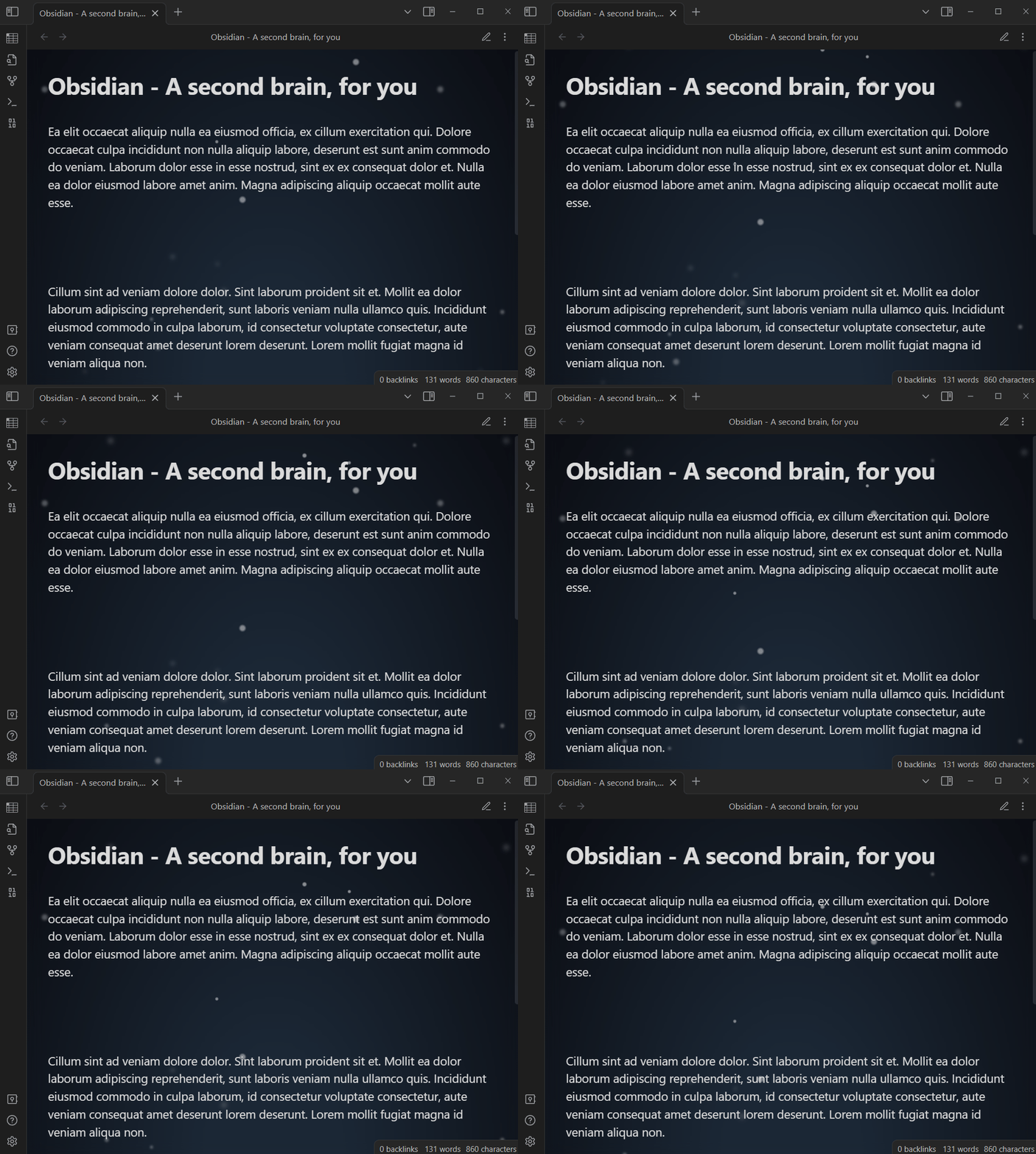
Snow dynamic effect

Snow dynamic effect with wallpaper
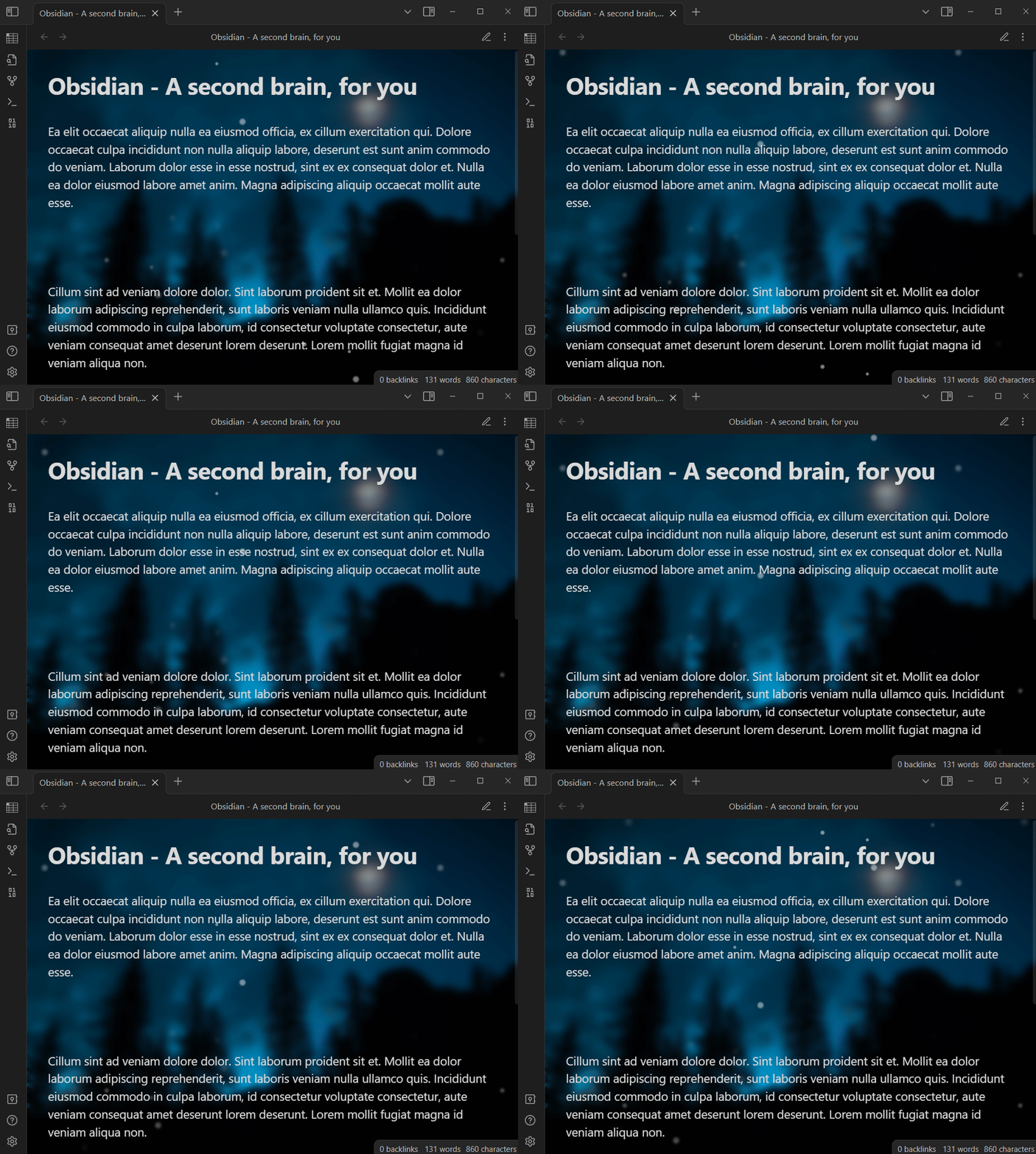
Snow dynamic effect with wallpaper

Wave dynamic effect
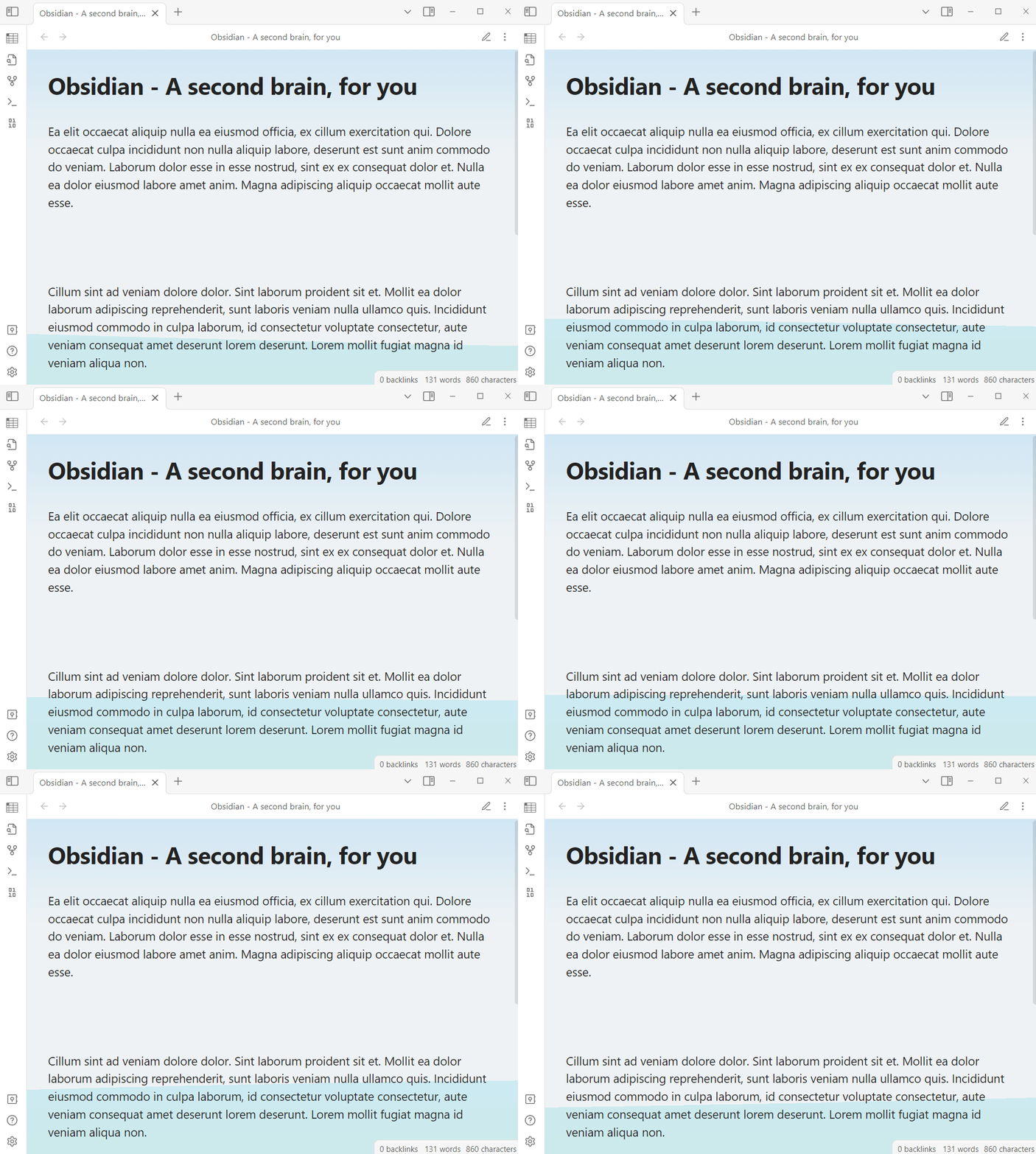
Wave dynamic effect

Wave dynamic effect with wallpaper
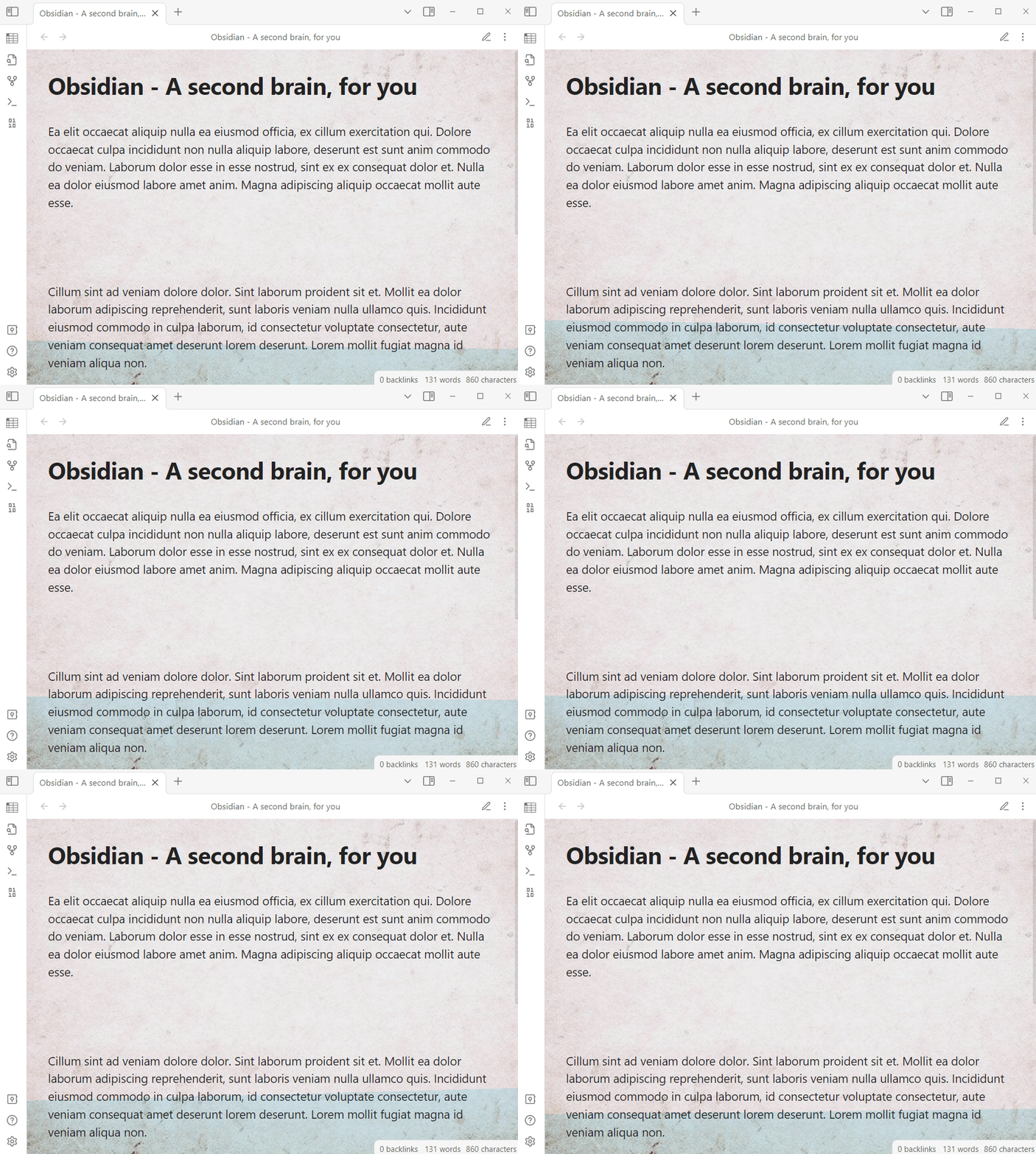
Wave dynamic effect with wallpaper

Wallpaper demo 1
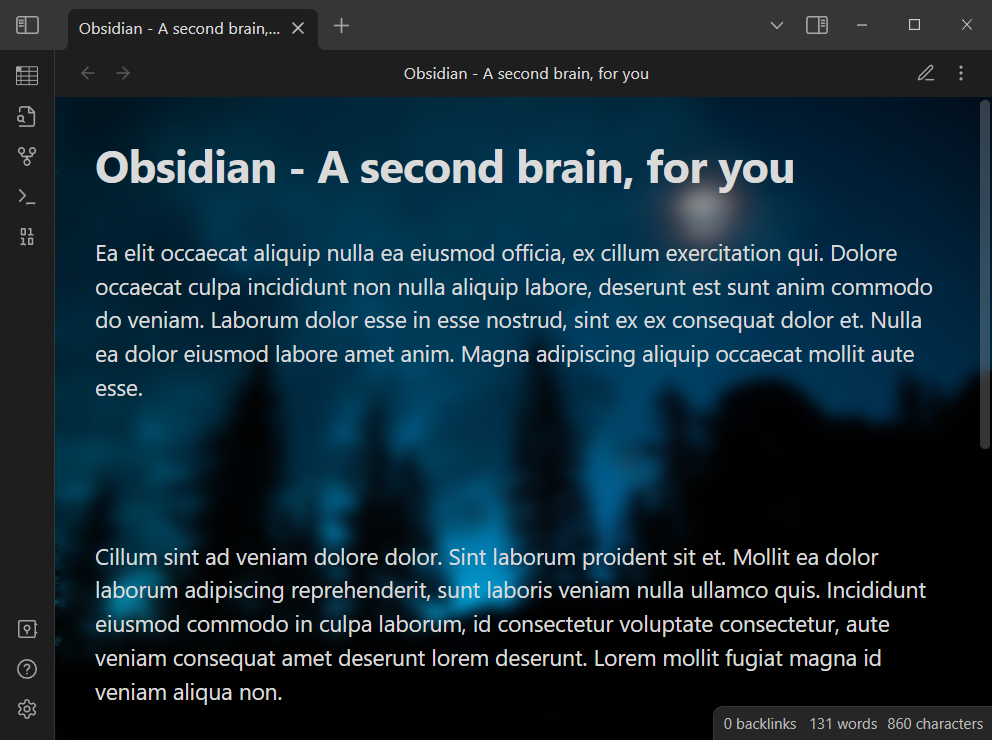
Wallpaper demo 1

Wallpaper demo 2

Wallpaper demo 2

How to use

Open setting window

  • Click the Settings button on the left toolbar
  • Slide the scroll bar in the pop-up dialog and click Dynamic Background in the Community Plugins group

Please see the video below for details:
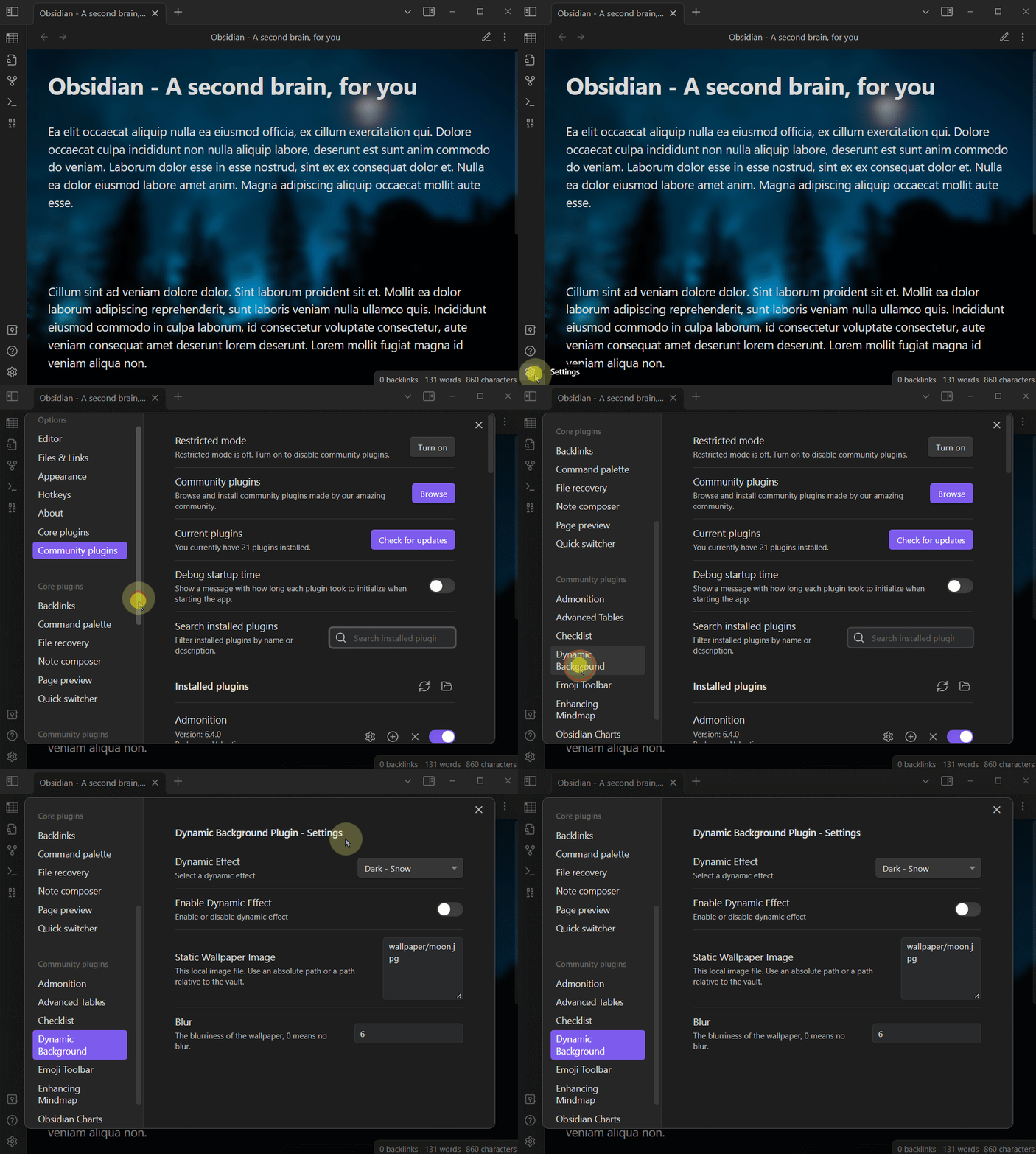
Blue Sky

Enable or Disable dynamic effect

Dynamic effect can be enabled or disabled at any time:

Select dynamic effect

There are a variety of dynamic effects to choose from, please choose a dynamic effect according to your Base theme setting. You can set the Base theme or Base color scheme by following the steps below.

  • Click the Settings button on the left toolbar
  • Click the Appearance button (As shown in the figure below, number 1)
  • Select a theme as you need (as shown in the figure below, number 2)
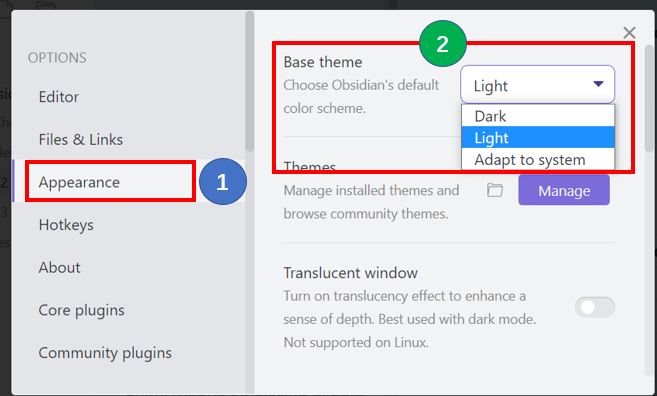
Select Obsidian Base Theme

If your Base theme or Base color scheme setting is Dark, you should choose a dynamic effect from the Dark series. If your Base theme or Base color scheme setting is Light, you should choose a dynamic effect from the Light series.

The steps to select a dynamic effect are as follows:

Select wallpaper image file

You can specify a image file inside Vault as the wallpaper, please use the relative path of the image file inside Vault.

  • Example: attachments/moon.jpg or wallpapers/green.png

Note: Sometimes you may just want to display the wallpaper without the dynamic effect, just turn off the Enable Dynamic Effect switch in the settings window.

Set wallpaper blur

Open the plugin's settings window, Set the blur value, 0 means no blur. The blur effect is shown as follows:

Blur: 0
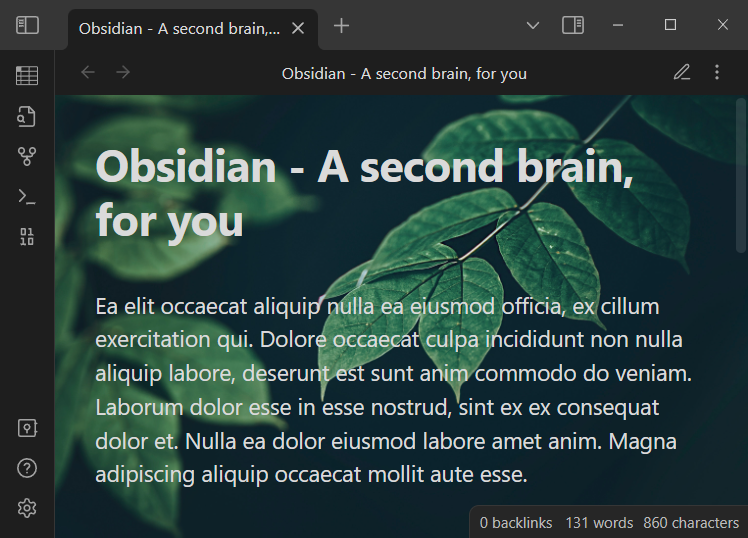
Wallpaper blur 0

Blur: 5

Wallpaper blur 5

Blur: 10

Wallpaper blur 10

How to Install

From within Obsidian

From Obsidian, you can activate this plugin within Obsidian by doing the following:

  • Open Settings > Community plugins
  • Make sure Restricted mode is off
  • Click Browse community plugins
  • Search for "Dynamic Background"
  • Click Install
  • Once installed, close the community plugins window and activate the newly installed plugin

From GitHub

  • Download main.js, manifest.json, styles.css from the Releases section of the GitHub Repository.

  • Create obsidian-dynamic-background folder under <vault>/.obsidian/plugins/ folder.

  • Copy downloaded files to <vault>/.obsidian/plugins/obsidian-dynamic-background/ folder.

    Note: On some machines the .obsidian folder may be hidden. On MacOS you should be able to press Command+Shift+Dot to show the folder in Finder.

  • Reload Obsidian

Version History

1.0.6

  • Fixed an issue where static wallpapers could not be displayed after upgrading to Obsidian v1.2.8 or later.

1.0.5

  • Added brightness control for Matrix / Digital Rain dynamic effect.

1.0.4

  • Improved Matrix / Digital Rain dynamic effect.

1.0.3

  • Add Matrix / Digital Rain dynamic effect for Obsidian dark theme.

1.0.2

  • Initial version

Support

This plugin is provided to everyone for free.

If you like this plugin, welcome to support us. I will keep improving this plugin to make it better and better.

Similar Plugins

info
• Similar plugins are suggested based on the common tags between the plugins.
Group Snippets
4 years ago by Mara-Li
Create folder of snippets to activate them in one click !
Day and Night
4 years ago by Kevin Patel
An Obsidian plugin to automatically switch between day and night themes based on a set schedule
Theme Toggler
4 years ago by larsmagnus
Toggle the theme in Obsidian's panels
Quote Share
3 years ago by DuocNV
Generate beautifull image from Obsidian.
Callout Manager
3 years ago by eth-p
An Obsidian.md plugin that makes creating and configuring callouts easy.
Mermaid Themes
3 years ago by jvsteiner
mermaid themes for obsidian
Background Image
3 years ago by shmolf
Code Styler
3 years ago by Mayuran Visakan
A plugin for Obsidian.md for styling codeblocks and inline code
HelpMate
2 years ago by TfTHacker
HelpMate for Obsidian - providing help and documentation from within Obsidian
Canvas Card Background Remover
2 years ago by luxmargos
This Obsidian plugin allows you to make the background of cards transparent in the Canvas for specific embed types, including Image (png), Canvas, and even Markdown.
Additional Icons
2 years ago by Matthew Turk
Add additional iconsets to Obsidian
Beautitab
2 years ago by Andrew McGivery
A plugin for Obsidian.MD that creates a customizable new tab view with beautiful backgrounds, quotes, search, and more.
VARE
2 years ago by 4Source
This is a plugin for Obsidian (https://obsidian.md). Allows you to easily manage your plugins and themes inside Obsidian.
Fast Text Color
2 years ago by Leon Holtmeier
Obsidian plugin to enable colored text with a custom syntax.
CSS Inlay Colors
2 years ago by Benji Grant
Show inline color hints for CSS colors in Obsidian
Minimal Theme Settings
5 years ago by @kepano
Settings plugin to control colors and fonts in Minimal Theme
Style Settings
5 years ago by mgmeyers
A dynamic user interface for adjusting theme, plugin, and snippet CSS variables within Obsidian
Theme Picker
5 years ago by kenset
Auto Class
4 years ago by Nathonius
Automatically add CSS classes to notes based on file path.
Theme Design Utilities
4 years ago by pseudometa
Some utilities and Quality-of-Life features for designers of Obsidian themes.
Scrambling Title Animations
2 years ago by HistidineDwarf
Animates the title of an opened note by scrambling it in a few visually-appealing ways
Auto switch themes between dark/light mode
a year ago by Robert Storlind
Obsidian plugin for switching themes when toggling dark/light mode
Friday
a year ago by sunwei
Write anywhere. Publish everywhere. Sync your notes, publish instantly, turn Markdown into websites.
Obsifetch
a year ago by tabibyte
neofetch but for obsidian
Theme Controller
a year ago by Binaris
Set when and how the themes will be displayed
Backgroundset
a year ago by daonali
similar as vscode background
Pixel Perfect Image
a year ago by Johan Sanneblad
Pixel perfect 100% image resizing, copy to clipboard, show image in Finder/Explorer, edit image in external editor, and much more.
Pseudo Mica
a year ago by Alexis C
Pseudo Mica brings native window translucency effects to Obsidian.
Note Favicon
a year ago by mdklab
Obsidian plugin – Show Favicon from Metadata
Heading Decorator
a year ago by dragonish
Implement displaying specific content around headings based on their levels.
Smart DayNight switcher
a year ago by Andrii Hrushetskyi
Note to RED
a year ago by Yeban
一键将 Obsidian 笔记转换为小红书图片进行导出
Theme toggle
a year ago by @gapmiss
Obsidian.md plugin … adds a ribbon icon and command for toggling between dark & light theme modes.
Rainbow-Colored Sidebar
a year ago by Kevin Woblick
Automatically color your sidebar like a rainbow. No configuration needed. 8 themes included.
Pixel Pets
9 months ago by Lucas Jin
Adds cute pixel pets to Obsidian.
Colorful Note Background
4 months ago by andresgongora
Set note background based on file location or frontmatter metadata