
README file from
GithubTag Project extends Dataview, giving you freedom to manage projects and track progress anywhere in your Obsidian vault.
Tag Project is developed with Tag Project!
For a better introduction, visit the official website.
Write left, Get right
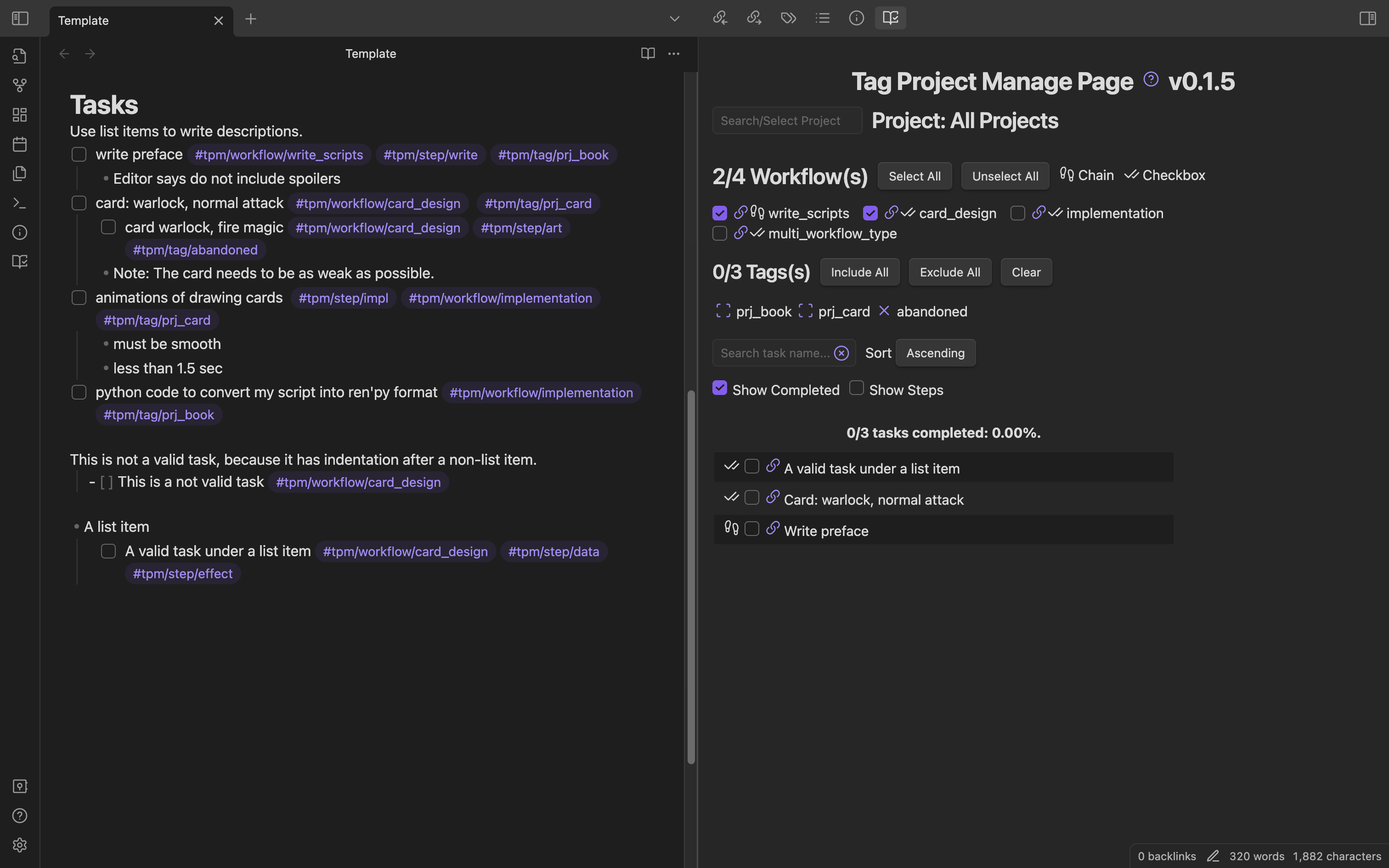
Quick start
Installation
- In Obsidian, open Settings > Community plugins > Browse.
- Search for "Tag Project" by Odaimoko.
- Select
Install.
You need to also install another Obsidian plugin, Dataview, in order to use Tag Project.
Although it's a brilliant plugin, I am planning to remove this dependency in the future.
Usage
Define a workflow
- [ ] my_workflow #tpm/workflow_type/chain
Assign a task to this workflow
- [ ] A task with my workflow. #tpm/workflow/my_workflow
Open the Manage Page, and you will see the tasks.
- Command Palatte > Open Manage Page
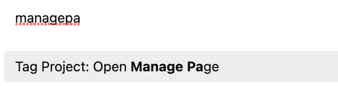
or
- On the Ribbon bar
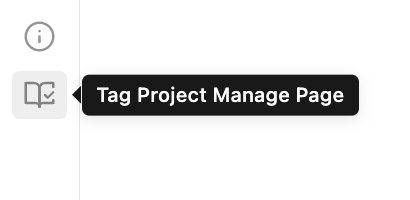
Set Hotkeys
Open Obsidian Settings > Hotkeys > Tag Project
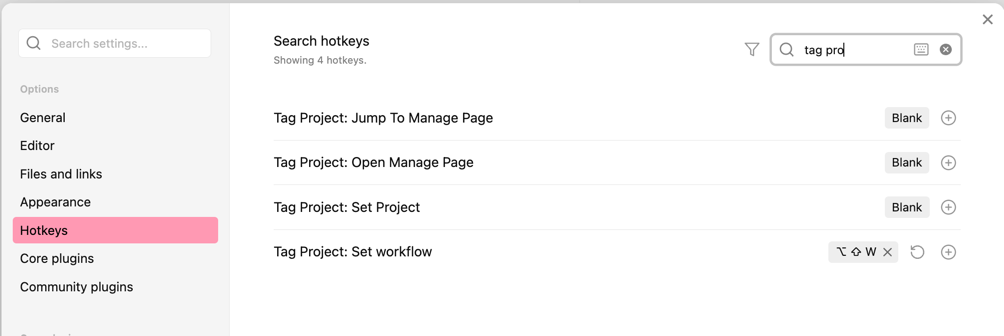 I use
I use Meta+Shift+W, W stands for workflow.
Tutorials
The tutorial is presented here: Tutorial.
The tutorials and template are also available in the plugin's Help Page, directly accessible in Obsidian.
Features
- Create Projects with front matters and tags
- Manage Subprojects in a main project
- Create Workflows and tasks with tags
- Support any Obsidian theme
- Fully featured Commands to speed up your management
- Unit Tested
Change log and Roadmap
Change log
To be updated. Current version is 0.7.0.
Here's the latest features and bug-fixes.
Roadmap
Inspiration / Design Philosophy
No Obsidian plugin solves the combination of the following problems
- Tasks are spread across the vault
- But I want to manage them in a single page
- Each task belongs to certain pre-defined workflow
- There are plenty of tasks with the same workflow
- Workflows and tasks should be easily defined and assigned
Fine, I'll do it myself.
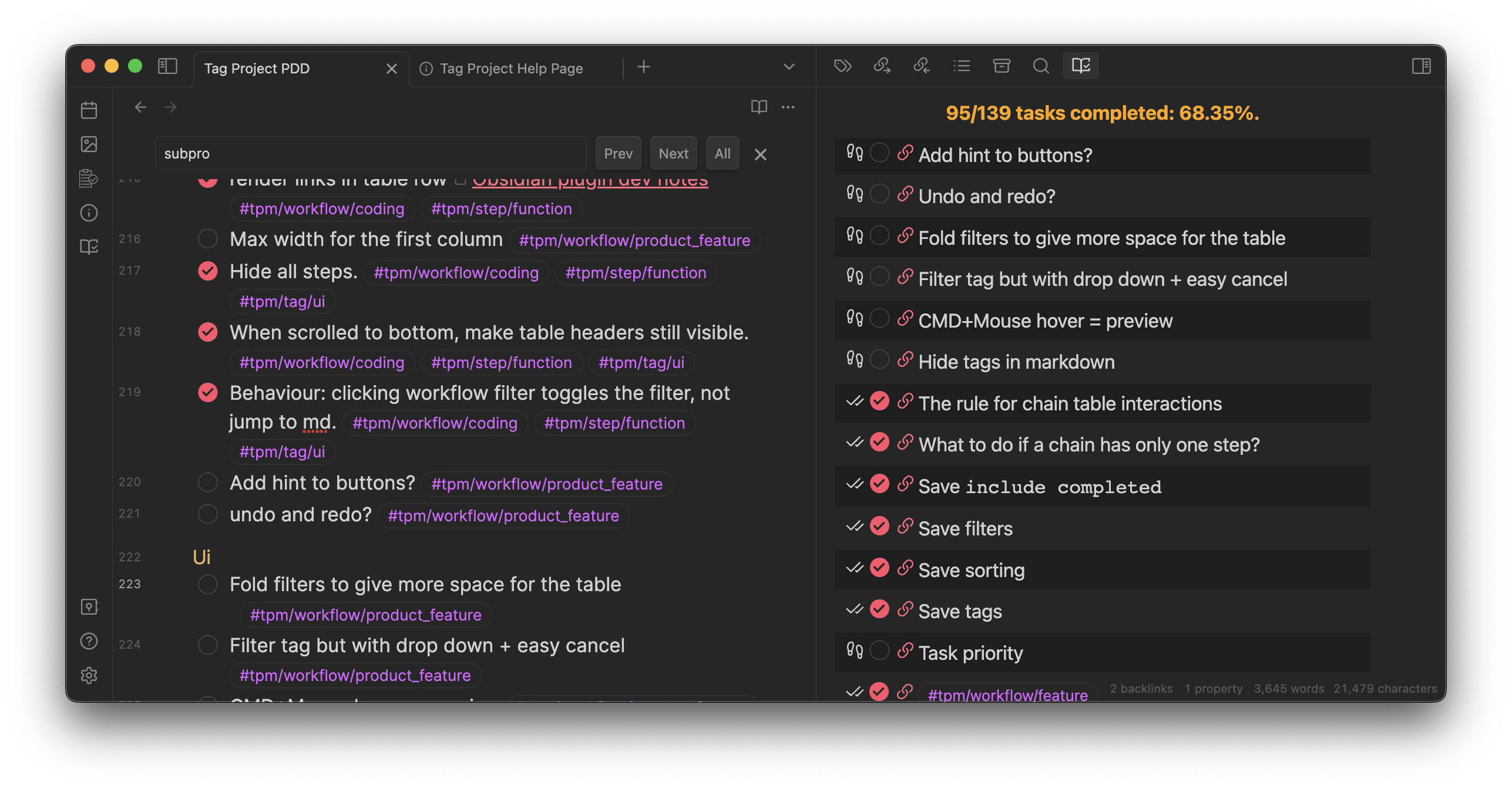
Here's a screenshot of the tasks I created with Tag Project when developing it.
License
Contact/Sponsor

